
T-Glass get it now
Overview
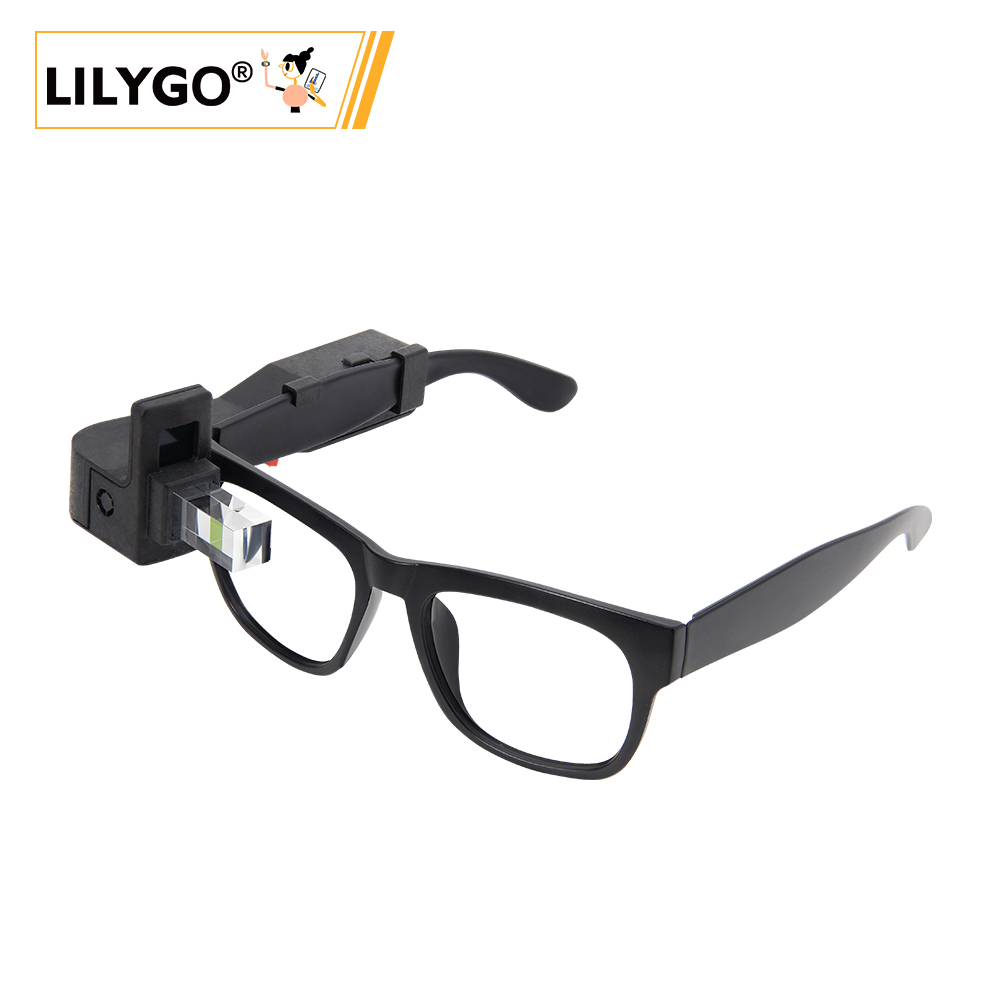
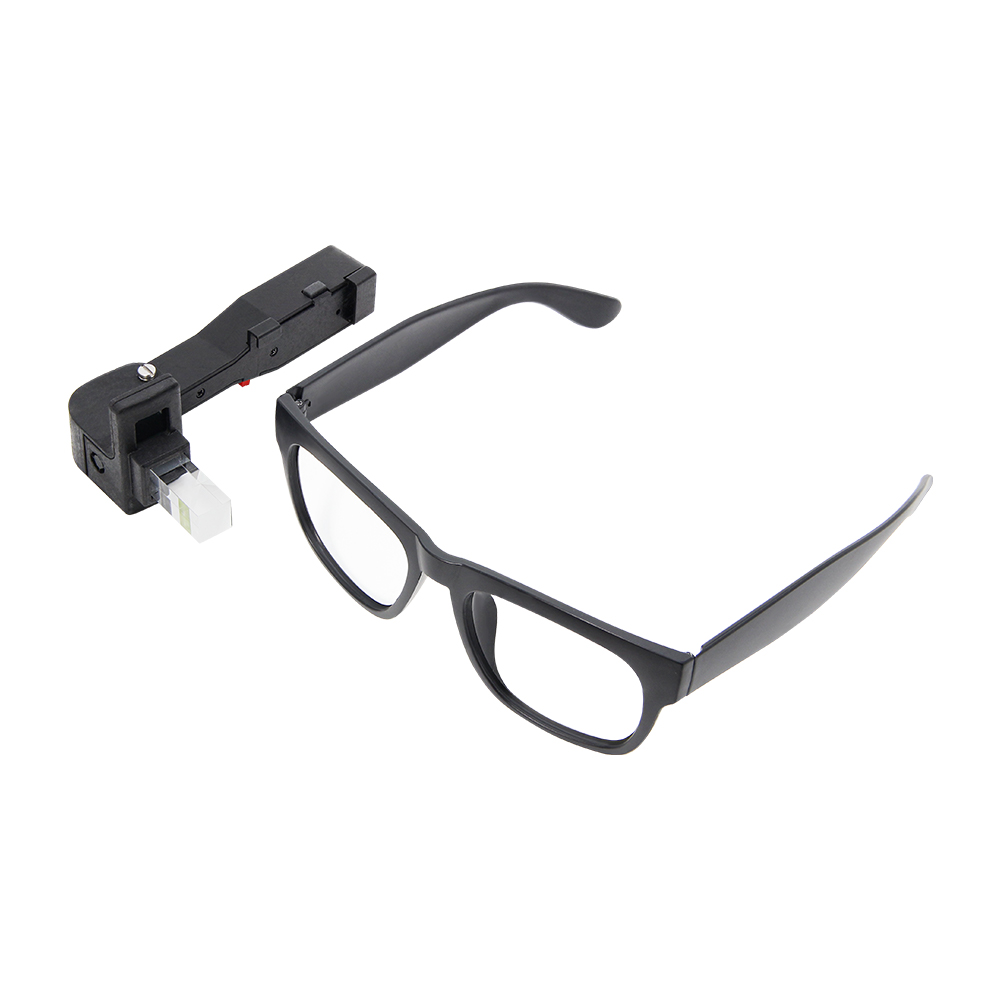
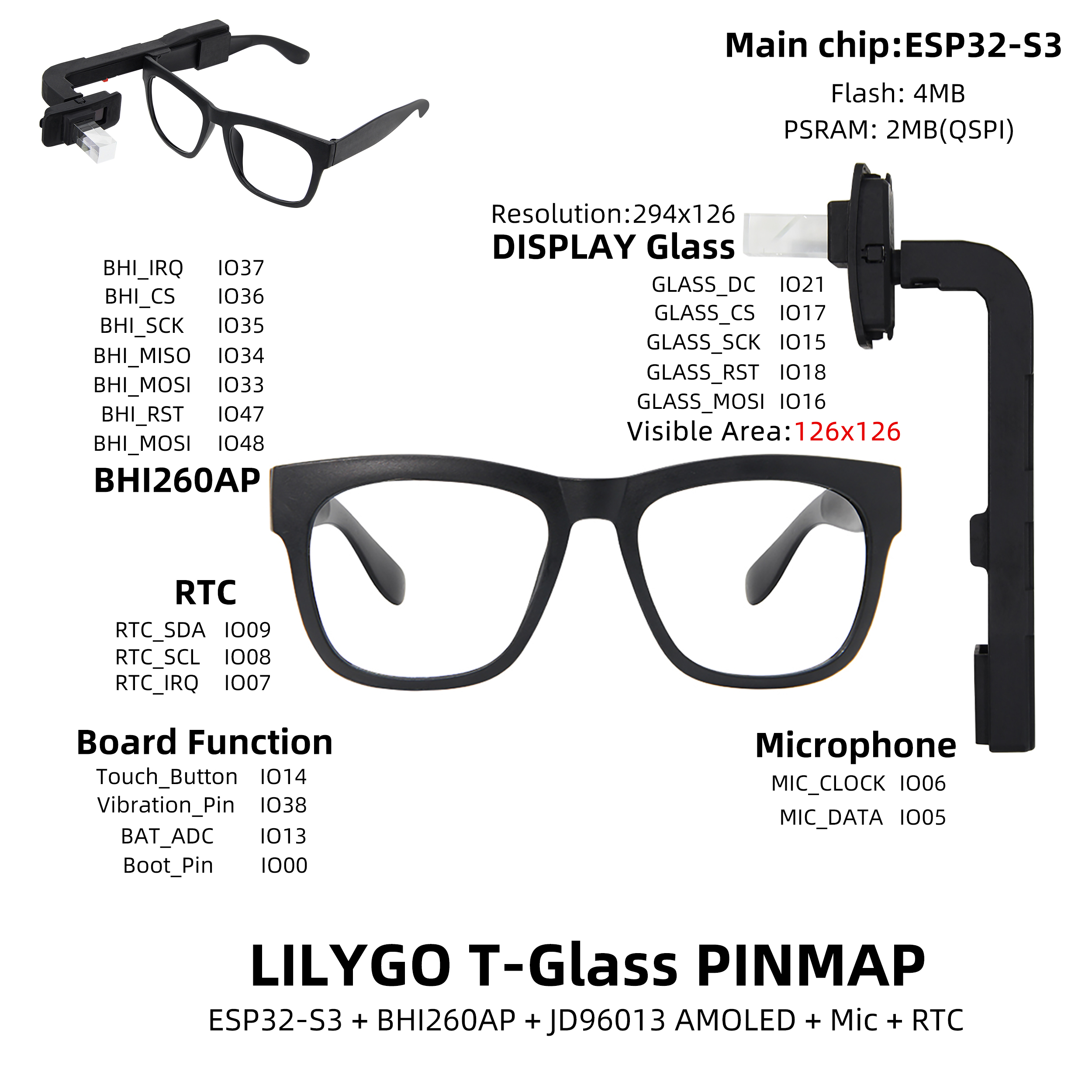
T-Glass is a smart wearable development board based on ESP32-S3 FN4R2 (4 MB Flash, 2 MB QSPI PSRAM). Features a 1.1-inch JD9613 LTPS AMOLED (294 × 126, visible 126 × 126), BHI260AP AI motion sensor, PCF85063A RTC, microphone, vibration motor, side touch button, side power switch, and 2 × QWIIC interfaces. Sleep current ~300 µA, touch button wakeup. 3.7 V lithium polymer battery. Suitable for smart glasses, motion tracking, and wearable notification devices. The same code repository also covers T-Wristband.
Quick Start
Example Support
| Example | PlatformIO/Arduino | ESP-IDF | Description |
|---|---|---|---|
| GlassFactory | ✓ | Factory test | |
| Glass6DoF | ✓ | 6-DoF motion sensing | |
| GlassDeepSleep | ✓ | Deep sleep with wakeup | |
| GlassHelloWorld | ✓ | Hello World display | |
| GlassRtcAlarm | ✓ | RTC alarm example | |
| GlassVoiceActivityDetection | ✓ | Voice activity detection |
PlatformIO
- Install Visual Studio Code and Python
- Search for and install the PlatformIO IDE extension in VS Code
- Clone the LilyGO-T-Wristband-and-T-Glass repository
- Open
platformio.ini, remove the;from the desiredsrc_dir = examples/Glassorexamples/GlassV2line (keep only one active) - Click ✓ to compile, click → to upload
Arduino
- Install Arduino IDE
- Add ESP32 boards URL:
https://espressif.github.io/arduino-esp32/package_esp32_index.json - In Library Manager: install
LilyGO T-Wristband and T-Glass,lvgl v8.4.0,SensorLib v0.1.8 - In Tools → Board, configure:
| Arduino IDE Setting | Value |
|---|---|
| Board | ESP32S3 Dev Module |
| Upload Speed | 921600 |
| USB Mode | Hardware CDC and JTAG |
| USB CDC On Boot | Enabled |
| USB Firmware MSC On Boot | Disabled |
| USB DFU On Boot | Disabled |
| CPU Frequency | 240 MHz (WiFi) |
| Flash Mode | QIO 80 MHz |
| Flash Size | 4MB (32Mb) |
| Core Debug Level | None |
| Partition Scheme | Default 4MB with spiffs (1.2MB APP/1.5MB SPIFFS) |
| PSRAM | QSPI PSRAM |
| Arduino Runs On | Core 1 |
| Events Run On | Core 1 |
- Click Upload
Development Platforms
Video
Key Features
- ESP32-S3 FN4R2 @ 240 MHz, 4 MB Flash, 2 MB QSPI PSRAM, Wi-Fi + BT 5.0
- 1.1-inch JD9613 LTPS AMOLED, 294 × 126 px (visible 126 × 126)
- BHI260AP AI motion sensor, PCF85063A RTC
- Microphone, vibration motor, side touch button, side power switch
- Sleep current ~300 µA (touch button wakeup), 2 × QWIIC
Product Parameters
| Feature | Specification |
|---|---|
| MCU | ESP32-S3 FN4R2 @ 240 MHz |
| Flash | 4 MB |
| PSRAM | 2 MB (QSPI) |
| Wi-Fi | 2.4 GHz 802.11 b/g/n |
| Bluetooth | Bluetooth 5.0 LE |
| Display | 1.1-inch JD9613 LTPS AMOLED, 294 × 126 (visible 126 × 126) |
| Motion Sensor | BHI260AP (AI smart 6-DoF) |
| Touch | Side touch button |
| RTC | PCF85063A |
| Audio | Microphone (MIC_CLOCK/MIC_DATA) |
| Vibration | Vibration motor |
| Battery | 3.7 V lithium polymer |
| Sleep Current | ~300 µA |
| USB | 1 × Type-C |
| Expansion | 2 × QWIIC (4-pin) |
| Buttons | RESET + BOOT + side power switch |
| Dimensions | 140 × 67 × 111 mm |
Pin Diagram
Dimension Diagram
Schematic
Datasheet
Software Development
Dependent Libraries
FAQ
Q. Why does my board keep failing to upload programs? A. Hold BOOT and press RST once, release RST while still holding BOOT, then start the upload.
Q. Screen display does not support rotation? A. The JD9613 display RAM is only half the screen size and does not support rotation. Use
amoled.setRotation(0)oramoled.setRotation(2)for vertical orientation.Q. No serial output when powered by battery? A. Disable
USB_CDC_ON_BOOTwhen using battery power: in Arduino Tools set USB CDC On Boot → Disabled, or add-UARDUINO_USB_CDC_ON_BOOTin PlatformIObuild_flags.
Version History
| Version | Release Date | Update Description |
|---|---|---|
| T-Glass V1 | — | Initial version |
| T-Glass V2 | — | Modified reflective prism version |