
T-Mini E-Paper S3 get it now
Overview
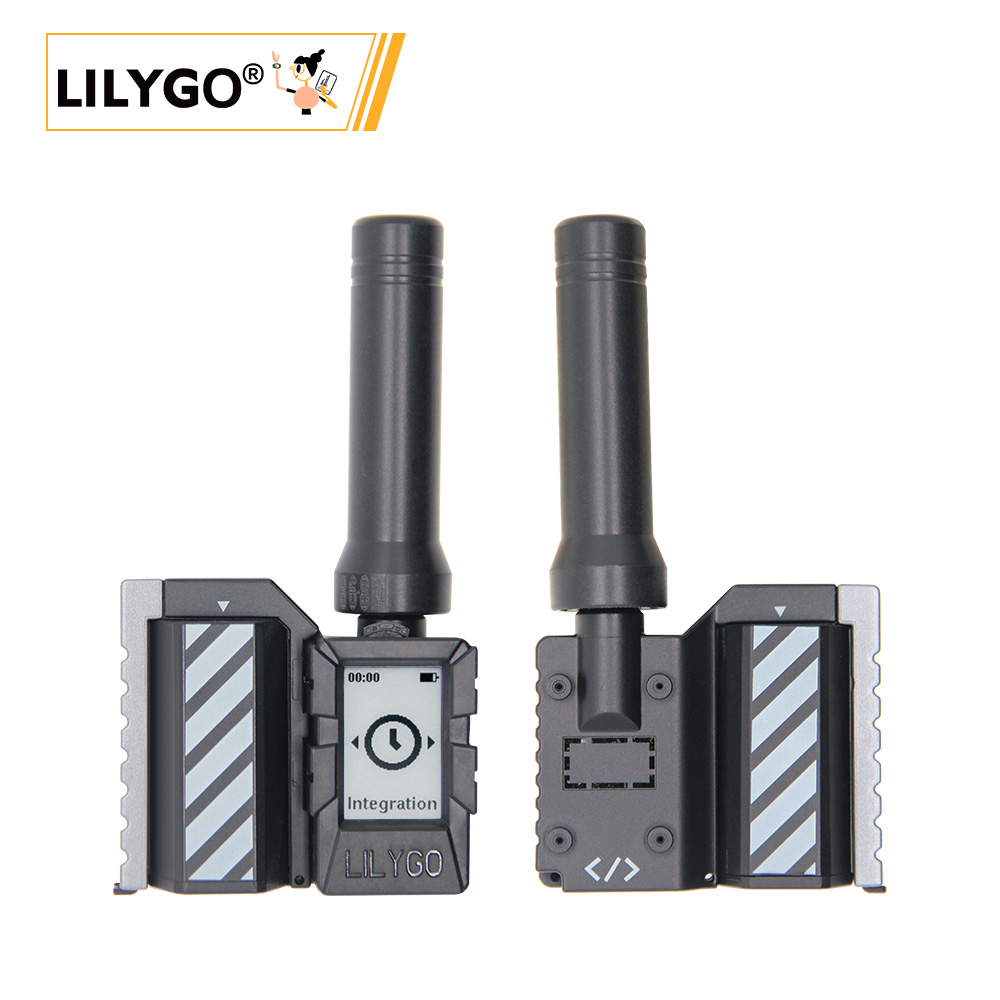
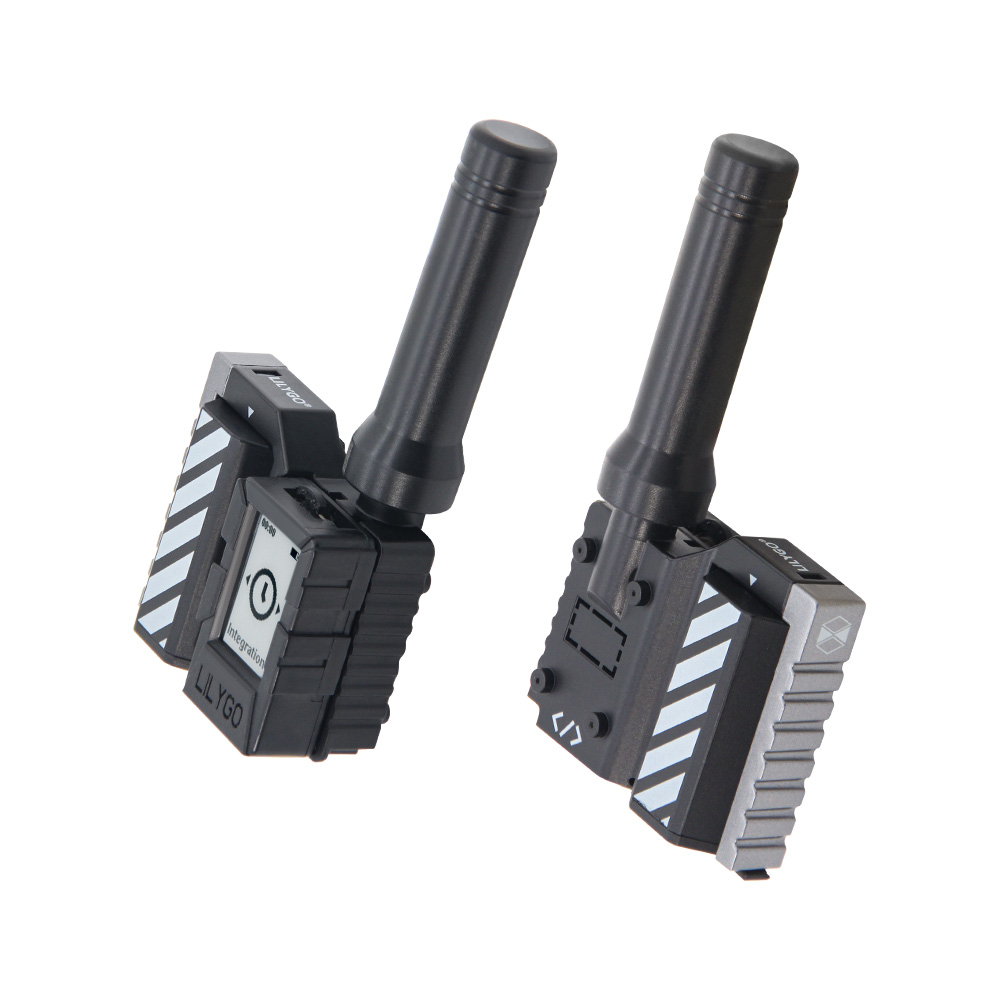
T-Mini E-Paper S3 is a compact multifunctional development board based on ESP32-S3FN4R2 (4 MB Flash, 2 MB QSPI PSRAM). Features a 1.02-inch E-Ink display (128 × 80), SX1262 LoRa (868/915/923 MHz), PCF85063ATL RTC, TF card, QWIIC interface, and 18350 3.7 V battery. Suitable for remote IoT monitoring nodes, low-power information display tags, and portable data logging. 102 × 24.5 × 53 mm.
Quick Start
Example Support
| Example | PlatformIO/Arduino | ESP-IDF | Description |
|---|---|---|---|
| Extension | ✓ | LoRa expansion + RTC example | |
| Meun_Lora_Shield | ✓ | Menu example with Meshtastic mode | |
| Meun | ✓ | Menu interface example | |
| GxEPD_TF_Card_Example | ✓ | TF card function example | |
| Hello_World_U8G2_Fonts | ✓ | U8G2 font library example | |
| GxEPD_Example | ✓ | E-Ink, SD card, and Wi-Fi test | |
| Partial_UpdateTest | ✓ | E-Ink partial refresh test |
PlatformIO
- Install Visual Studio Code and Python
- Search for and install the PlatformIO IDE extension in VS Code
- Clone the LilyGO-Mini-Epaper-S3 repository
- Open
platformio.ini, under[platformio]uncomment the desireddefault_envsandsrc_dirline (keep only one active) - Click ✓ to compile, click → to upload
Arduino
- Install Arduino IDE
- Add ESP32 boards URL:
https://espressif.github.io/arduino-esp32/package_esp32_index.json - Copy all directories from the project
libfolder to your Arduino libraries folder - In Tools → Board, configure:
| Arduino IDE Setting | Value |
|---|---|
| Board | ESP32S3 Dev Module |
| Upload Speed | 921600 |
| USB Mode | Hardware CDC and JTAG |
| USB CDC On Boot | Enabled |
| USB Firmware MSC On Boot | Disabled |
| USB DFU On Boot | Disabled |
| CPU Frequency | 240 MHz (WiFi) |
| Flash Mode | QIO 80 MHz |
| Flash Size | 4MB (32Mb) |
| Core Debug Level | None |
| Partition Scheme | Default 4MB with spiffs (1.5MB APP/1.5MB SPIFFS) |
| PSRAM | QSPI PSRAM |
| Arduino Runs On | Core 1 |
| Events Run On | Core 1 |
- Click Upload
Development Platforms
Video
Key Features
- ESP32-S3FN4R2 @ 240 MHz, 4 MB Flash, 2 MB QSPI PSRAM, Wi-Fi + BT 5.0
- 1.02-inch E-Paper (128 × 80), SX1262 LoRa (868/915/923 MHz)
- PCF85063ATL RTC, TF card, QWIIC, 18350 3.7 V battery, 102 × 24.5 × 53 mm
Product Parameters
| Feature | Specification |
|---|---|
| MCU | ESP32-S3FN4R2 @ Dual-core LX7 |
| Flash | 4 MB |
| PSRAM | 2 MB (QSPI) |
| Wi-Fi | 2.4 GHz 802.11 b/g/n |
| Bluetooth | Bluetooth 5.0 LE |
| Display | 1.02-inch E-Paper, 128 × 80 px |
| LoRa | SX1262 (868/915/923 MHz) |
| RTC | PCF85063ATL |
| Storage | TF card |
| USB | 1 × Type-C |
| Expansion | 1 × LoRa antenna, 1 × QWIIC |
| Buttons | RESET + BOOT + LEFT + RIGHT |
| Battery | 18350 3.7 V lithium |
| Mounting Holes | M1 × 4 |
| Dimensions | 102 × 24.5 × 53 mm |
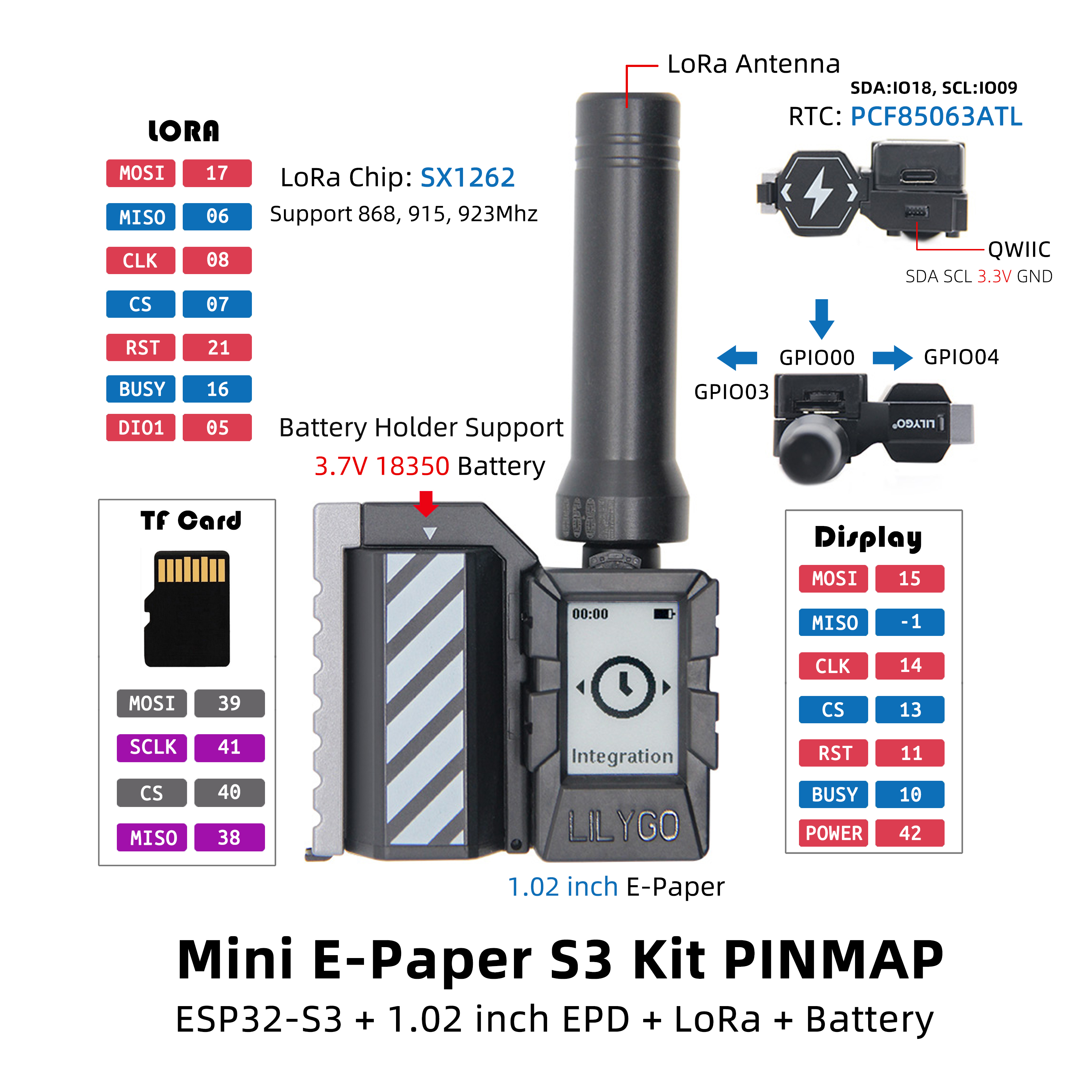
Pin Diagram
Pin Mapping
| GPIO | LoRa | TF | EPD (SPI) | RTC | Button | USB |
|---|---|---|---|---|---|---|
| IO0 | Button_BOOT | |||||
| IO3 | Button_RIGHT | |||||
| IO4 | Button_LEFT | |||||
| IO5 | Lora_DIO1 | |||||
| IO6 | Lora_MISO | |||||
| IO8 | Lora_SCK | |||||
| IO9 | RTC_SCL | |||||
| IO10 | EPD_BUSY | |||||
| IO11 | EPD_RST | |||||
| IO13 | EPD_CS | |||||
| IO14 | EPD_SCLK | |||||
| IO15 | EPD_MOSI | |||||
| IO16 | Lora_BUSY | |||||
| IO17 | Lora_MOSI | |||||
| IO18 | RTC_SDA | |||||
| IO19 | USB_N | |||||
| IO20 | USB_P | |||||
| IO21 | Lora_RST | |||||
| IO38 | TF_MISO | |||||
| IO39 | TF_MOSI | |||||
| IO40 | TF_CS | |||||
| IO41 | TF_SCK | |||||
| IO42 | EPD_EN |
Dimension Diagram
Schematic
Datasheet
Software Development
Dependent Libraries
- GxEPD
- RadioLib
- Adafruit_GFX_Library
- PCF8563_library
- AceButton
- Adafruit_NeoPixel
- ArduinoJson
- BMA423
- QMC5883LCompass
FAQ
Q. Why does my board keep failing to upload programs? A. Hold BOOT and press RST once, release RST while still holding BOOT, then start the upload.
Q. No serial output from USB? A. Enable USB CDC On Boot in Arduino IDE: Tools → USB CDC On Boot → Enabled.
Q. How to verify hardware is working? A. Flash the firmware test file to check peripherals.
Version History
| Version | Release Date | Update Description |
|---|---|---|
| T-Mini-E-paper-S3 V1.0 | 2023-11-10 | Initial hardware version |
| T-Mini-E-paper-S3 V1.2 | 2024-01-15 | Hardware optimization update |