
T-Echo get it now
Overview
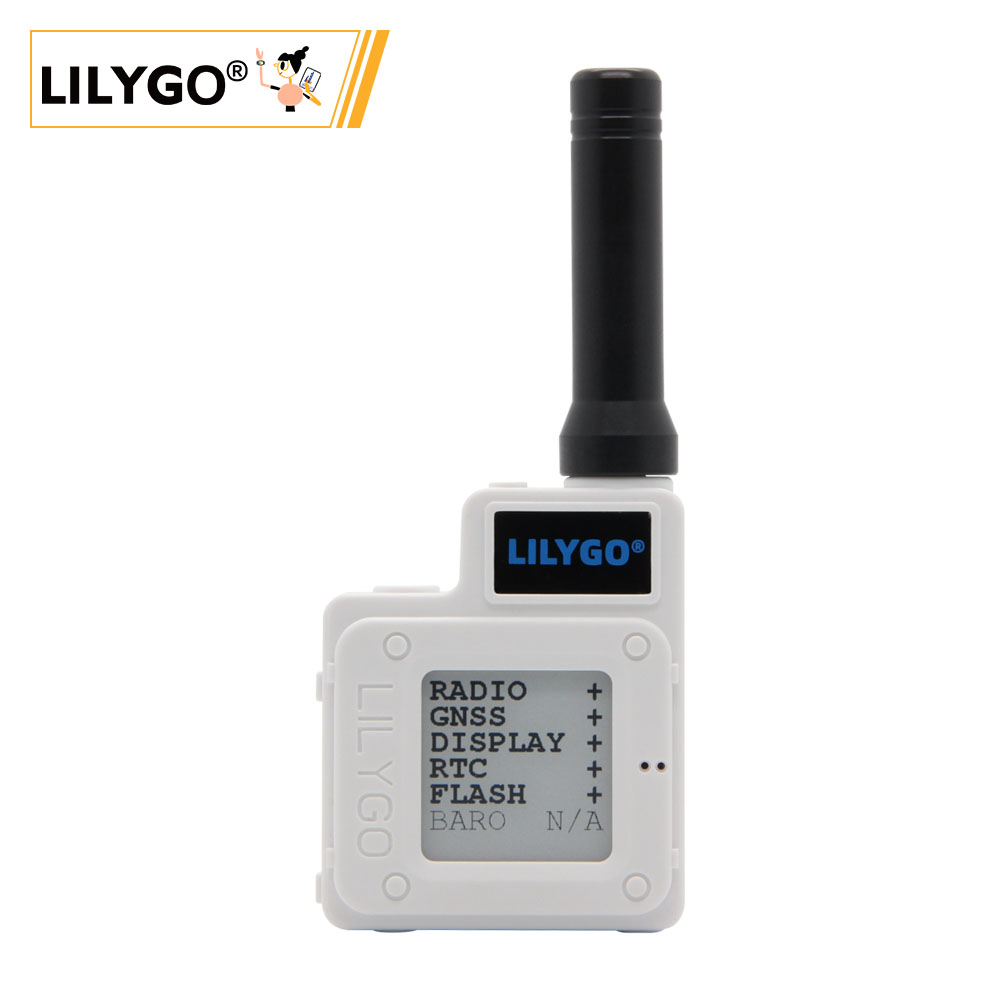
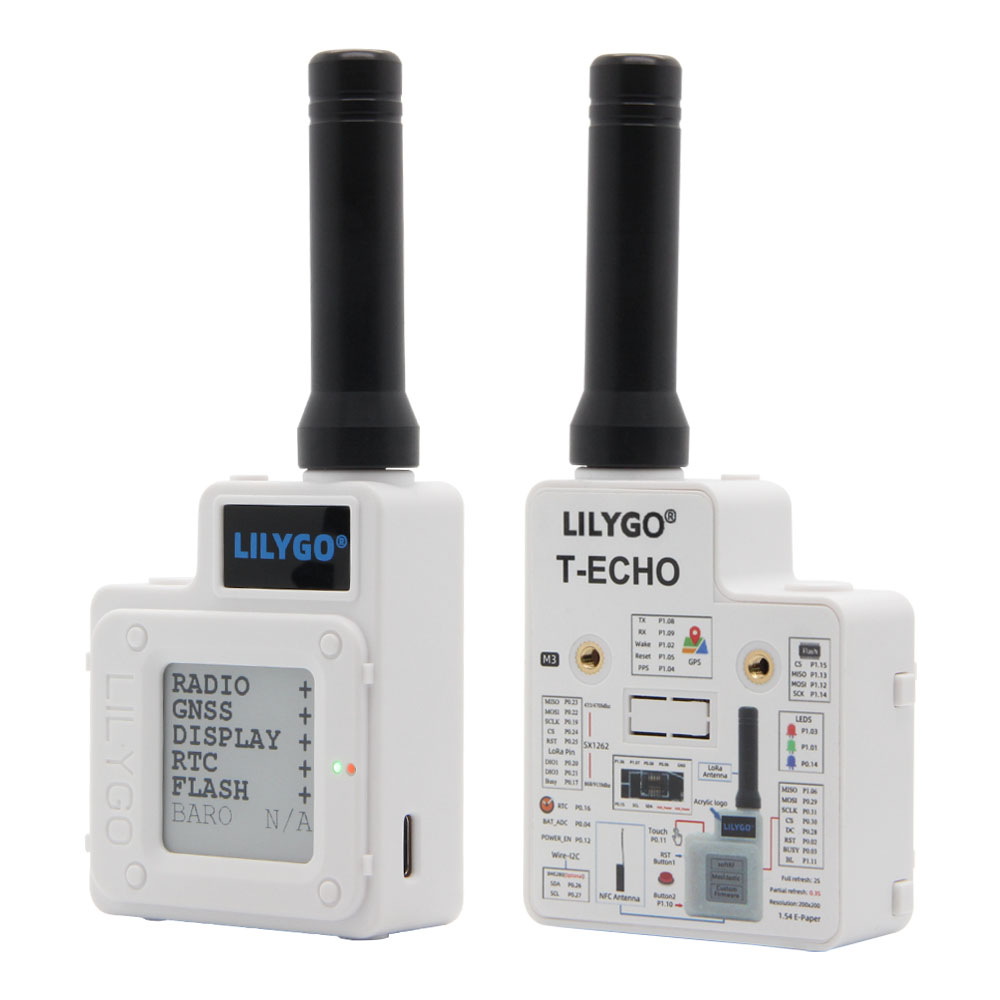
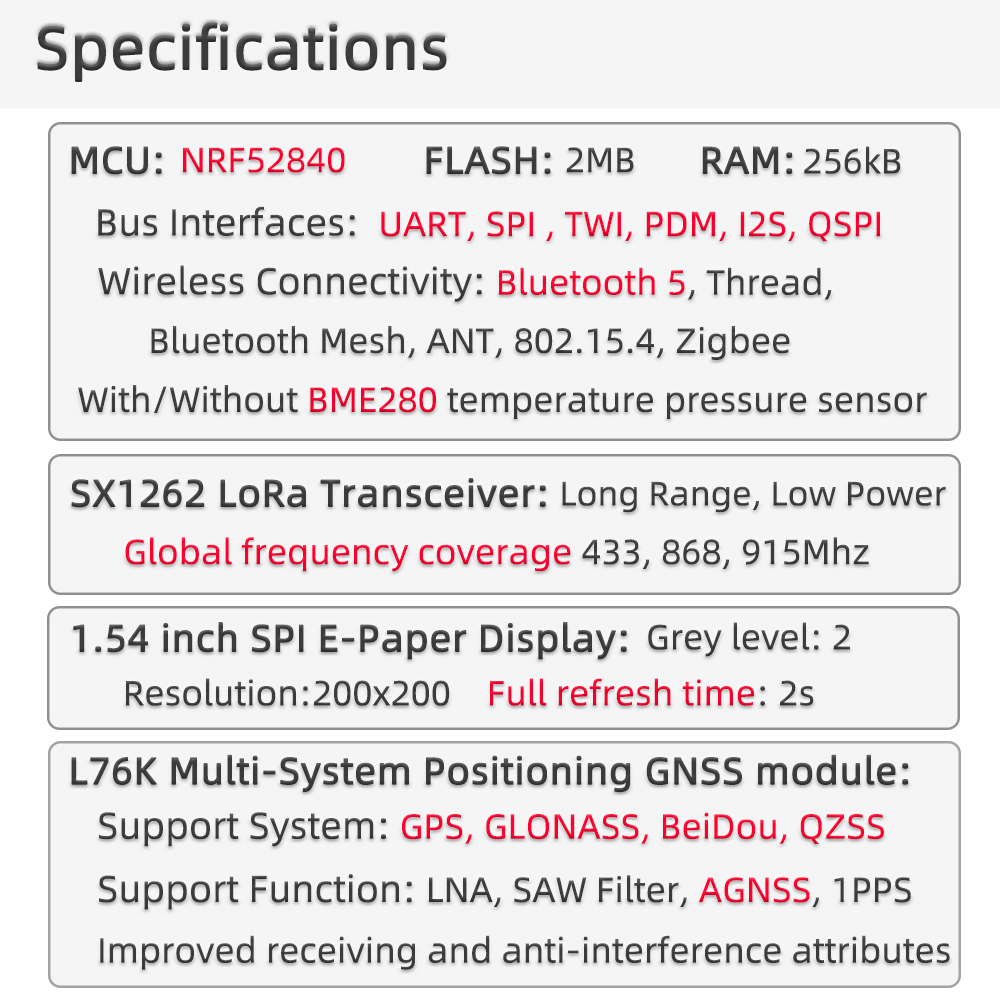
T-Echo is a multi-functional LoRa communication device based on the nRF52840 chip, integrating an E-Paper screen, GPS positioning, NFC functionality, and multiple sensors. The device supports Arduino and nRF5-SDK development environments, making it an ideal platform for developing LoRa communication, IoT nodes, and low-power applications.
T-Echo is compatible with multiple open-source firmware projects, including SoftRF and Meshtastic, and can be used to build decentralized communication networks. The device features low-power design and supports various power-saving modes, making it suitable for outdoor communication, environmental monitoring, and other application scenarios.
Quick Start
Example Support
| Example | PlatformIO/Arduino | nRF5-SDK | Description |
|---|---|---|---|
| T-Echo Examples | ✓ | ✓ | Official example programs |
| SoftRF | ✓ | Aircraft collision avoidance firmware | |
| Meshtastic | ✓ | LoRa mesh communication firmware |
Arduino IDE
- Download Arduino IDE
- Open Preferences, add
https://www.adafruit.com/package_adafruit_index.jsonto the Board Manager URL list - Open the Board Manager, wait for the index to update, select Adafruit nRF52 by Adafruit and click Install
- After installation is complete, select Nordic nRF52840 (PCA10056) from the board list
- Copy all folders in the
libdirectory to the Arduino library folder - Open the sketch, select the correct port, then click Upload
When using USB to download firmware, double-click the reset button to enter DFU mode.
PlatformIO
- Install Visual Studio Code and Python
- Search for and install the PlatformIO IDE extension in VS Code
- After restarting VS Code, click File → Open Folder → select the LilyGO-T-ECHO folder
- Click the ✓ at the bottom to compile, → to upload
nRF5-SDK
- Download nRF5-SDK
- Use nRF5-SDK for programming, supporting advanced features like NFC
Note: NFC functionality is not supported in Adafruit_nRF52_Arduino. Use nRF5-SDK for NFC-related development.
Development Platforms
- Arduino IDE — Supports Adafruit nRF52
- PlatformIO — Cross-platform development
- nRF5-SDK — Nordic official SDK
Video
Key Features
- nRF52840 ARM Cortex-M4 MCU with Bluetooth 5.0
- SX1262 LoRa module, supports multiple frequency bands, output power −17 to 22 dBm
- E-Paper display with ultra-low power consumption
- GPS module for global positioning
- NFC (Near Field Communication) support
- Compatible with SoftRF and Meshtastic open-source firmware
- Multiple power-saving modes, suitable for battery-powered outdoor use
Product Parameters
| Feature | Specification |
|---|---|
| MCU | nRF52840 @ ARM Cortex-M4 |
| Flash | MX25R1635FZUIL0 or ZD25WQ16B (selected based on supply conditions) |
| Wireless (BLE) | Bluetooth 5.0 |
| LoRa | SX1262, multiple frequency bands, −17 to 22 dBm |
| Display | E-Paper, low power |
| GPS | Supported |
| NFC | Supported |
Electrical Parameters
| Feature | Details |
|---|---|
| USB-C Input Voltage | 4.8 V - 5.5 V |
| Charge Current | 500 mA (fixed) |
| Battery Voltage | 3.7 V |
| Battery Capacity | 850 mAh / 2400 mAh |
| Battery Connector | MX 1.25 mm |
| Charge Temperature | 0 - 60°C |
When USB is connected, the battery starts charging and ADC battery-voltage readings may be inaccurate. A USB-A to USB-C cable is required for power supply; some USB-C to USB-C supplies may refuse to power the device.
Pin Diagram
For pin definitions, please refer to the utilities.h file in the repository.
Dimension Diagram
Schematic
Datasheet
Software Development
Dependent Libraries
arduino-lmicAceButtonAdafruit_BME280_LibraryAdafruit_BusIOAdafruit_EPDAdafruit-GFX-LibraryButton2GxEPDPCF8563_LibraryRadioLibSerialFlash_ID539SoftSPITinyGPSPlus
FAQ
Q. FLASH model varies between boards? A. FLASH will be selected as MX25R1635FZUIL0 or ZD25WQ16B based on supply conditions. Pay attention to the distinction during use.
Q. NFC is not working with Arduino? A. NFC functionality is not supported in Adafruit_nRF52_Arduino. Please use nRF5-SDK for NFC programming.
Q. How to enter DFU (download) mode? A. Double-click the reset button to enter DFU mode when using USB to download firmware.
Q. LoRa output power configuration? A. After setting LoRa output power, current limit configuration is required:
// Set output power to 22 dBm (range: -17 to 22 dBm)
radio.setOutputPower(22);

// Set over-current protection limit to 80 mA (range: 45–240 mA)
// Setting to 0 disables over-current protection
radio.setCurrentLimit(80);- Q. What open-source firmware is compatible with T-Echo? A. T-Echo supports SoftRF (aircraft collision avoidance) and Meshtastic (LoRa mesh communication).
Version History
| Version | Release Date | Update Description |
|---|---|---|
| T-Echo V1.0 | — | Initial release |