
T-Watch Ultra get it now
Overview
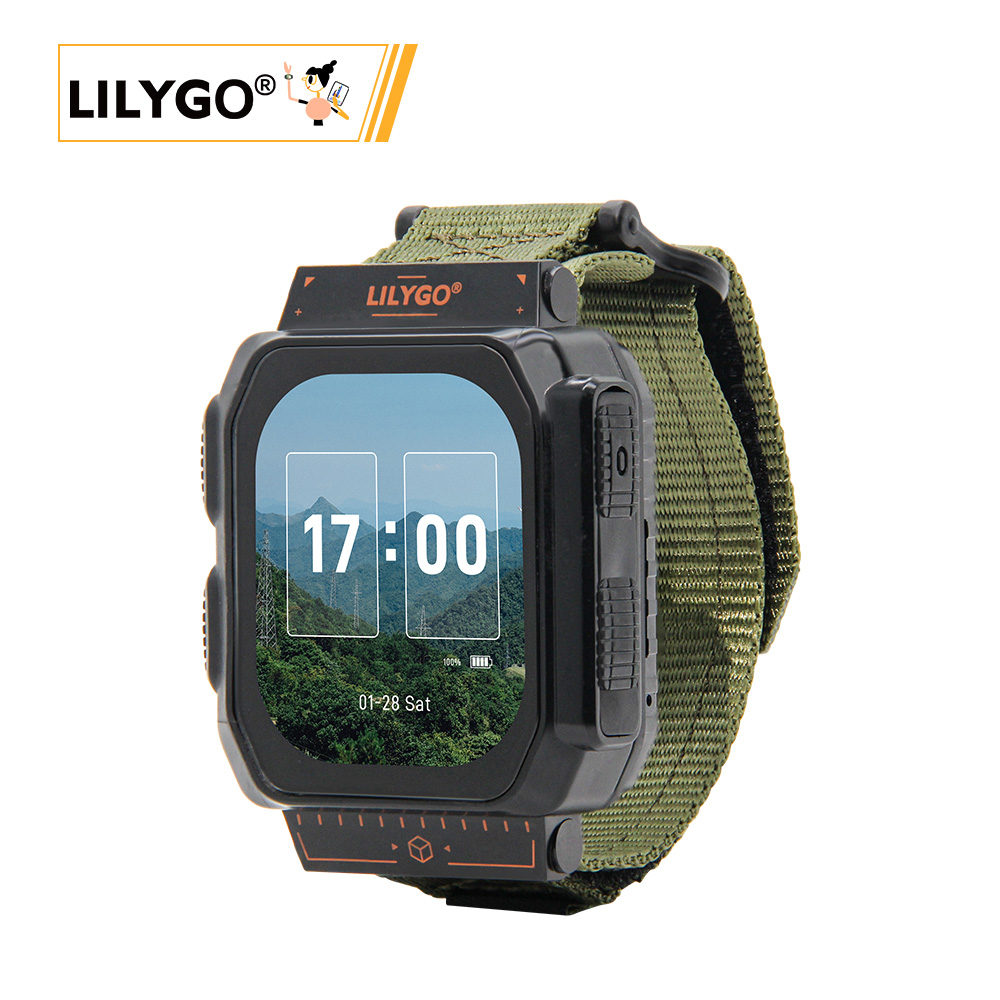
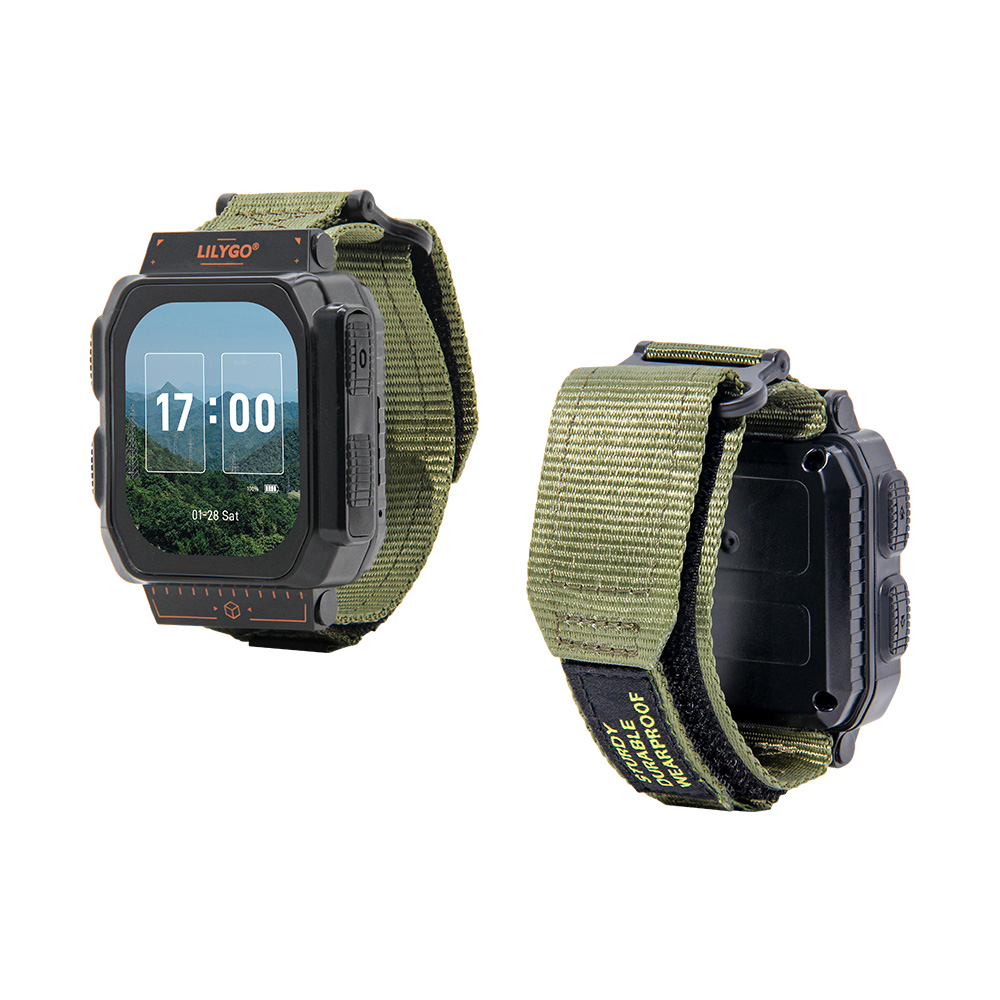
T-Watch Ultra is a high-performance smart watch development module based on ESP32-S3, with 16 MB QSPI Flash and 8 MB QSPI PSRAM. It integrates a 2.06-inch CO5300 AMOLED display (410 × 502, QSPI), CST9217 touch, BHI260AP smart sensor, MIA-M10Q GNSS, ST25R3916 NFC, a selectable radio module, T3902 PDM microphone, MAX98357A amplifier, DRV2605 haptic driver, AXP2101 PMU, XL9555 IO expander, and a MicroSD slot. The built-in battery is 1100 mAh. The enclosure measures 63.5 × 49 × 22 mm without the strap.
Quick Start
Example Support
| Example | Arduino IDE | Description |
|---|---|---|
| Watch UI | ✓ | Watch interface example |
| GNSS Tracking | ✓ | Satellite positioning |
| LoRa Communication | ✓ | Radio communication test |
| AI Sensor | ✓ | Motion recognition |
| NFC Reader | ✓ | NFC function demo |
PlatformIO
PlatformIO does not currently support the Arduino-ESP32 3.x setup used by the main LilyGoLib repository. For PlatformIO development, use the separate LilyGoLib-PlatformIO repository, which uses Arduino-ESP32 2.0.17 (ESP-IDF 4.4.7).
Arduino
- Install Arduino IDE
- Install Arduino ESP32 V3.3.0-alpha1 or higher
- Boards Manager URL:
https://espressif.github.io/arduino-esp32/package_esp32_dev_index.json
- Boards Manager URL:
- Download LilyGoLib and install via Sketch → Include Library → Add .ZIP Library
- Download LilyGoLib-ThirdParty, then copy the folders inside it into your Arduino
librariesfolder. Do not copy only the outerLilyGoLib-ThirdPartyfolder. - Open File → Examples → LilyGoLib → helloworld.
- Select Tools → Board → esp32 → LilyGo T-Watch-Ultra, then configure:
| Arduino IDE Setting | Value |
|---|---|
| Board | LilyGo T-Watch-Ultra |
| Port | Device port |
| Upload Speed | 921600 |
| Upload Mode | UART0 / Hardware CDC |
| USB Mode | Hardware CDC and JTAG |
| USB CDC On Boot | Enabled |
| USB Firmware MSC On Boot | Disabled |
| USB DFU On Boot | Disabled |
| CPU Frequency | 240 MHz (WiFi) |
| Core Debug Level | None |
| Erase All Flash Before Sketch Upload | Disabled |
| JTAG Adapter | Disabled |
| Partition Scheme | 16M Flash (3MB APP/9.9MB FATFS) |
| Board Revision | Radio-SX1262 (or per your RF module) |
| Arduino Runs On | Core 1 |
| Events Run On | Core 1 |
Board Revision options: Radio-SX1262 / Radio-SX1280 / Radio-CC1101 / Radio-LR1121 / Radio-SI4432
- Click Upload.
Do not upgrade the libraries supplied by LilyGoLib-ThirdParty until the factory example works. If there is no serial output, confirm that USB CDC On Boot is Enabled.
If upload fails or the USB port repeatedly connects and disconnects, enter download mode: connect USB-C, hold BOOT, press and release RST, release BOOT, upload, then press RST to exit download mode.
Development Platforms
- Arduino IDE with Arduino-ESP32 3.3.0-alpha1 or later
- PlatformIO through the separate LilyGoLib-PlatformIO repository and Arduino-ESP32 2.0.17
Video
Key Features
- ESP32-S3 @ 240 MHz, 16 MB QSPI Flash, 8 MB QSPI PSRAM, Wi-Fi + Bluetooth 5.0
- 2.06-inch CO5300 AMOLED (410 × 502, 600 nit, QSPI), CST9217 capacitive touch
- Selectable SX1262, SX1280, CC1101, LR1121, or SI4432 radio; MIA-M10Q GNSS; ST25R3916 NFC
- BHI260AP smart sensor, T3902 PDM microphone, MAX98357A amplifier, and DRV2605 haptic driver
- AXP2101 power management, 1100 mAh battery, and MicroSD up to 32 GB (FAT32)
Product Parameters
| Feature | Specification |
|---|---|
| MCU | ESP32-S3 @ Dual-core LX7, 240 MHz |
| Flash | 16 MB (QSPI) |
| PSRAM | 8 MB (QSPI) |
| Wi-Fi | 2.4 GHz 802.11 b/g/n |
| Bluetooth | Bluetooth 5.0 LE |
| Display | 2.06-inch CO5300 AMOLED, 410 × 502, 600 nit, 60000:1 contrast (QSPI) |
| Touch | CST9217 Capacitive |
| Radio options | SX1262 / SX1280 / CC1101 / LR1121 / SI4432 |
| GNSS | MIA-M10Q Multi-constellation |
| NFC | ST25R3916 |
| AI Sensor | BHI260AP Motion Sensor |
| Audio Output | MAX98357A (I2S) |
| Microphone | T3902 (PDM) |
| Haptic Motor | DRV2605 |
| Power Management | AXP2101 |
| RTC | PCF85063A |
| IO Expander | XL9555 (16 IOs) |
| Storage | MicroSD, maximum 32 GB (FAT32) |
| Battery | 3.7 V, 1100 mAh (4.07 Wh) |
| USB | 1 × USB-C for charging and programming; no external power output |
| Buttons | POWER (hold 1 s to turn on / 6 s to turn off) + BOOT (GPIO0) |
| Display Operating Temperature | -20 ~ 70 °C |
| Dimensions | 63.5 × 49 × 22 mm (without strap) |
Electrical Parameters
| Feature | Details |
|---|---|
| USB-C Input Voltage | 3.9 V - 6 V |
| Charge Current | 0 - 1024 mA (programmable) |
| Battery Voltage | 3.7 V |
| Battery Capacity | 1100 mAh (4.07 Wh) |
Recommended charging current: < 500 mA. Excessive charging current may cause the PMU temperature to become too high. The charging current should not exceed half of the battery capacity.
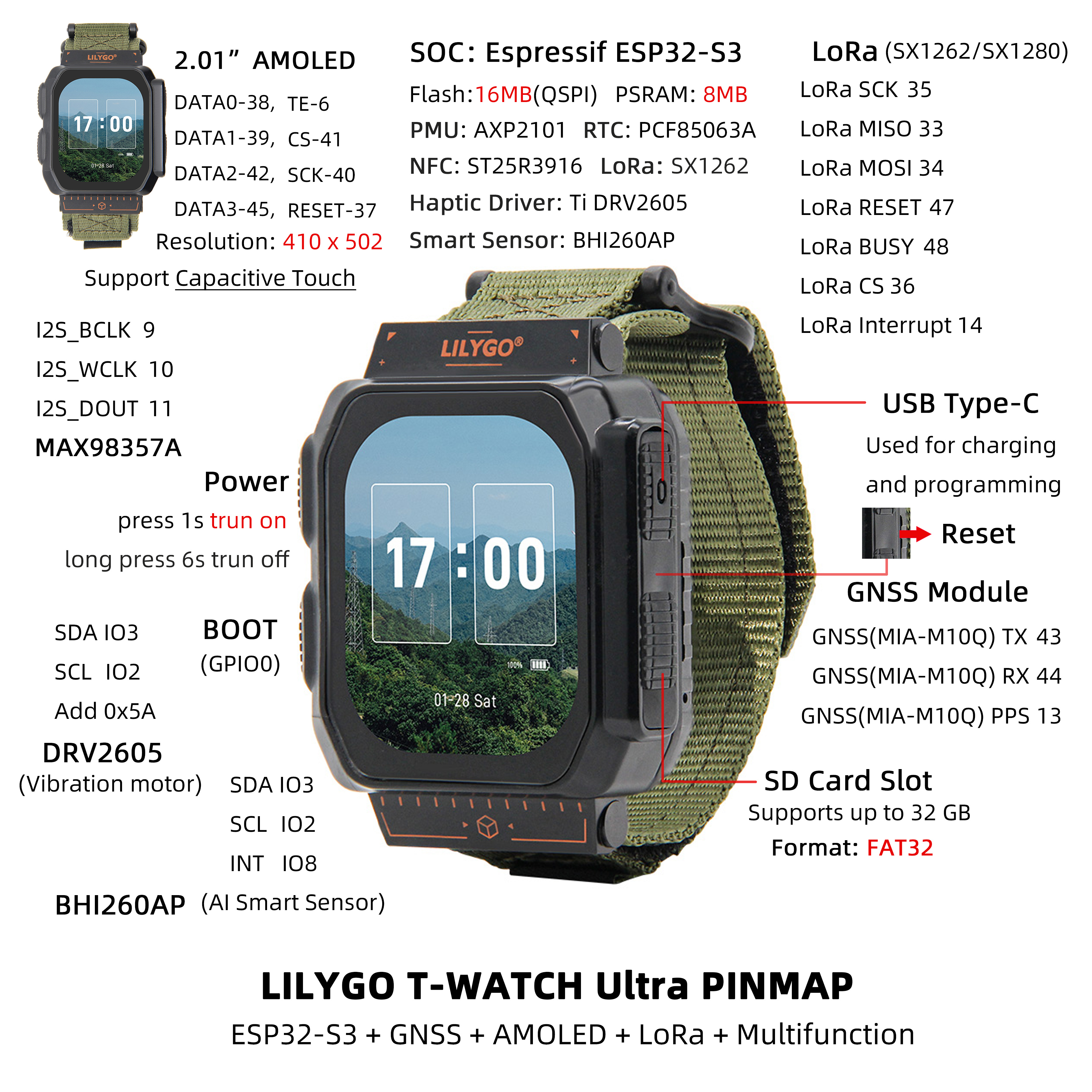
Pin Diagram
Pin Mapping
| Name | GPIO |
|---|---|
| I2C SDA | 3 |
| I2C SCL | 2 |
| SPI MOSI | 34 |
| SPI MISO | 33 |
| SPI SCK | 35 |
| SD CS | 21 |
| RTC (PCF85063A) Interrupt | 1 |
| Touch Interrupt | 12 |
| NFC (ST25R3916) CS | 4 |
| NFC (ST25R3916) Interrupt | 5 |
| BHI260 Interrupt | 8 |
| T3902 Microphone SCK | 17 |
| T3902 Microphone DATA | 18 |
| MAX98357A BCLK | 9 |
| MAX98357A WCLK | 10 |
| MAX98357A DOUT | 11 |
| GNSS (MIA-M10Q) TX | 43 |
| GNSS (MIA-M10Q) RX | 44 |
| GNSS (MIA-M10Q) PPS | 13 |
| LoRa Reset | 47 |
| LoRa BUSY | 48 |
| LoRa CS | 36 |
| LoRa Interrupt | 14 |
| Display CS | 41 |
| Display DATA0 | 38 |
| Display DATA1 | 39 |
| Display DATA2 | 42 |
| Display DATA3 | 45 |
| Display SCK | 40 |
| Display TE | 6 |
| Display Reset | 37 |
| AXP2101 Interrupt | 7 |
Dimension Diagram
Schematic
Datasheet
Software Development
Dependent Libraries
FAQ
Q. What advantages does T-Watch Ultra have over other versions? A. The Ultra features a larger AMOLED screen, BHI260AP AI motion sensor, multi-constellation GNSS, NFC, and a larger 1100 mAh battery.
Q. How to power on and off? A. Press and hold the POWER button for 1 second to power on, and hold it for 6 seconds to power off.
Q. Which GNSS constellations are supported? A. The MIA-M10Q supports GPS, GLONASS, Galileo, BeiDou, and more.
Q. Why does my board keep failing to upload programs? A. Enter download mode: hold BOOT → press RST → release RST → release BOOT → upload → press RST to exit.
Q. No serial output? A. Ensure USB CDC On Boot is set to Enabled.
Power Consumption Reference
| Mode | Wake-Up Source | Current |
|---|---|---|
| Light sleep | Power + BOOT buttons + touch panel | 4.6 mA |
| Light sleep | Power + BOOT buttons | 2.1 mA |
| Deep sleep | Power + BOOT buttons (backup power on) | 1.1 mA |
| Deep sleep | Power + BOOT buttons (backup power off) | 840 µA |
| Deep sleep | Touch panel | 3.34 mA |
| Deep sleep | Timer (backup power off) | 850 µA |
| Deep sleep | Timer (backup power on) | 1.1 mA |
| Power off | Backup power only | 77 µA |
Reference measurements from the official T-Watch Ultra hardware documentation. Actual current depends on firmware and enabled peripherals.
Version History
| Version | Release Date | Update Description |
|---|---|---|
| T-Watch-Ultra V1.0 | — | Initial version |