
T-Display S3 AMOLED Plus get it now
Overview
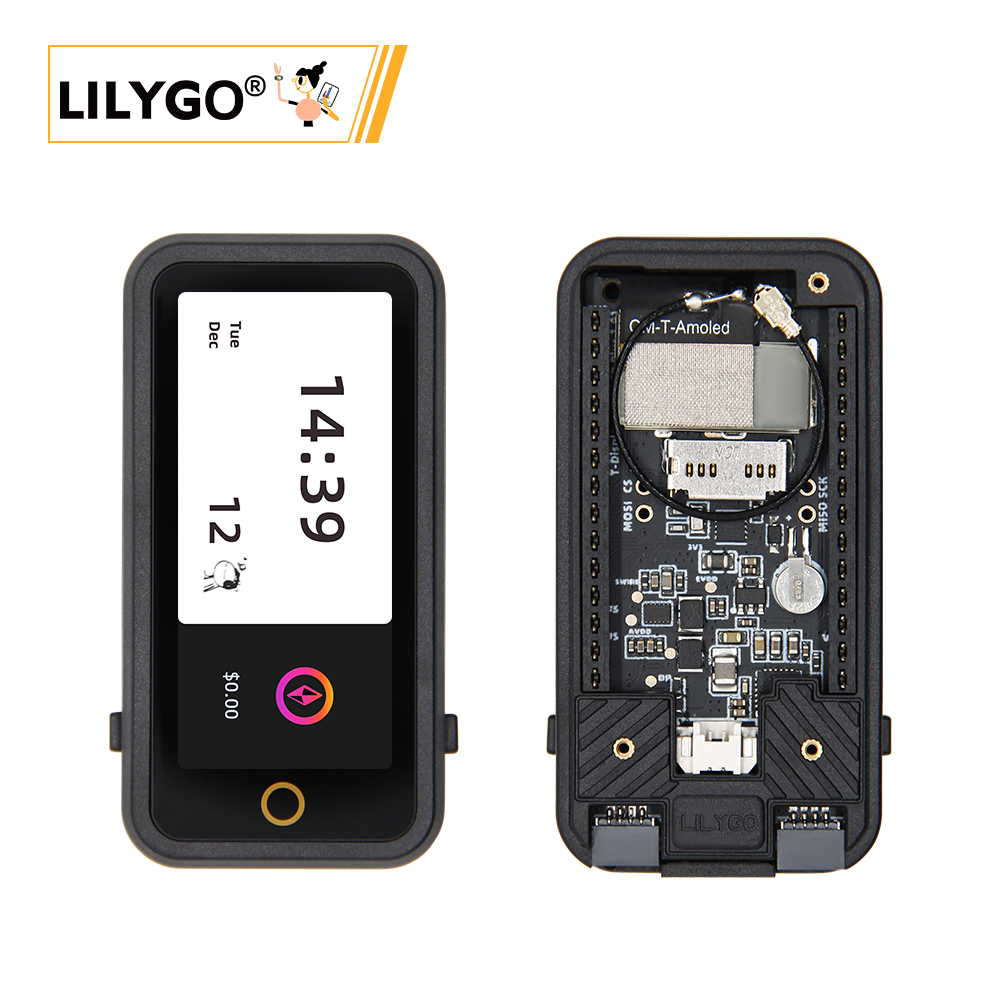
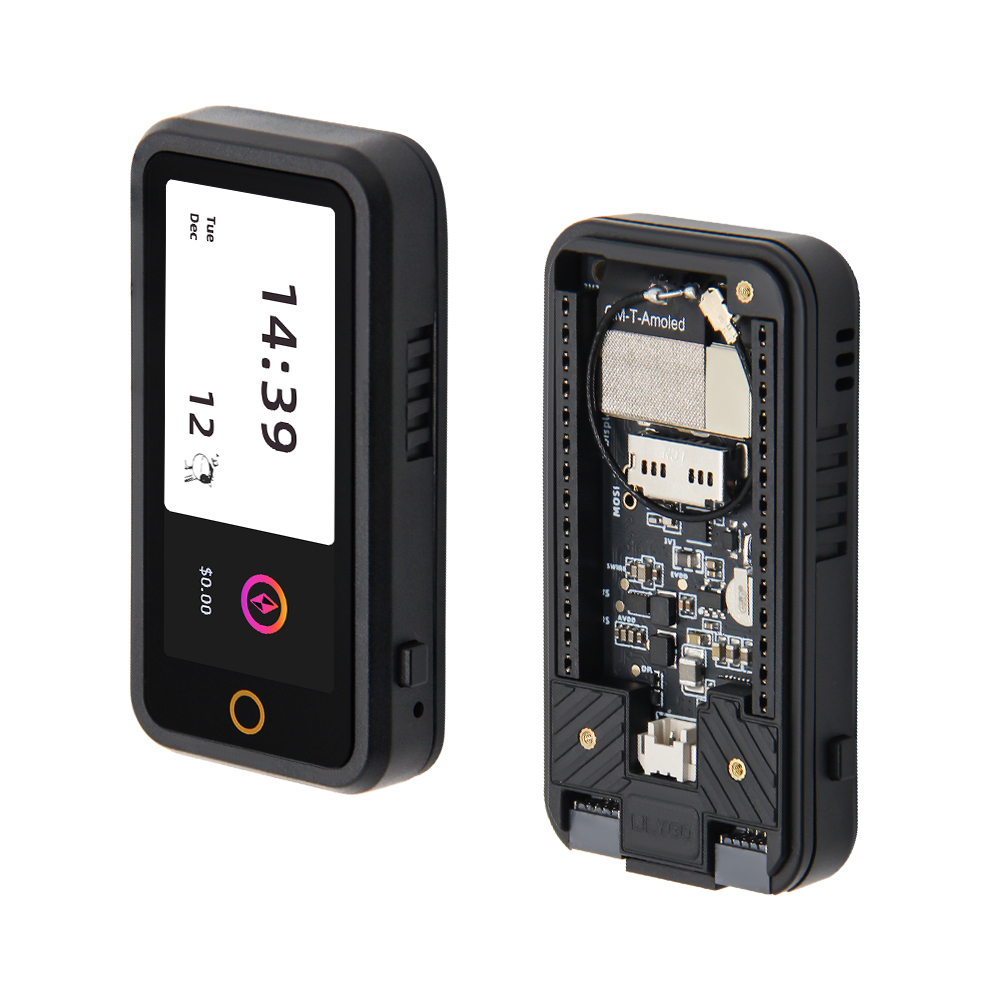
T-Display S3 AMOLED Plus is a highly integrated development board based on ESP32-S3R8 (16 MB Flash, 8 MB PSRAM). Equipped with a 1.91-inch RM67162 IPS AMOLED (SPI/QSPI), LoRa module (433/868/915 MHz), AXPM65611 + BQ25896 power management, PCF85063ATL RTC, TF card, and 2 × STEMMA QT/QWIIC interfaces. Suitable for smart wearables, IoT terminals, and scenarios requiring display interaction with long-range wireless communication, in a compact 60 × 32 × 12 mm form factor.
Quick Start
Example Support
| Example | PlatformIO/Arduino | ESP-IDF | Description |
|---|---|---|---|
| LilyGo-AMOLED-Series | ✓ | Factory and display examples |
PlatformIO
- Install Visual Studio Code and Python
- Search for and install the PlatformIO IDE extension in VS Code
- Open the
LilyGo-AMOLED-Seriesproject folder - Open
platformio.iniand select your example - Click ✓ to compile, connect via USB-C, click → to upload
Arduino
- Install Arduino IDE
- Install Arduino ESP32
- In Tools → Board, configure:
| Arduino IDE Setting | Value |
|---|---|
| Board | ESP32S3 Dev Module |
| Upload Speed | 921600 |
| USB Mode | Hardware CDC and JTAG |
| USB CDC On Boot | Enabled |
| USB Firmware MSC On Boot | Disabled |
| USB DFU On Boot | Disabled |
| CPU Frequency | 240 MHz (WiFi) |
| Flash Mode | QIO 80 MHz |
| Flash Size | 16MB (128Mb) |
| Core Debug Level | None |
| Partition Scheme | 16M Flash (3MB APP/9.9MB FATFS) |
| PSRAM | OPI PSRAM |
| Arduino Runs On | Core 1 |
| Events Run On | Core 1 |
- Click Upload
Development Platforms
Video
Key Features
- ESP32-S3R8 dual-core LX7 @ 240 MHz, Wi-Fi + Bluetooth 5.0
- 1.91-inch RM67162 IPS AMOLED, SPI/QSPI
- LoRa module (433/868/915 MHz)
- AXPM65611 + BQ25896 power management, PCF85063ATL RTC
- TF card, STEMMA QT/QWIIC, 2×13 dual-row expansion header
- 60 × 32 × 12 mm, 4 × 2 mm positioning holes
Product Parameters
| Feature | Specification |
|---|---|
| MCU | ESP32-S3R8 @ Dual-core LX7, 240 MHz |
| Flash | 16 MB |
| PSRAM | 8 MB (Octal SPI) |
| Wi-Fi | 2.4 GHz 802.11 b/g/n |
| Bluetooth | Bluetooth 5.0 LE |
| LoRa | 433/868/915 MHz |
| Display | 1.91-inch RM67162 IPS AMOLED |
| Touch | Capacitive |
| Power Management | AXPM65611 + BQ25896 |
| RTC | PCF85063ATL |
| Storage | TF card slot |
| USB | 1 × Type-C (USB + OTG) |
| Expansion | 2 × STEMMA QT/QWIIC + 2×13 dual-row header |
| Mounting Holes | 4 × 2 mm |
| Dimensions | 60 × 32 × 12 mm |
Power Consumption Reference
| Operating Condition | Current | Wake-Up Source |
|---|---|---|
| CPU at 240 MHz, Wi-Fi on | 90-230+ mA | - |
| Sleep | About 230-700 µA (dynamic) | External GPIO0 |
Values published in the official LilyGo AMOLED Series repository. Actual current depends on display brightness, wireless activity, enabled peripherals, and firmware.
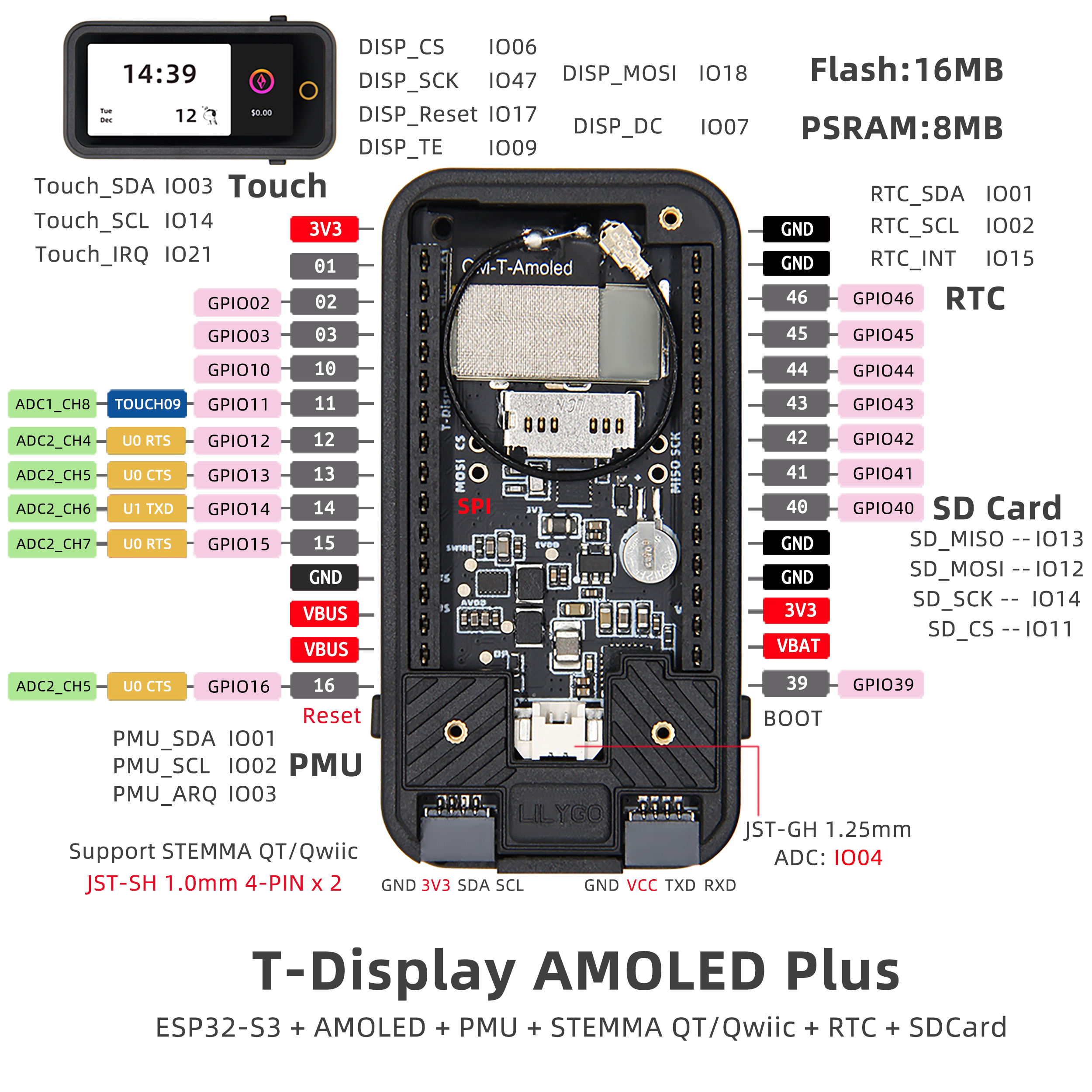
Pin Diagram
Dimension Diagram
Schematic
Datasheet
Software Development
Dependent Libraries
FAQ
Q. Why does my board keep failing to upload programs? A. Hold down the BOOT button, then press RST once, then click Upload.
Q. Which frequency bands does the LoRa module support? A. Supports 433 MHz, 868 MHz, and 915 MHz. Select the appropriate band per regional regulations.
Q. How to use the power management functions? A. Use the XPowersLib library to control the AXPM65611 and BQ25896 chips for low-power operation and battery management.
Version History
| Version | Release Date | Update Description |
|---|---|---|
| T-Display-S3-AMOLED-Plus V1.0 | 2024-01-01 | Initial version |