
T-Display C5 get it now
Overview
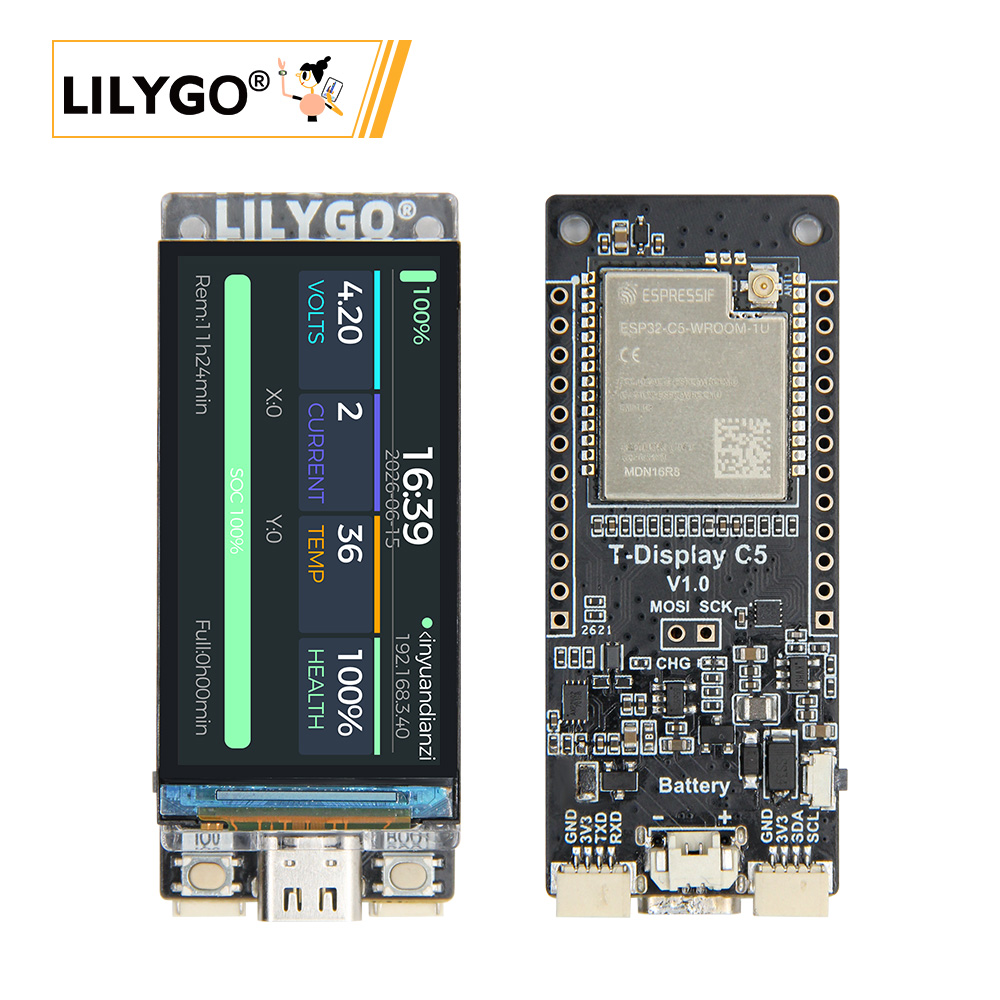
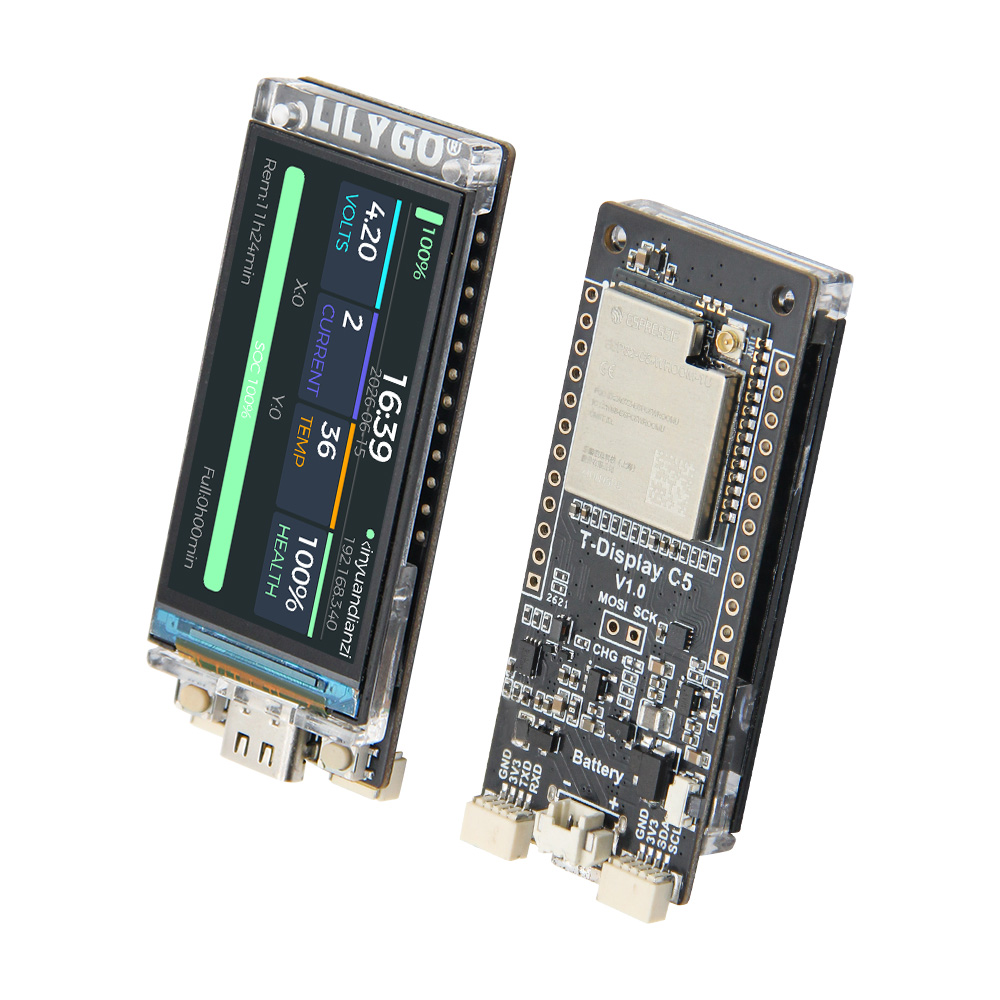
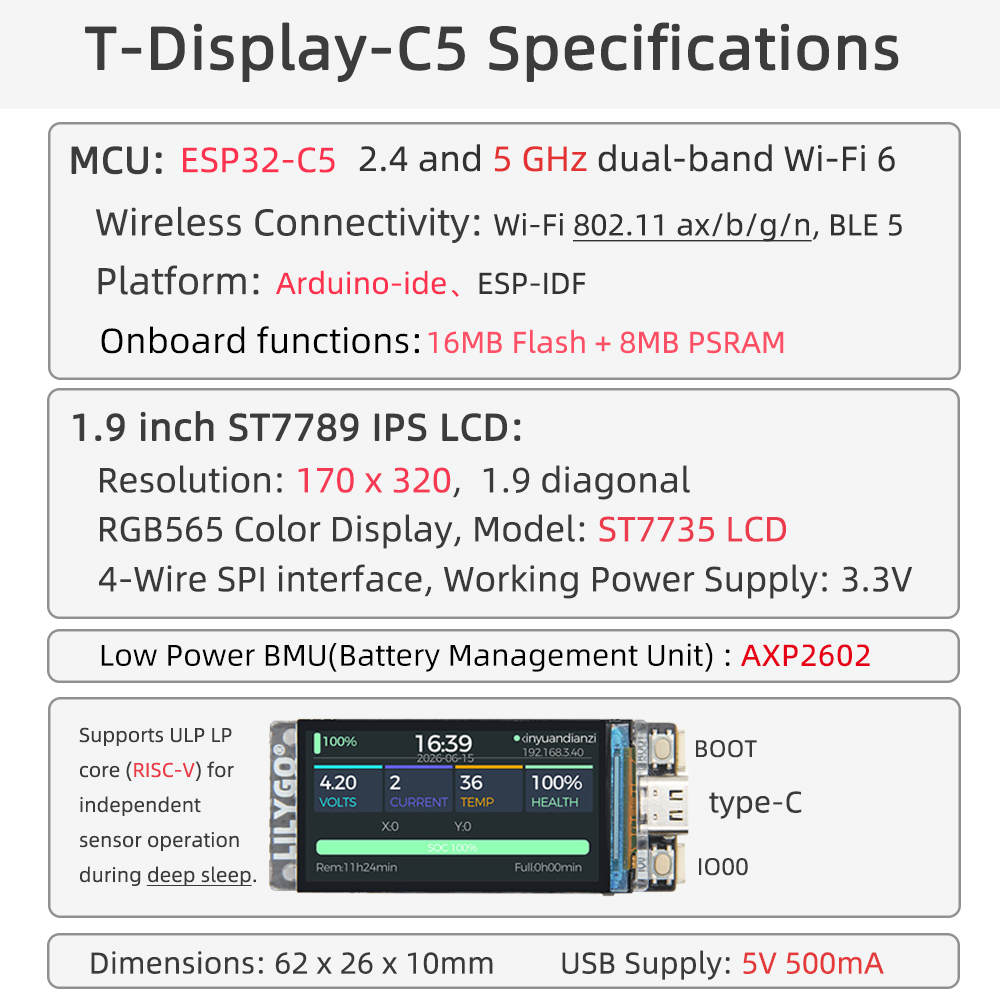
T-Display C5 is a compact development board based on the ESP32-C5 (RISC-V 32-bit @ 240 MHz), featuring a 1.9" ST7789 IPS LCD touchscreen, AXP2602 power management IC, and CST816S capacitive touch controller. It supports dual-band Wi-Fi 6 (2.4 GHz + 5 GHz) and Bluetooth 5 LE, with 16 MB Flash and 8 MB PSRAM. Compatible with Arduino IDE and ESP-IDF, with LVGL v9.2.0 included.
Quick Start
Hardware Assembly
PlatformIO
- Install Visual Studio Code and Python
- Install the PlatformIO IDE extension in VS Code
- Clone T-Display-C5 repository
- Open
platformio.iniand select the desired example - Click ✓ to build, click → to upload
Arduino
- Install Arduino IDE
- Add ESP32 boards URL:
https://raw.githubusercontent.com/espressif/arduino-esp32/gh-pages/package_esp32_index.json - Install esp32 board package (v3.x / v5.3+)
- Select ESP32C5 Dev Module as the board
- Click Upload
ESP-IDF
Requires ESP-IDF >= v5.3. Clone the repository and open with VS Code + ESP-IDF extension.
Related Videos
Key Features
- ESP32-C5 RISC-V 32-bit @ 240 MHz with ULP low-power core
- Dual-band Wi-Fi 6 (2.4 GHz + 5 GHz, 802.11ax/b/g/n) + Bluetooth 5 LE
- 1.9" ST7789 IPS LCD, 170 × 320 resolution, RGB565
- CST816S capacitive touch controller (I2C)
- AXP2602 low-power battery management IC
- 16 MB Quad QIO Flash + 8 MB Quad QIO PSRAM
- USB Type-C (USB-Serial-JTAG)
- LVGL v9.2.0 included
Specifications
| Parameter | Value |
|---|---|
| SOC | ESP32-C5, RISC-V 32-bit @ 240 MHz |
| Flash | 16 MB Quad QIO |
| PSRAM | 8 MB Quad QIO |
| Display | 1.9" ST7789 IPS LCD |
| Resolution | 170 × 320, RGB565 |
| Display Interface | 4-wire SPI, 3.3 V |
| Touch | CST816S capacitive, I2C |
| Wi-Fi | 802.11ax/b/g/n, 2.4 GHz + 5 GHz (Wi-Fi 6) |
| Bluetooth | BLE 5 |
| Power Management | AXP2602 |
| USB | Type-C, USB-Serial-JTAG, 5 V / 500 mA |
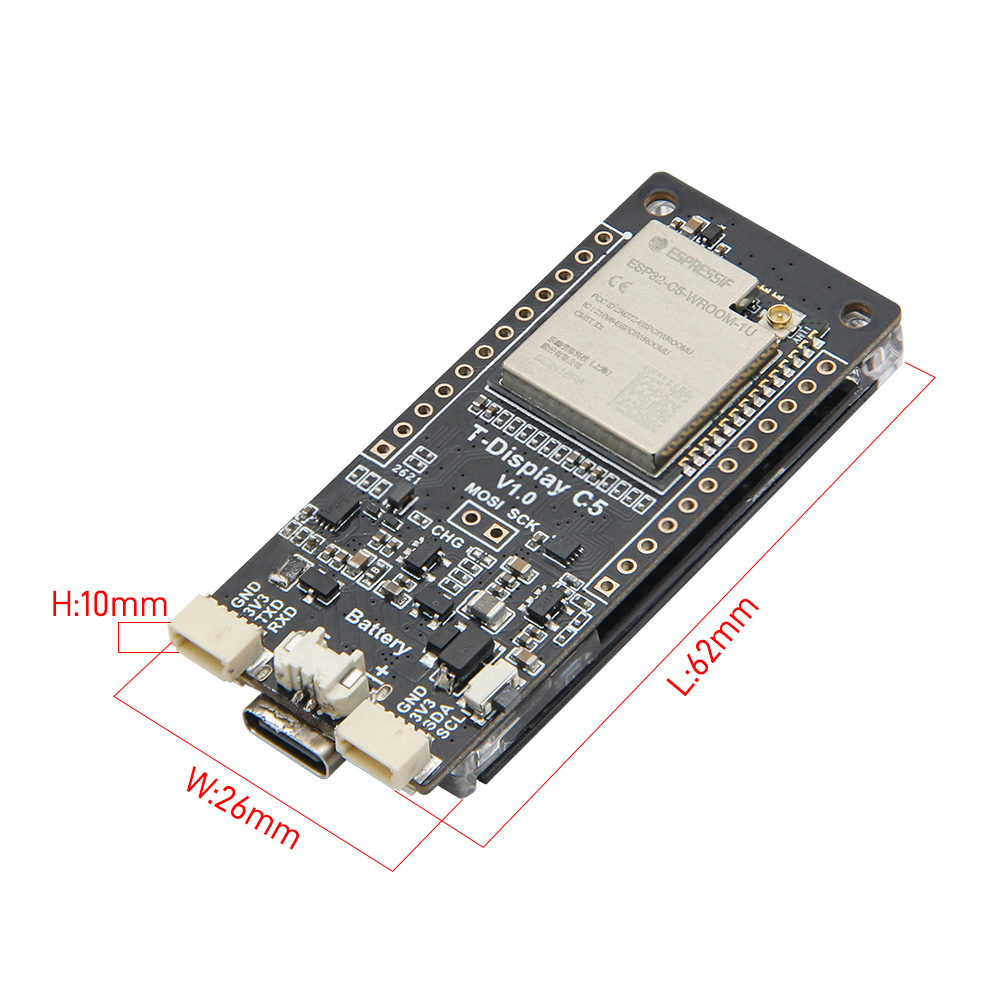
| Dimensions | 62 × 26 × 10 mm |
Pin Diagram
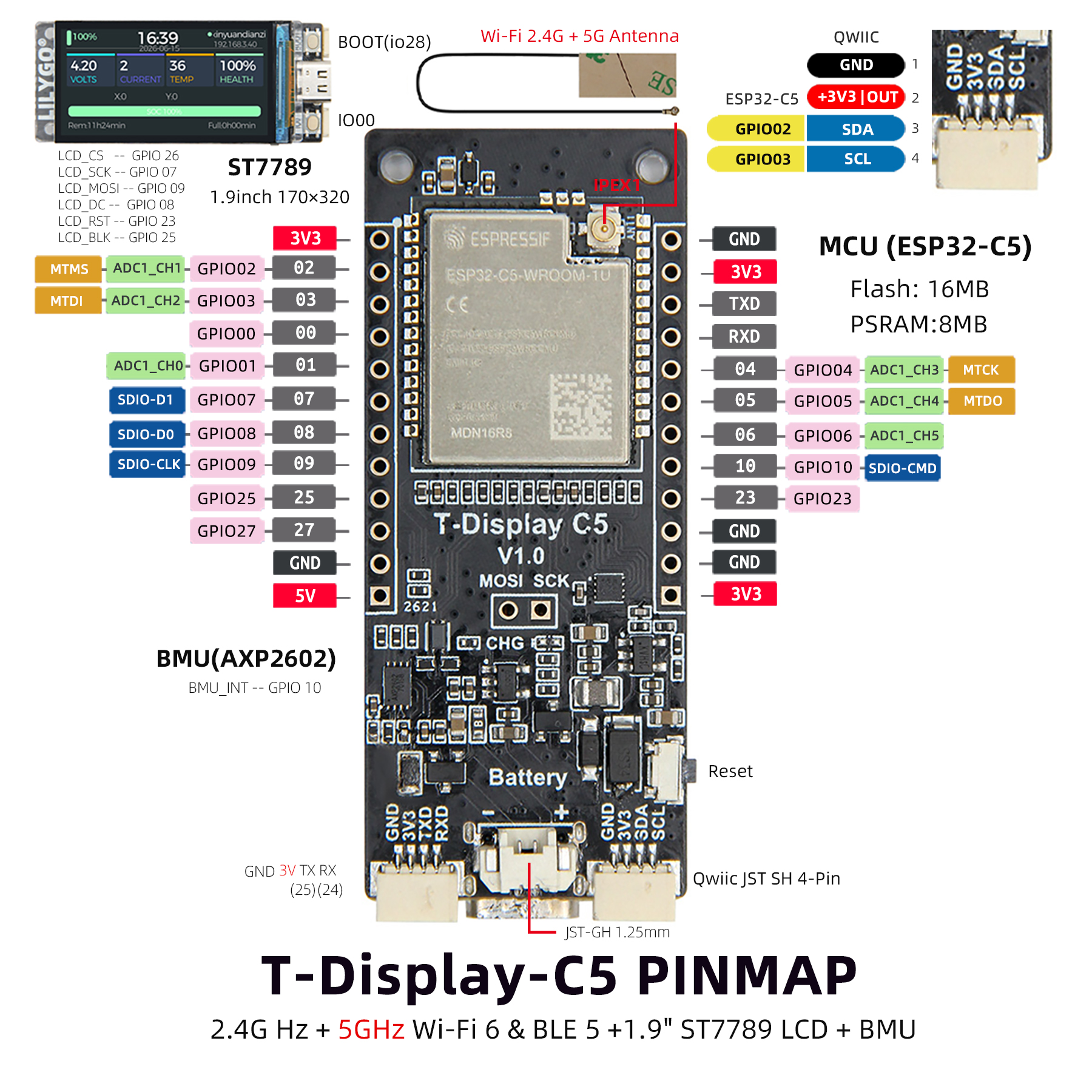
Display (ST7789)
| ST7789 | CS | SCK | MOSI | DC | RST | BL |
|---|---|---|---|---|---|---|
| GPIO26 | GPIO7 | GPIO9 | GPIO8 | GPIO23 | GPIO25 |
Touch (CST816S)
| CST816S | SDA | SCL | INT | RST |
|---|---|---|---|---|
| GPIO2 | GPIO3 | GPIO27 | GPIO24 |
Power Management (AXP2602)
| AXP2602 | SDA | SCL | INT |
|---|---|---|---|
| GPIO2 | GPIO3 | GPIO10 |
Buttons
| Function | GPIO |
|---|---|
| User Button | GPIO0 |
| Boot | GPIO28 |
Dimensions
Schematic
Datasheet
Software Libraries
Bundled Libraries
FAQ
Changelog
| Version | Date | Notes |
|---|---|---|
| V1.0 | — | Initial release |