
T-Watch 2021 get it now
Overview
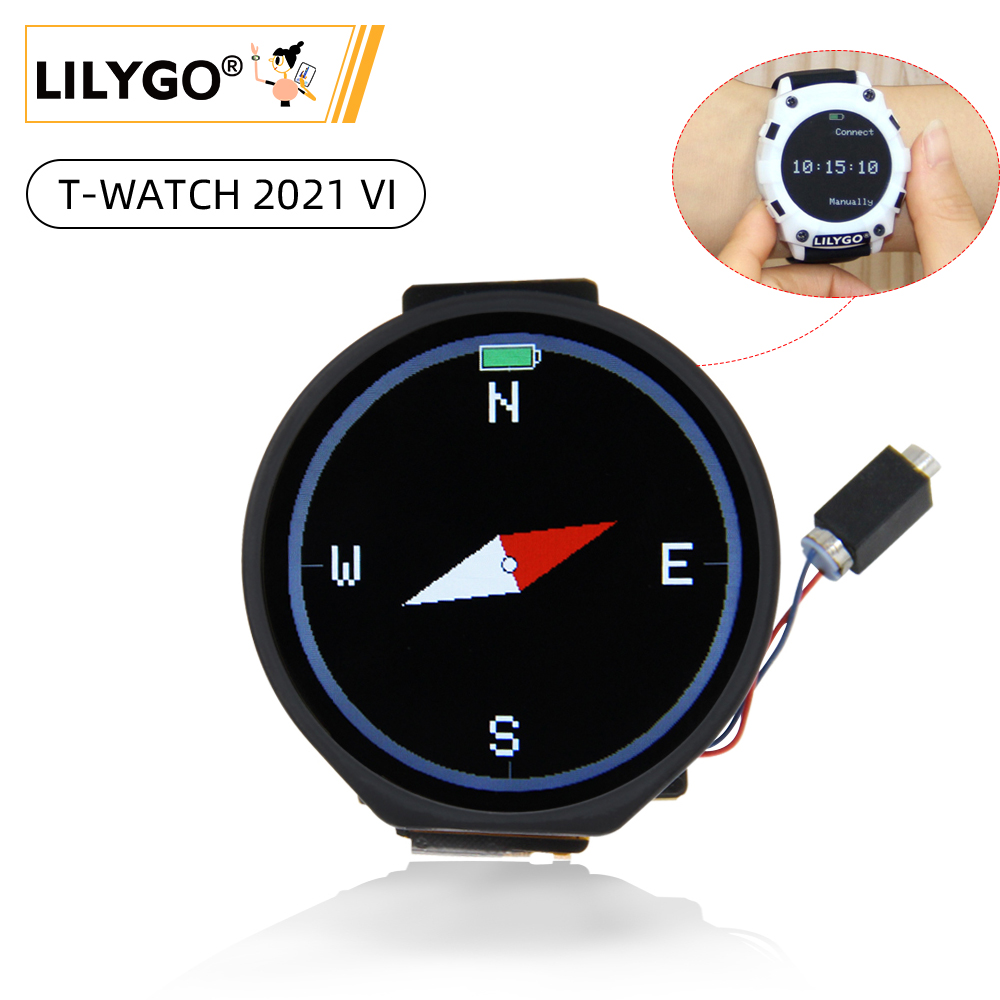
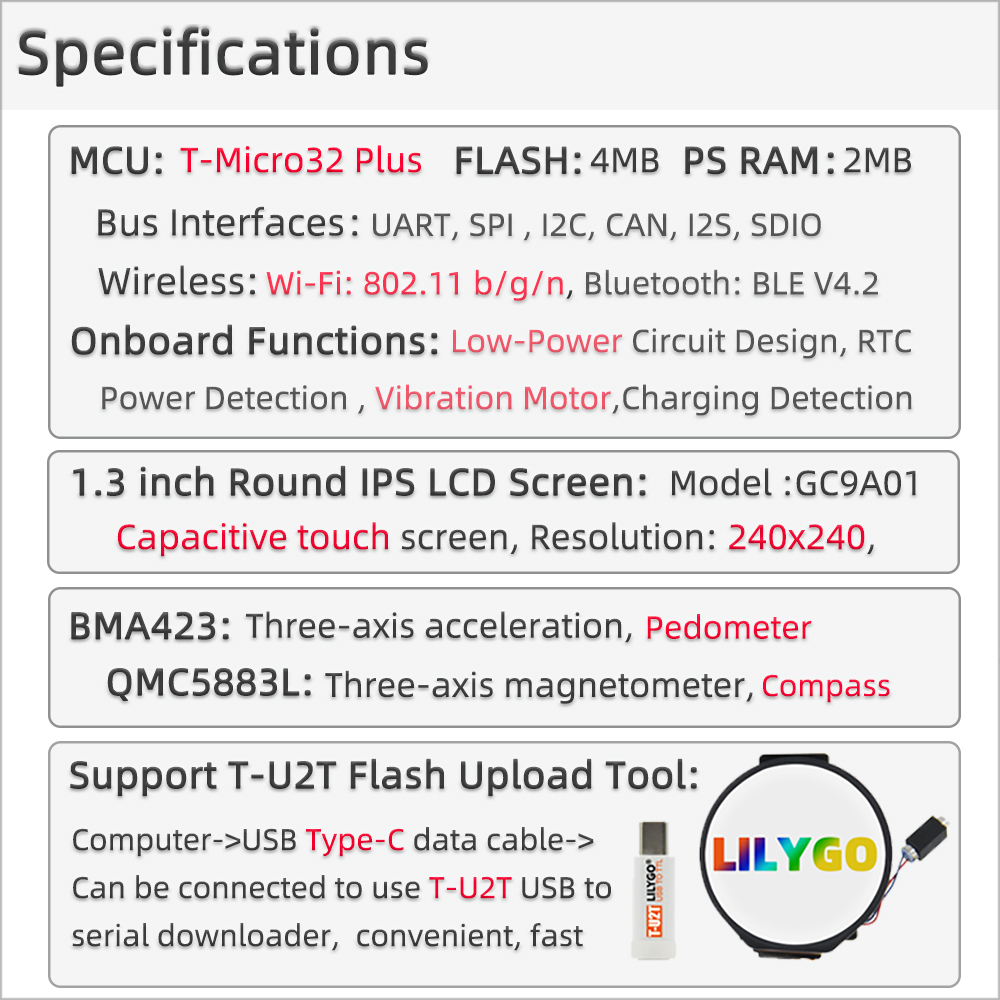
LILYGO T-Watch 2021 is an open-source ESP32-based smart watch development platform. Powered by the ESP32 dual-core Xtensa LX6 @ 240 MHz with Wi-Fi and Bluetooth 4.2, it features a 1.54-inch ST7789V TFT touchscreen (240 × 240) with capacitive touch, an AXP202 PMU for battery management, a BMA423 accelerometer for step counting and gesture detection, an S76G GNSS module for GPS positioning, and a built-in microphone. The 380 mAh LiPo battery and USB-C charging make it a complete wearable development solution. Compatible with PlatformIO, Arduino, and the open-source TTGO_TWatch_Library.
Quick Start
Example Support
| Example | PlatformIO/Arduino | ESP-IDF | Description |
|---|---|---|---|
| TTGO_TWatch_Library | ✓ | Watch UI, GPS, BLE, accelerometer examples |
PlatformIO
- Install Visual Studio Code and Python
- Search for and install the PlatformIO IDE extension in VS Code
- Open the
TTGO_TWatch_Libraryproject folder - Open
platformio.ini, select theLILYGO_WATCH_2021environment - Click ✓ to compile, connect via USB-C, click → to upload
Arduino
- Install Arduino IDE
- Install Arduino ESP32
- Copy the
TTGO_TWatch_Libraryfolder to your Arduino libraries folder - In Tools → Board, configure:
| Arduino IDE Setting | Value |
|---|---|
| Board | ESP32 Dev Module |
| CPU Frequency | 240 MHz (WiFi) |
| Flash Size | 4MB (32Mb) |
| Partition Scheme | Default 4MB with spiffs (1.2MB APP/1.5MB SPIFFS) |
| PSRAM | Enabled |
| Upload Speed | 921600 |
- Click Upload
Development Platforms
Related Videos
Key Features
- ESP32 dual-core Xtensa LX6 @ 240 MHz, Wi-Fi + Bluetooth 4.2
- 1.54-inch ST7789V TFT touchscreen (240 × 240) with FT6236 capacitive touch
- AXP202 PMU for power management and battery monitoring
- BMA423 3-axis accelerometer with step counter and gesture detection
- S76G GNSS module (GPS/GLONASS/BeiDou)
- Built-in PDM microphone
- 380 mAh LiPo battery with USB-C charging
- Vibration motor for haptic feedback
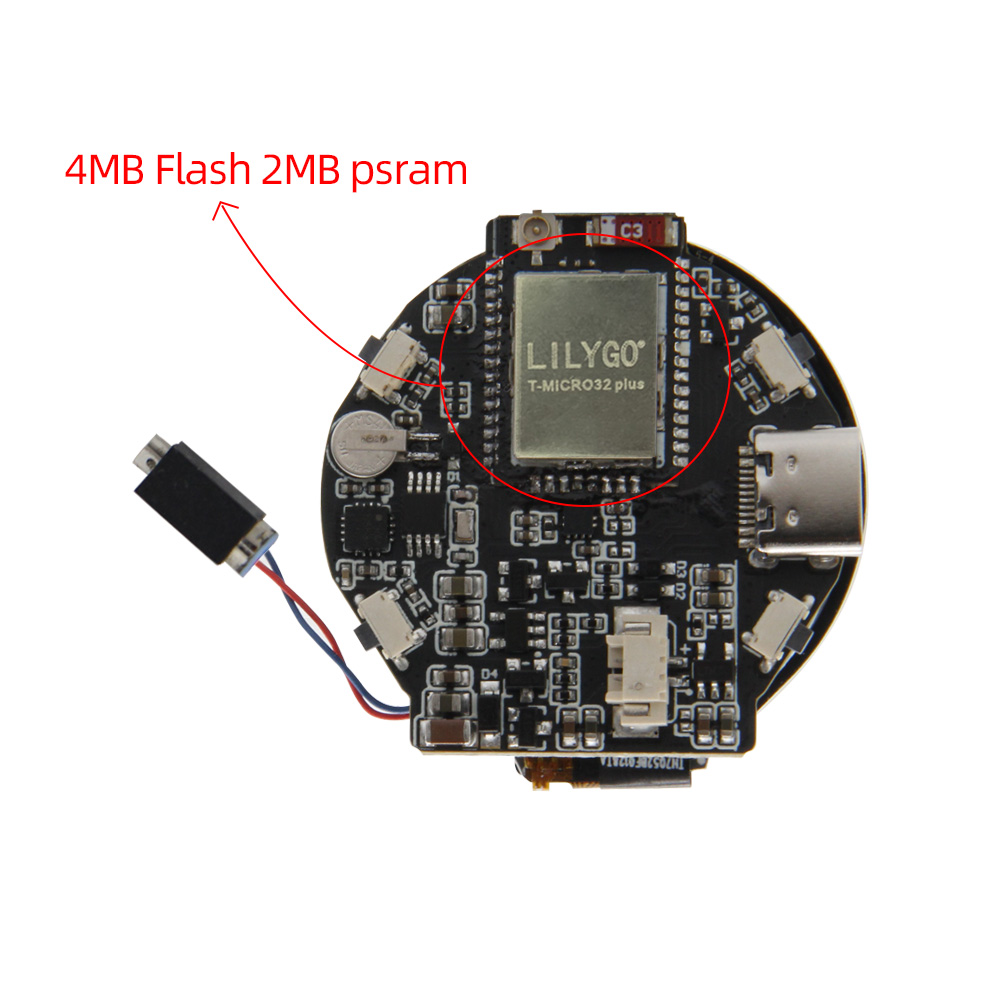
- 4 MB Flash, 8 MB PSRAM
Specifications
| Parameter | Value |
|---|---|
| SOC | ESP32, Dual-core Xtensa LX6 @ 240 MHz |
| Flash | 4 MB |
| PSRAM | 8 MB |
| Wireless | Wi-Fi 802.11 b/g/n, Bluetooth 4.2 |
| Display | 1.54-inch ST7789V TFT, 240 × 240 |
| Touch | FT6236 capacitive touch |
| PMU | AXP202 |
| IMU | BMA423 (accelerometer + step counter) |
| GNSS | S76G (GPS/GLONASS/BeiDou) |
| Microphone | PDM MEMS microphone |
| Vibration | Vibration motor |
| Battery | 380 mAh LiPo |
| USB | USB-C |
Pin Diagram
Display (ST7789V)
| Signal | GPIO |
|---|---|
| MOSI | 19 |
| SCLK | 18 |
| CS | 5 |
| DC | 27 |
| BL | 12 |
| RST | — (hardware) |
I2C Bus (AXP202, BMA423, FT6236)
| Signal | GPIO |
|---|---|
| SDA | 21 |
| SCL | 22 |
GNSS (S76G, UART)
| Signal | GPIO |
|---|---|
| TX | 34 |
| RX | 33 |
| PPS | 37 |
Dimensions
Schematic
Datasheet
Software Libraries
Dependent Libraries
FAQ
Q. How do I configure the watch in Arduino? A. In your sketch, include
LilyGoWatch.hand defineLILYGO_WATCH_2021before the include. This configures pin assignments for the 2021 model automatically.Q. The touchscreen is not responding. What should I check? A. Confirm I2C address for FT6236 is 0x38. Check that SDA = GPIO21 and SCL = GPIO22. Ensure AXP202 powers the display backlight before touch initialization.
Q. Can I replace the watch strap? A. Yes. The T-Watch uses a standard 20 mm watch strap. Any 20 mm quick-release strap is compatible.
Changelog
| Version | Date | Notes |
|---|---|---|
| T-Watch 2020 | — | Original design |
| T-Watch 2021 | — | Revised with S76G GNSS, BMA423, improved PMU |