
T-Watch S3 Plus get it now
Overview
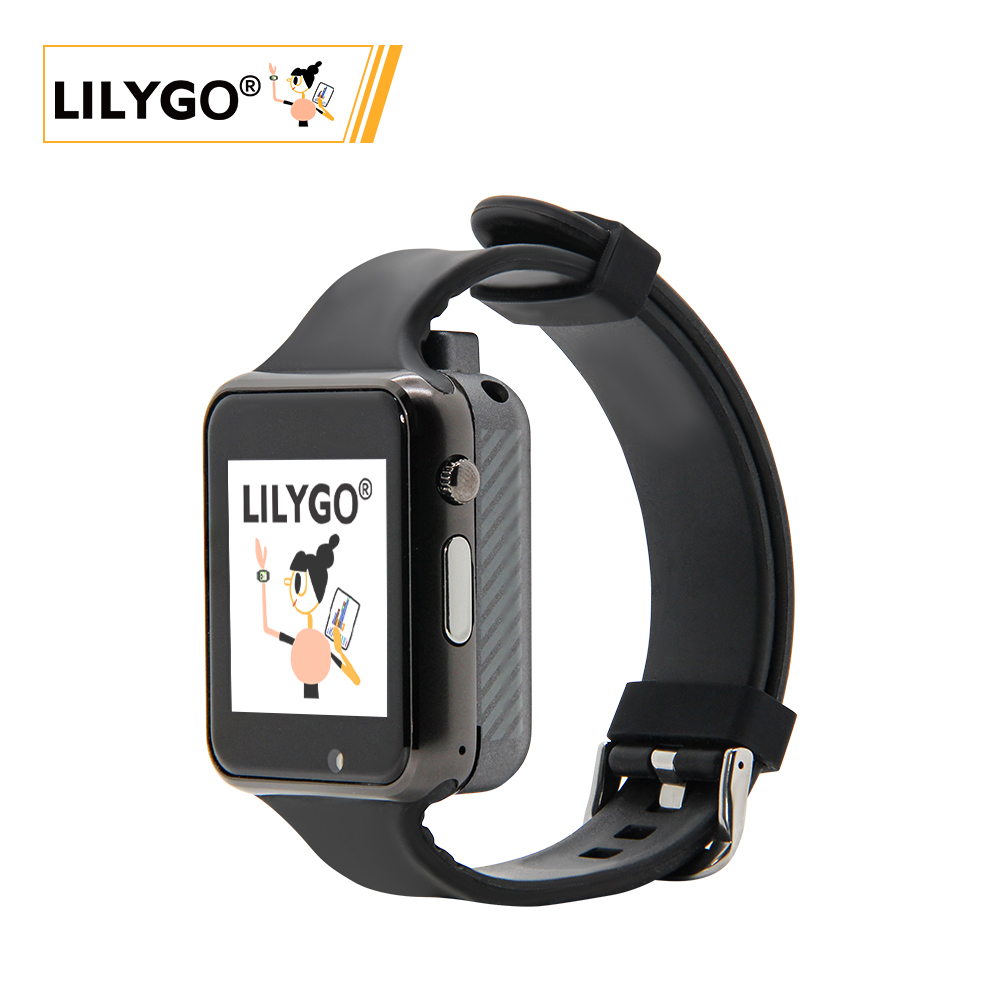
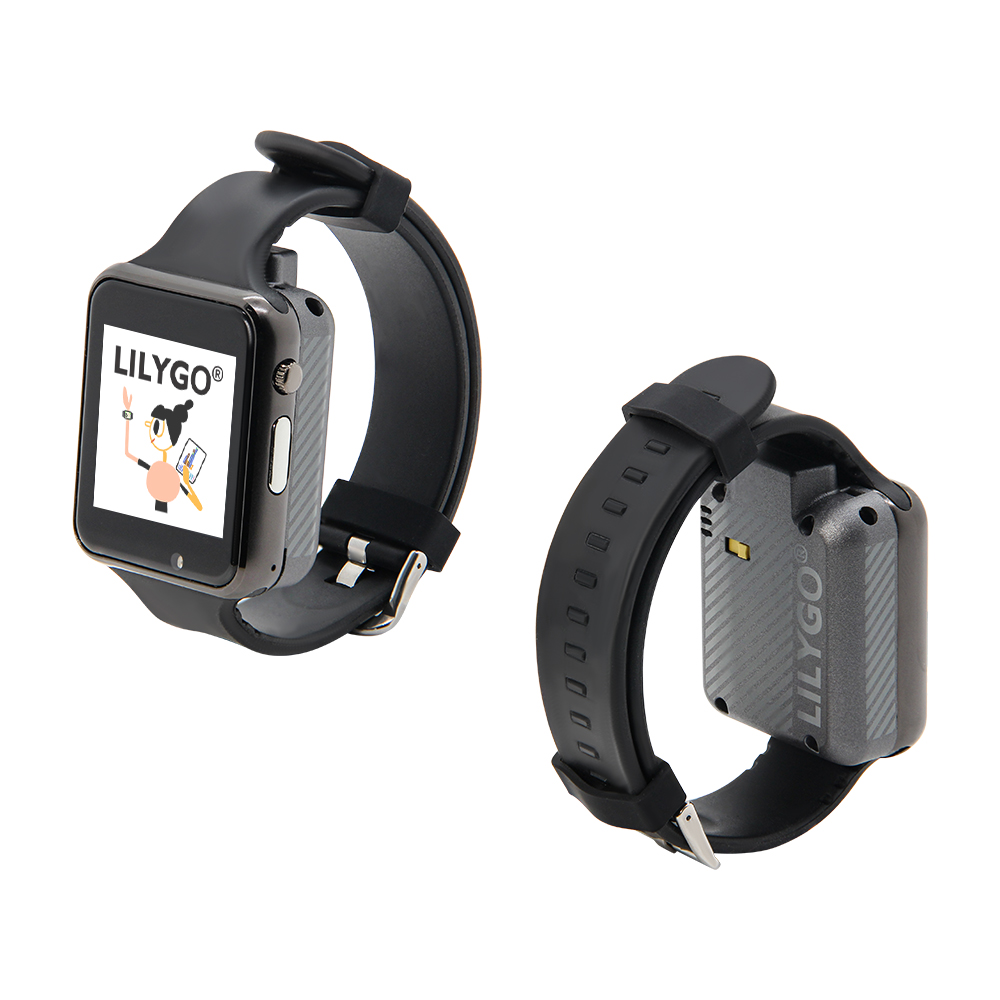
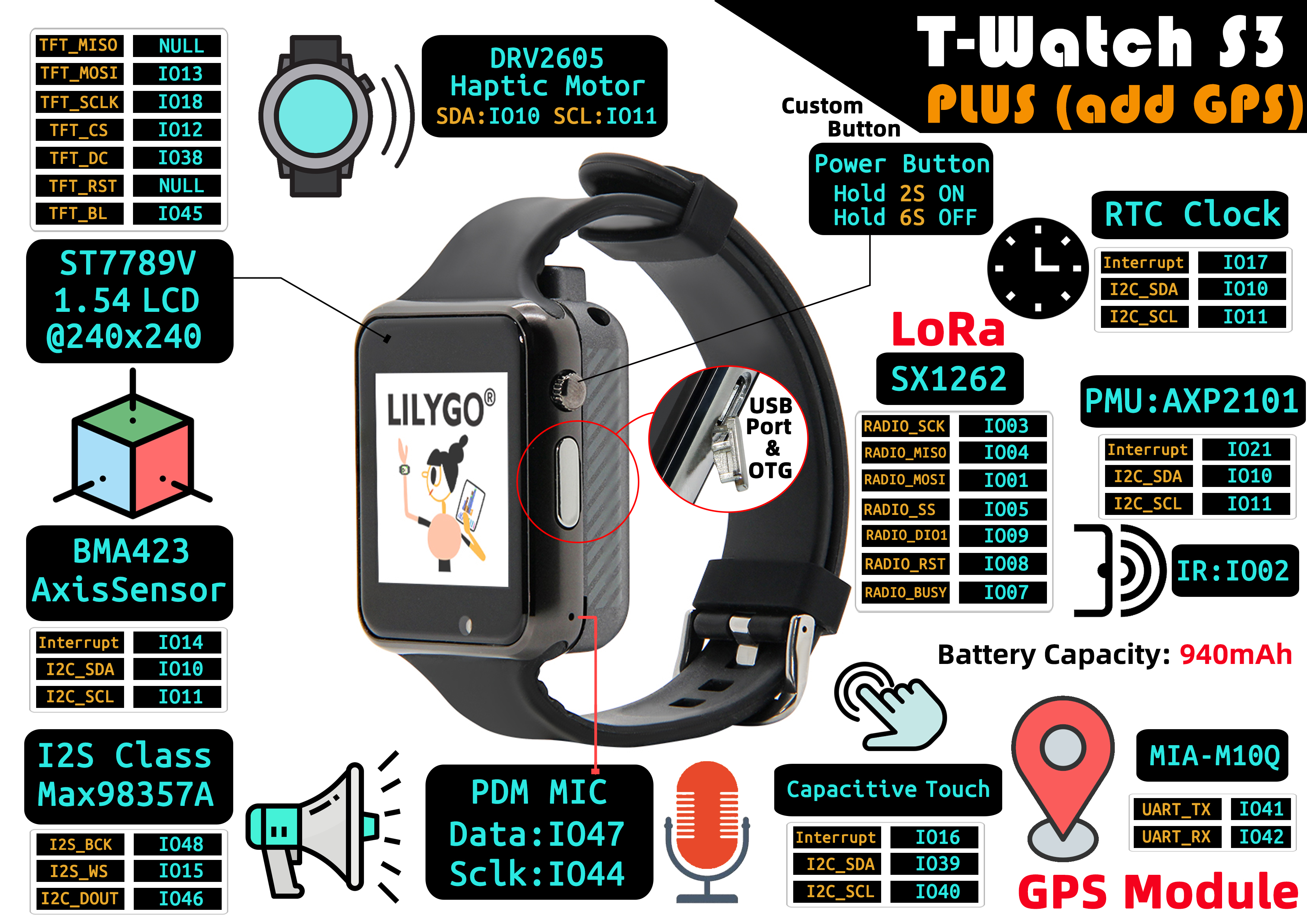
T-Watch S3 Plus is an enhanced version of T-Watch S3, adding GPS functionality to create a multifunctional smart wearable device. Features a 1.3-inch ST7789V3 IPS LCD (240 × 240), MIA-M10Q or LS550G GNSS, SX1262/SX1280 LoRa (433–923 MHz), BMA423 3-axis sensor, FT6336U capacitive touch, Max98357A audio amplifier, PDM microphone, DRV2605 haptic motor, and AXP2101 PMU. 940 mAh battery. 51.5 × 42 × 20 mm (without strap).
Quick Start
Example Support
| Example | PlatformIO/Arduino | ESP-IDF | Description |
|---|---|---|---|
| Factory Program | ✓ | Factory example | |
| LilyGoLib Examples | ✓ | Watch UI, sensor, LoRa, GPS examples |
PlatformIO
- Install Visual Studio Code and Python
- Search for and install the PlatformIO IDE extension in VS Code
- Clone the LilyGoLib repository
- Open
platformio.iniand under[platformio]uncomment the desired environment - Click ✓ to compile, click → to upload
Arduino
- Install Arduino IDE
- Install Arduino ESP32 V3.3.0-alpha1 or higher
- Boards Manager URL:
https://espressif.github.io/arduino-esp32/package_esp32_dev_index.json
- Boards Manager URL:
- Download LilyGoLib and install via Sketch → Include Library → Add .ZIP Library
- Copy all directories from LilyGoLib-ThirdParty into your Arduino
librariesfolder - In Tools → Board, configure:
| Arduino IDE Setting | Value |
|---|---|
| Board | LilyGo T-Watch-S3 |
| Upload Speed | 921600 |
| USB Mode | UART0/Hardware CDC |
| USB CDC On Boot | Enabled |
| USB Firmware MSC On Boot | Disabled |
| USB DFU On Boot | Disabled |
| CPU Frequency | 240 MHz (WiFi) |
| Core Debug Level | None |
| Partition Scheme | 16M Flash (3MB APP/9.9MB FATFS) |
| Board Revision | Radio-SX1262 (or per your RF module) |
| Arduino Runs On | Core 1 |
| Events Run On | Core 1 |
Board Revision options: Radio-SX1262 / Radio-SX1280 / Radio-CC1101 / Radio-LR1121 / Radio-SI4432
- Click Upload
If upload fails, manually enter download mode: connect via Micro-USB → hold BOOT → press RST → release RST → release BOOT → upload → press RST to exit.
Development Platforms
Video
Key Features
- ESP32-S3 @ 240 MHz, 16 MB Flash, 8 MB OPI PSRAM, Wi-Fi + BT 5.0
- 1.3-inch ST7789V3 IPS LCD (240 × 240), FT6336U capacitive touch
- SX1262/SX1280 LoRa, MIA-M10Q or LS550G GNSS, BMA423 accelerometer, DRV2605 haptic
- MAX98357A audio + PDM mic, PCF8563 RTC, AXP2101 PMU, 940 mAh, 51.5 × 42 × 20 mm
Product Parameters
| Feature | Specification |
|---|---|
| MCU | ESP32-S3 @ Dual-core LX7, 240 MHz |
| Flash | 16 MB (QSPI) |
| PSRAM | 8 MB (OPI) |
| Wi-Fi | 2.4 GHz 802.11 b/g/n |
| Bluetooth | Bluetooth 5.0 LE |
| Display | 1.3-inch ST7789V3 IPS LCD, 240 × 240 (SPI) |
| Touch | FT6336U Capacitive (I2C, Wire1) |
| GNSS | u-blox MIA-M10Q or Quectel LS550G |
| LoRa | SX1262 / SX1280, 433–923 MHz (selectable) |
| Accelerometer | BMA423 (I2C) |
| RTC | PCF8563 |
| Power Management | AXP2101 |
| Audio Output | MAX98357A (I2S, 3.2 W Class D) |
| Audio Input | PDM Microphone (SPM1423HM4H-B) |
| Haptic Motor | DRV2605 (I2C) |
| IR Emitter | IR12-21C |
| Battery | 3.7 V, 940 mAh |
| Charging Input | Micro-USB, 3.9–6 V |
| USB | 1 × Micro USB + OTG |
| Buttons | POWER (hold 2 s on / 6 s off) + BOOT (built-in) |
| Dimensions | 51.5 × 42 × 20 mm (without strap) |
Electrical Parameters
| Feature | Details |
|---|---|
| Micro-USB Input Voltage | 3.9 V - 6 V |
| Charge Current | 0 - 1024 mA (programmable) |
| Battery Voltage | 3.7 V |
| Battery Capacity | 940 mAh |
Prefer a charging current of 300 mA or less, and do not exceed 400 mA. Excessive charging current may damage the battery. If the watch will not be used for an extended period, turn the battery switch to OFF.
Pin Diagram
Pin Mapping
| Name | GPIO |
|---|---|
| I2C SDA | 10 |
| I2C SCL | 11 |
| Touch (FT6336U) SDA | 39 |
| Touch (FT6336U) SCL | 40 |
| Touch (FT6336U) Interrupt | 16 |
| RTC (PCF8563) Interrupt | 17 |
| BMA423 Interrupt | 14 |
| MAX98357A BCLK | 48 |
| MAX98357A WCLK | 15 |
| MAX98357A DOUT | 46 |
| GNSS (MIA-M10Q) TX | 42 |
| GNSS (MIA-M10Q) RX | 41 |
| LoRa SCK | 3 |
| LoRa MISO | 4 |
| LoRa MOSI | 1 |
| LoRa Reset | 8 |
| LoRa BUSY | 7 |
| LoRa CS | 5 |
| LoRa Interrupt | 9 |
| Display CS | 12 |
| Display MOSI | 13 |
| Display SCK | 18 |
| Display DC | 38 |
| Display Backlight | 45 |
| AXP2101 Interrupt | 21 |
| PDM Mic SCK | 44 |
| PDM Mic DATA | 47 |
| IR Emitter | 2 |
Dimension Diagram
Schematic
Datasheet
Software Development
Dependent Libraries
FAQ
Q. What is the main difference between T-Watch S3 Plus and T-Watch S3? A. T-Watch S3 Plus adds GPS (MIA-M10Q) functionality. Other hardware configurations are essentially the same.
Q. How to power on and off? A. Press and hold the POWER button for 2 seconds to power on, hold for 6 seconds to power off.
Q. Which LoRa versions are available? A. SX1262 (Sub-GHz, 433–923 MHz) and SX1280 (2.4 GHz). Select via the Board Revision setting in Arduino IDE.
Q. Why does my board keep failing to upload programs? A. Enter download mode: hold BOOT, press RST, release RST, release BOOT, then upload. Press RST to exit.
Q. No serial output? A. Ensure USB CDC On Boot is set to Enabled.
Power Consumption Reference
| Mode | Wake-Up Source | Current |
|---|---|---|
| Light sleep | Power + BOOT buttons + touch panel | 2.38 mA |
| Light sleep | Power + BOOT buttons | N/A |
| Deep sleep | Power + BOOT buttons (backup power on) | 530 µA |
| Deep sleep | Power + BOOT buttons (backup power off) | 460 µA |
| Deep sleep | Touch panel | 1.08 mA |
| Deep sleep | Timer (backup power on) | 510 µA |
| Deep sleep | Timer (backup power off) | 460 µA |
| Power off | Backup power only | 50 µA |
Reference measurements from the official T-Watch S3 Plus hardware documentation. Actual current depends on firmware and enabled peripherals. The touch reset pin is not connected; putting the touch controller to sleep disables touch wake-up.
Version History
| Version | Release Date | Update Description |
|---|---|---|
| T-Watch-S3-Plus V1.0 | 2024-01-01 | Initial version with GPS functionality |