
T5-E-Paper-Basic get it now
Overview
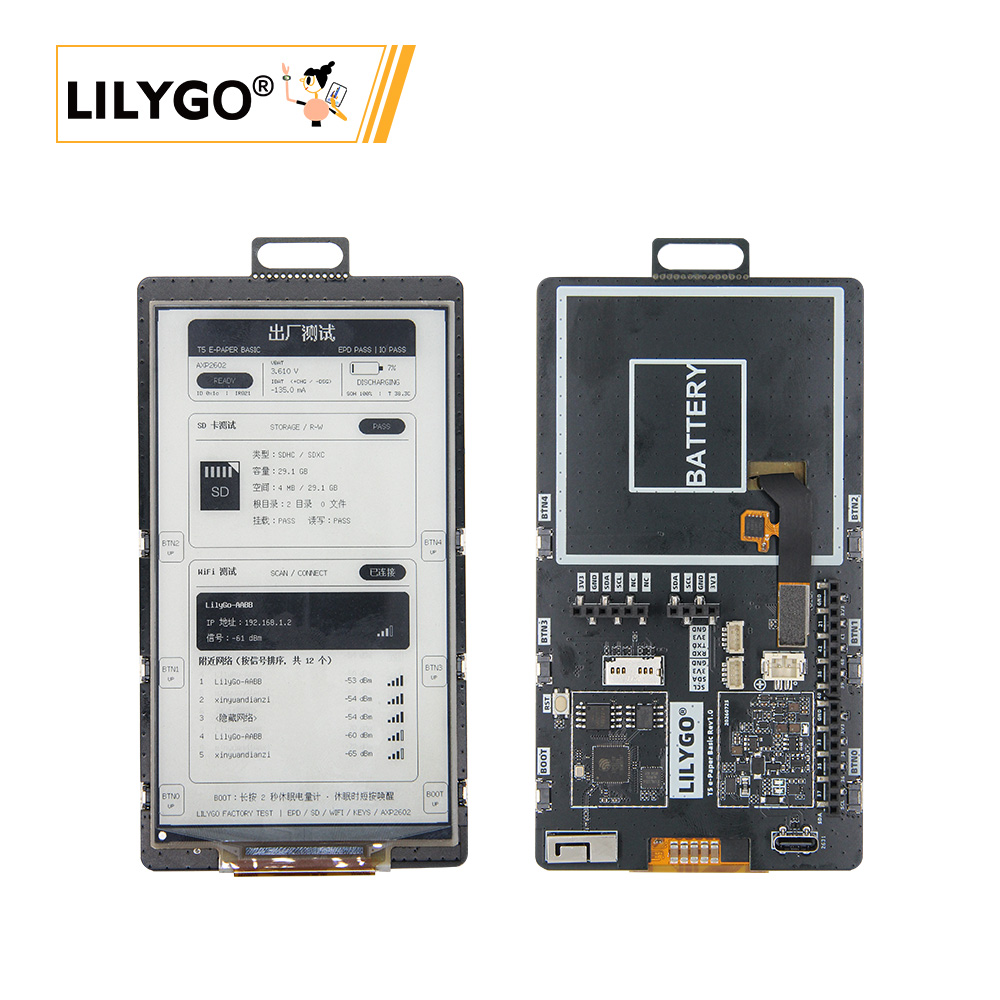
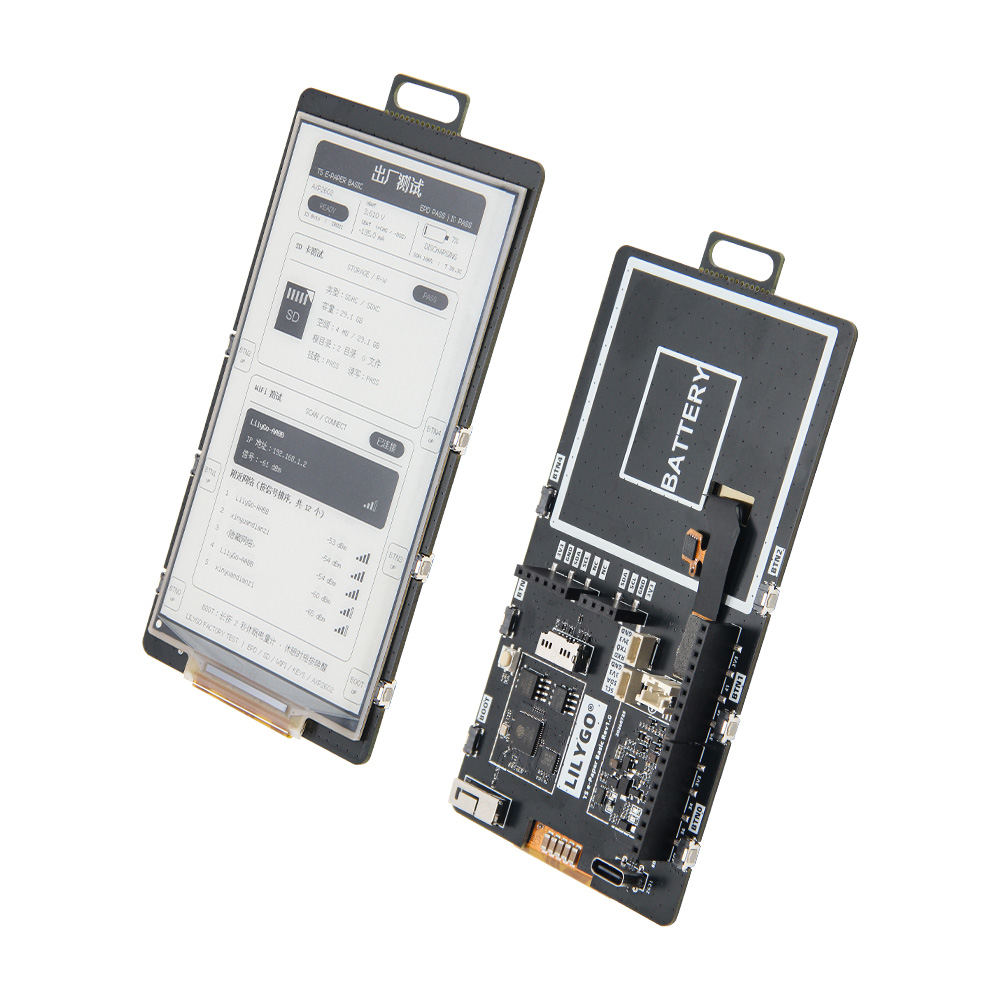
LILYGO T5 e-Paper Basic is an ESP32-S3 development board for a large-format parallel e-paper display. The official repository contains PlatformIO examples for the display, XL9555 I/O expander, SD card, Wi-Fi, AXP2602 battery gauge, factory testing, and an employee badge application. The repository version table lists a 4.7-inch-class 960 x 540 e-paper display. The factory-test application also contains a 1216 x 684 panel configuration selected with FACTORY_TEST_PANEL_1216X684.
Quick Start
Open the T5-E-Paper-Basic Quick Start guide
| Example repository | PlatformIO | Arduino IDE | Description |
|---|---|---|---|
| T5-E-Paper-Basic | Yes | Manual setup | Display, SD card, Wi-Fi, AXP2602, factory-test, and employee-badge examples |
Related Videos
Key Features
- ESP32-S3 MCU with 16 MB Flash
- 8-bit parallel EPD bus
- 960 x 540 standard display configuration
- Optional 1216 x 684 factory-test display configuration
- AXP2602 battery gauge and XL9555 I/O expander on I2C
- TF / SD card through SPI
- 2.4 GHz Wi-Fi and Bluetooth LE provided by ESP32-S3
- USB-C, USB CDC, and download interface
- USB-C and single-cell lithium battery power interfaces
Specifications
| Parameter | Value |
|---|---|
| MCU | ESP32-S3 |
| Flash | 16 MB |
| Display bus | 8-bit parallel EPD |
| Standard display configuration | 960 x 540 |
| Factory-test display configuration | 1216 x 684 (optional) |
| I2C devices | AXP2602 battery gauge, XL9555 I/O expander |
| Storage | TF / SD card through SPI |
| Wireless | 2.4 GHz Wi-Fi and Bluetooth LE provided by ESP32-S3 |
| USB | USB-C, USB CDC and download interface |
| Board power | USB-C and single-cell lithium battery interface |
Pin Diagram
| Function | Pin |
|---|---|
| I2C SDA | GPIO3 |
| I2C SCL | GPIO2 |
| XL9555 interrupt | GPIO1 |
| AXP2602 interrupt | GPIO21 |
| EPD data D0..D7 | GPIO6, 14, 7, 12, 9, 11, 8, 10 |
| EPD XSTL | GPIO13 |
| EPD SPV / CKV | GPIO17 / GPIO18 |
| EPD power / boost enable | GPIO45 / GPIO46 |
| SD MOSI / SCK / MISO / CS | GPIO38 / GPIO39 / GPIO40 / GPIO47 |
| BOOT button | GPIO0 |
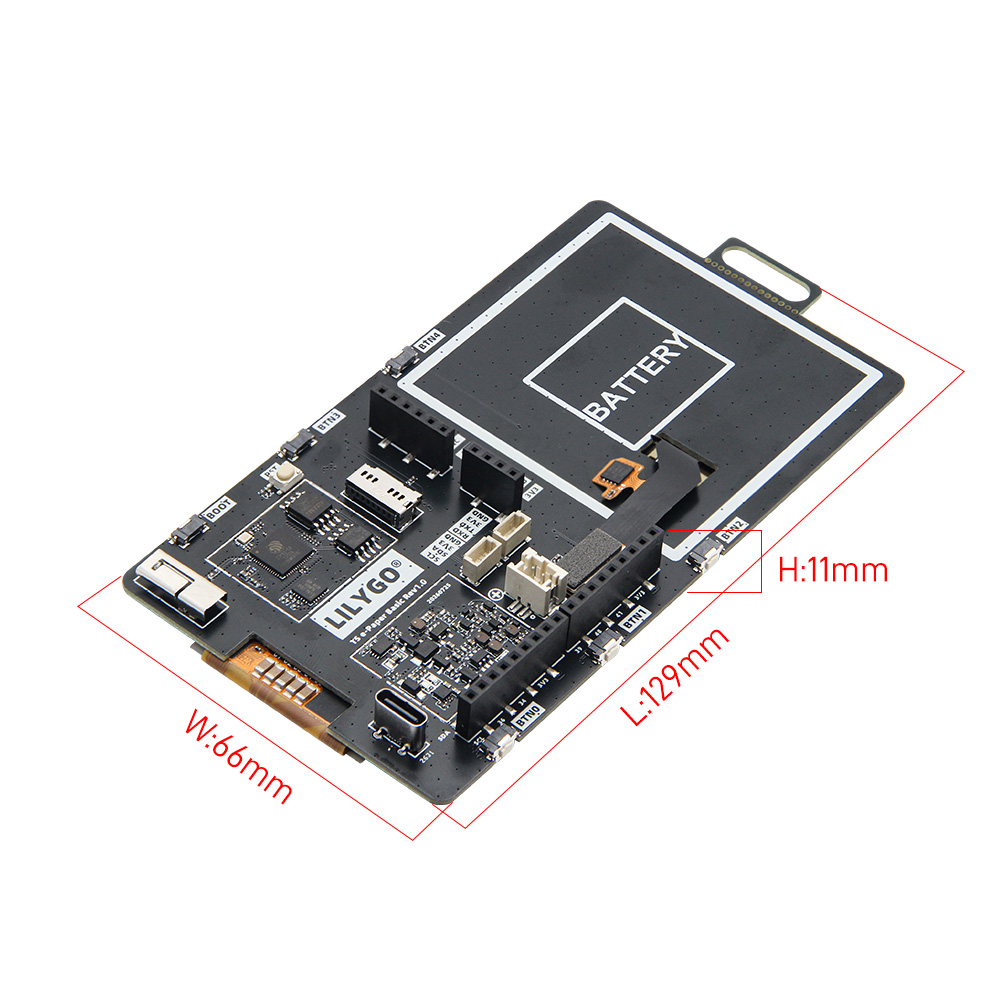
Dimensions
Schematic
Datasheet
Software Development
FAQ
| Problem | Check |
|---|---|
| Display is blank | Confirm the EPD cable, USB power, board definition, and panel resolution configuration. |
| Display has lines or severe ghosting | Power-cycle the board, check the panel cable, and allow the full refresh to finish. |
| SD card is not detected | Use a FAT32 card and check MOSI GPIO38, SCK GPIO39, MISO GPIO40, CS GPIO47, and XL9555 P05 card detect. |
| Wi-Fi scan finds no network | Use a 2.4 GHz access point; ESP32-S3 does not scan 5 GHz-only networks. |
| Buttons do not respond | Check I2C on GPIO2/GPIO3 and the XL9555 connections on P00 to P04. |
| Upload fails | Enter download mode manually and retry with a data-capable USB cable. |