
T-Display S3 Pro get it now
Overview
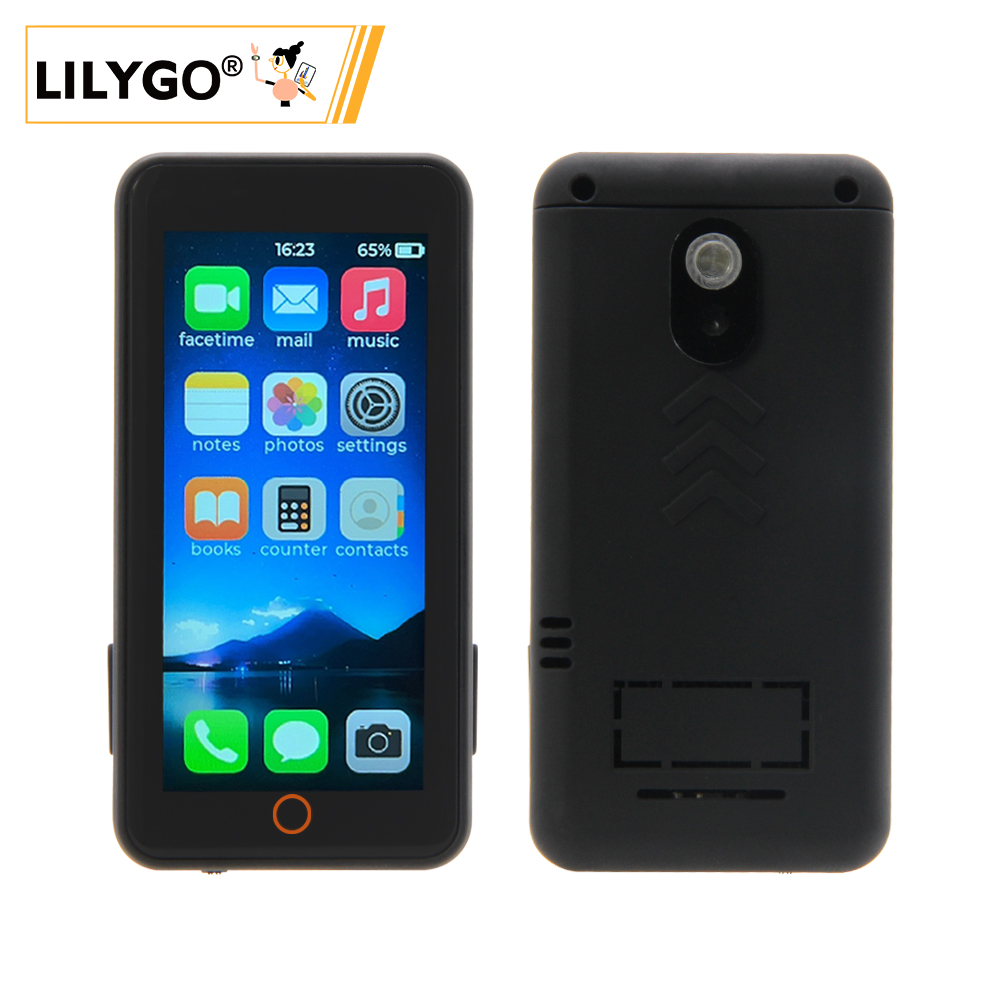
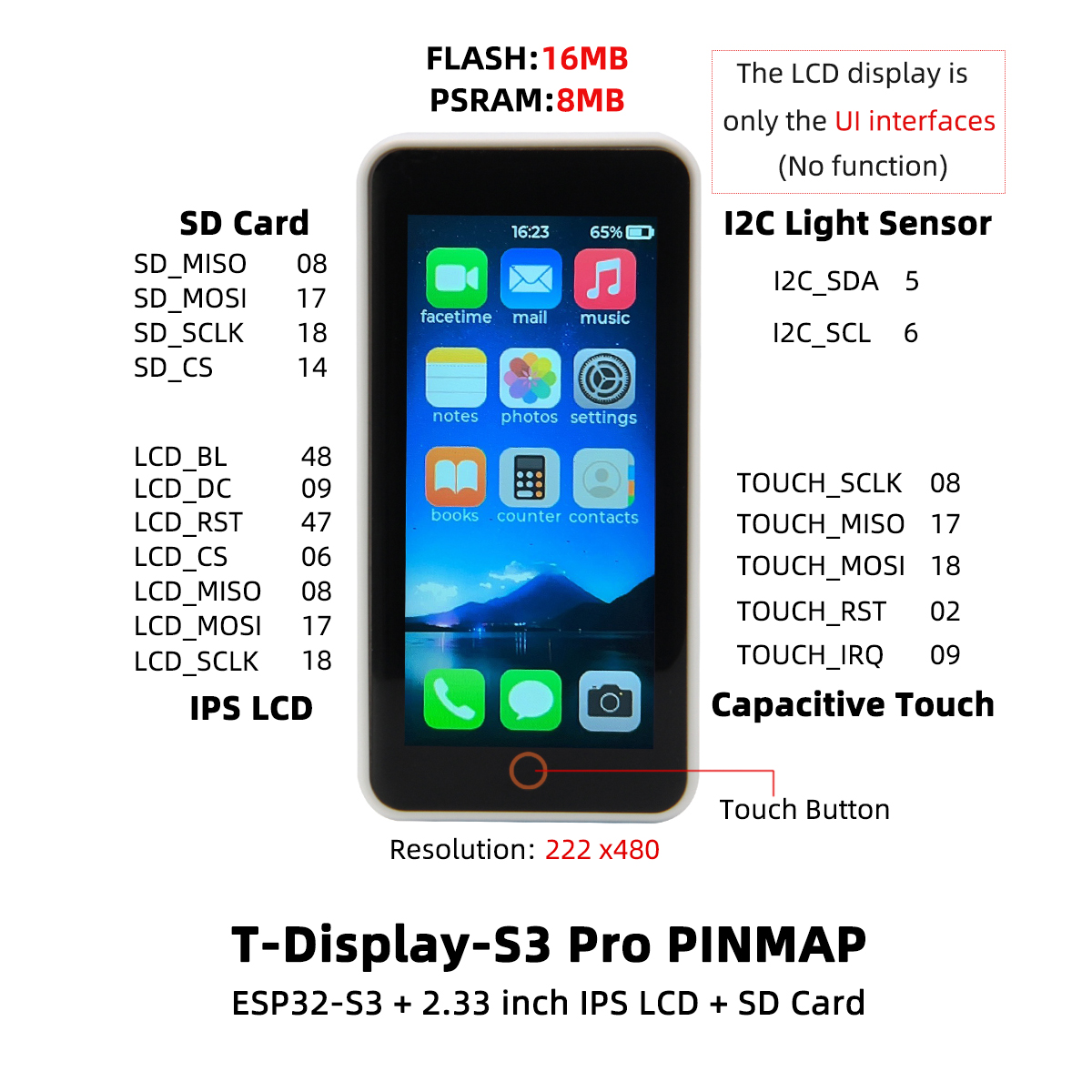
T-Display S3 Pro is a high-performance development board based on ESP32-S3R8 (16 MB Flash, 8 MB OPI PSRAM). Features a 2.2-inch ST7789V2 IPS display (222 × 480), CST816S capacitive touch, SY6970 PMU (1.5 A charging, OTG output), LTR553 ambient light/proximity sensor, optional MPU9250/MPU6050 motion sensor, DVP camera expansion connector (OV2640/OV5640), TF card slot, and 2 × STEMMA QT/QWIIC. V1.1 uses a constant-current backlight driver for improved display stability.
Quick Start
Example Support
| Example | PlatformIO/Arduino | ESP-IDF | Description |
|---|---|---|---|
| T-Display-S3-Pro | ✓ | Factory, Arduino_GFX, PMU, USB HID, camera examples |
PlatformIO
- Install Visual Studio Code and Python
- Search for and install the PlatformIO IDE extension in VS Code
- Clone:
git clone https://github.com/Xinyuan-LilyGO/T-Display-S3-Pro.git - Open
platformio.iniand under[platformio]uncomment the desired environment - Click ✓ to compile, click → to upload
Arduino
- Install Arduino IDE
- Add ESP32 boards URL:
https://raw.githubusercontent.com/espressif/arduino-esp32/gh-pages/package_esp32_index.json - Copy the project
libfolder to your Arduino libraries folder - In Tools → Board, configure:
| Arduino IDE Setting | Value |
|---|---|
| Board | ESP32S3 Dev Module |
| Upload Speed | 921600 |
| USB CDC On Boot | Enabled |
| USB DFU On Boot | Disabled |
| CPU Frequency | 240 MHz (WiFi) |
| Flash Mode | QIO 80 MHz |
| Flash Size | 16MB (128Mb) |
| Partition Scheme | 16M Flash (3MB APP/9.9MB FATFS) |
| PSRAM | OPI PSRAM |
- Click Upload
Development Platforms
Video
Key Features
- ESP32-S3R8 dual-core LX7 @ 240 MHz, 16 MB Flash, 8 MB OPI PSRAM
- 2.2-inch ST7789V2 IPS (222 × 480), CST816S capacitive touch
- SY6970 PMU (1.5 A charging, power path, OTG 5 V/500 mA output)
- LTR553 ambient light/proximity sensor, optional MPU9250/MPU6050 IMU
- DVP camera connector (OV2640/OV5640), TF card, 2 × STEMMA QT/QWIIC
- 2 × 13-pin dual-row expansion header
- 56.5 × 56.5 × 9.6 mm, 4 × 2 mm mounting holes
Product Parameters
| Feature | Specification |
|---|---|
| MCU | ESP32-S3R8 @ Dual-core LX7, 240 MHz |
| Flash | 16 MB |
| PSRAM | 8 MB (OPI PSRAM) |
| Wi-Fi | 2.4 GHz 802.11 b/g/n |
| Bluetooth | Bluetooth 5.0 LE |
| Display | 2.2-inch ST7789V2 IPS, 222 × 480 |
| Touch | CST816S capacitive, I²C (0x15) |
| PMU | SY6970 (1.5 A charge, OTG) |
| Light Sensor | LTR553 (I²C 0x23) |
| Motion Sensor | MPU9250/MPU6050 (optional) |
| Camera | DVP (OV2640/OV5640 compatible) |
| Storage | TF card slot (SPI) |
| USB | 1 × Type-C (OTG capable) |
| Expansion | 2 × STEMMA QT/QWIIC + 2×13 dual-row header |
| Mounting Holes | 4 × 2 mm |
| Dimensions | 56.5 × 56.5 × 9.6 mm |
Electrical Parameters
| Feature | Details |
|---|---|
| USB-C Input Voltage | 3.9 V - 6 V |
| USB-C Output Voltage | 4.55 V - 5.55 V |
| USB-C Output Current | 0.5 A - 1 A |
| Charge Current | 0 - 5056 mA (programmable) |
| Battery Voltage | 3840 - 4608 mV (programmable) |
| Battery Capacity | 3800 mV / 470 mAh |
| Battery Connector | ACHL connector 1.2 mm |
| Charge Temperature | 0 - 60°C |
Recommended charging current: < 200 mA. The charging current should not exceed half of the battery capacity. When no battery is connected, disable charging to keep power stable.
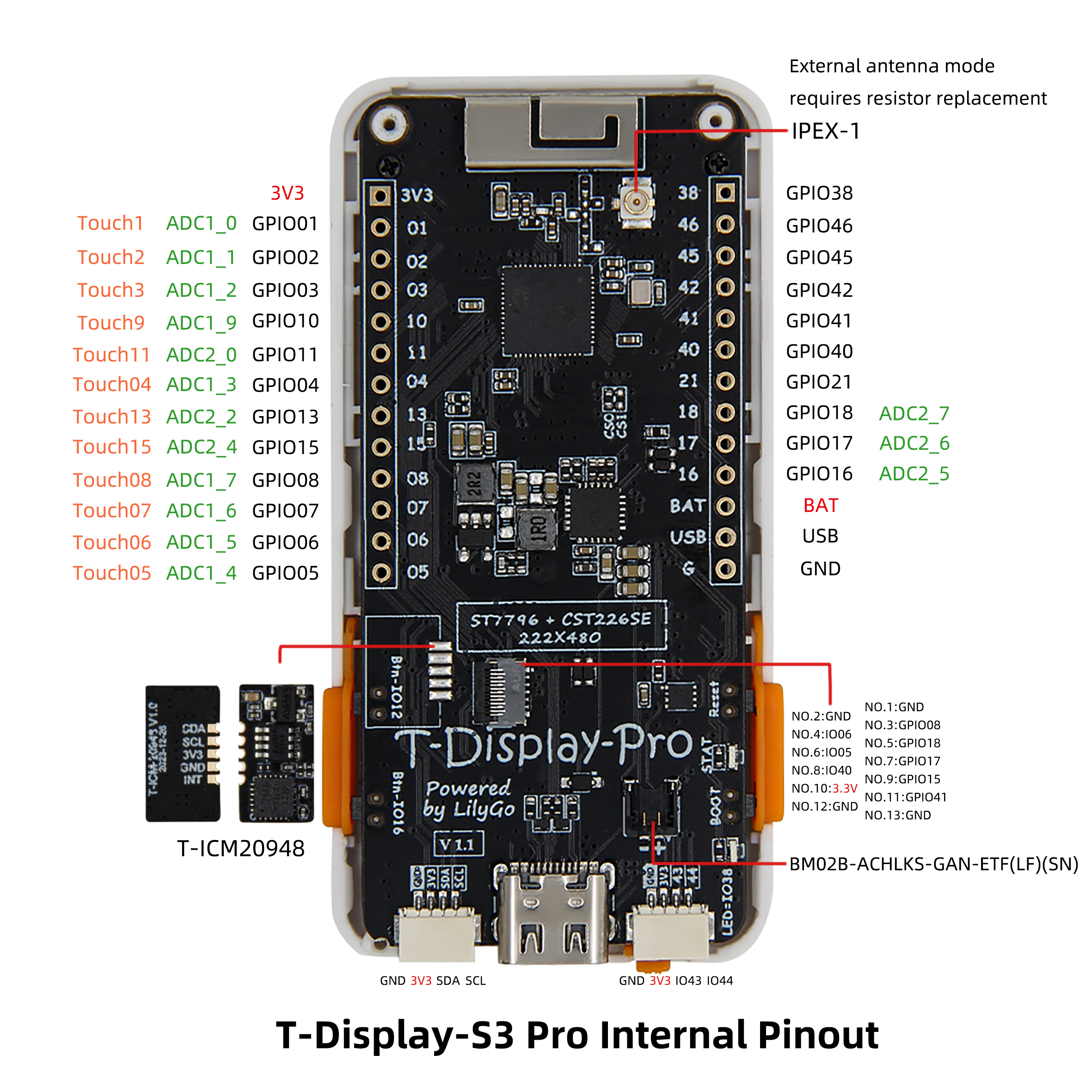
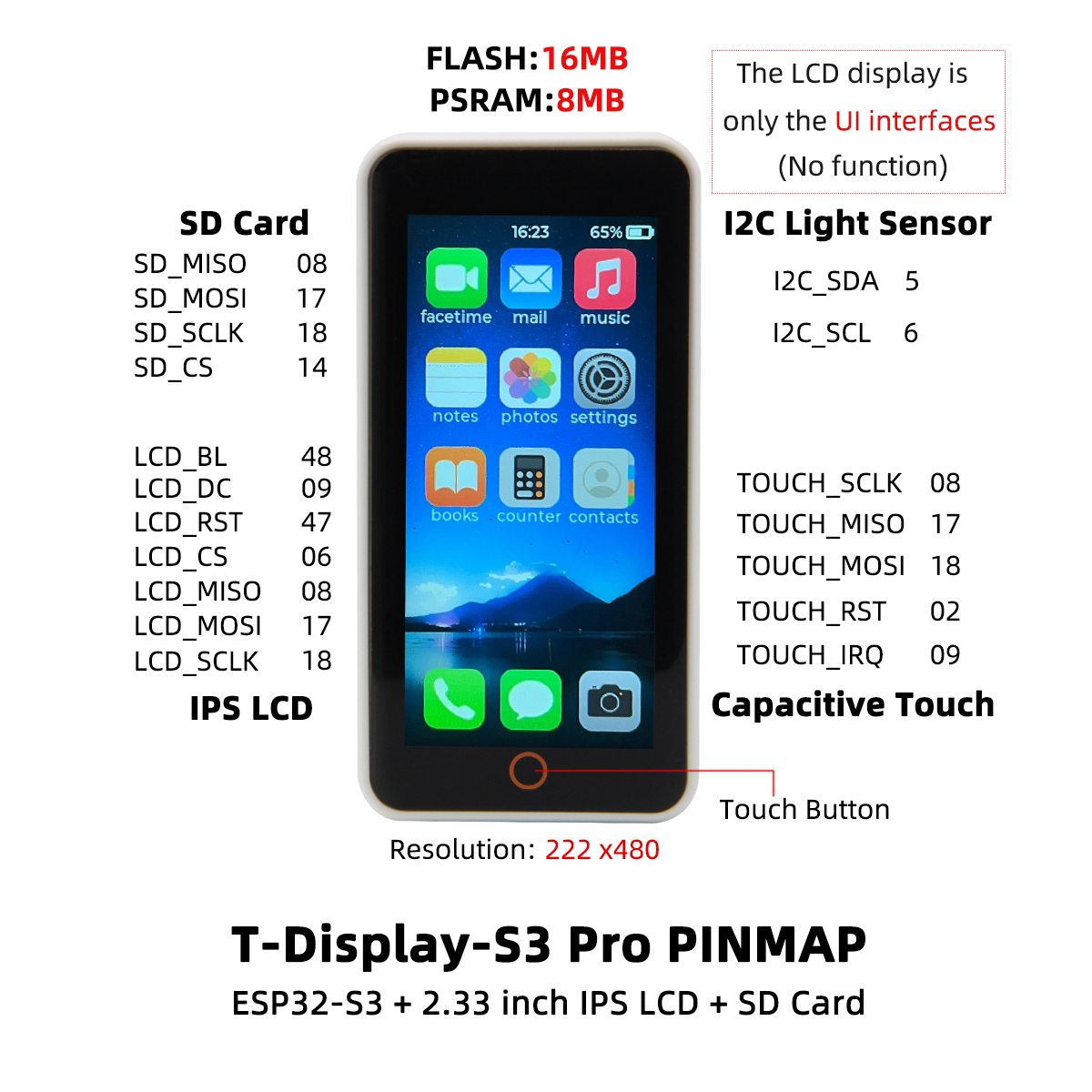
Pin Diagram
Dimension Diagram
Schematic
Datasheet
Software Development
Dependent Libraries
FAQ
Q. Why does my board keep failing to upload? A. Hold BOOT, press RST once, release RST while still holding BOOT, then start the upload.
Q. How do I distinguish V1.0 from V1.1? A. Look for "V1.1" printed near the USB-C port. V1.1 uses a constant-current backlight driver — use the corresponding example.
Q. When no battery is connected, the device reboots repeatedly? A. Without a battery, disable charging:
PMU.disableCharge(). See thePMU_Examplefor reference.Q. The screen stays black or backlight is abnormal? A. Check that backlight configuration matches your board version (V1.0: PWM, V1.1: constant-current).
Version History
| Version | Release Date | Update Description |
|---|---|---|
| T-Display-S3-Pro V1.0 | 2023-08-01 | Initial version, PWM backlight |
| T-Display-S3-Pro V1.1 | 2023-11-01 | Upgraded to constant-current backlight driver |