
T-Display-AMOLED-Lite get it now
Overview
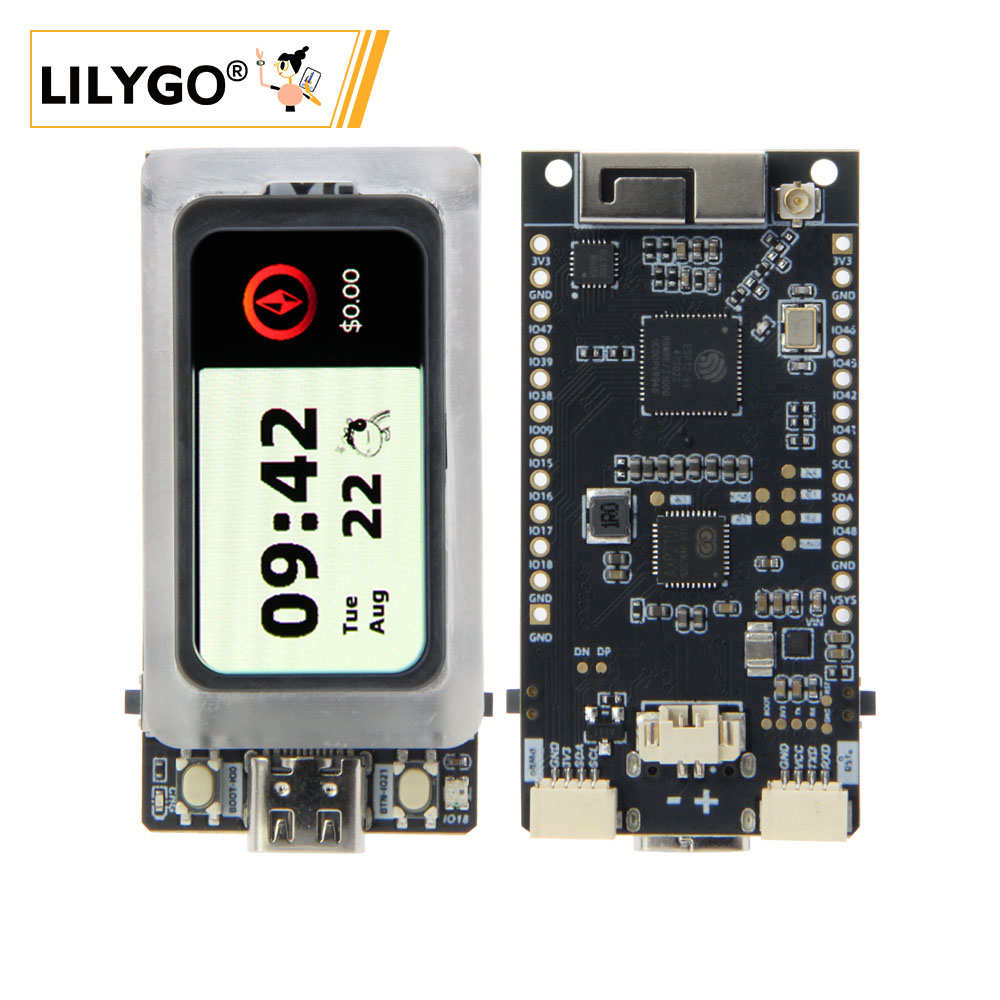
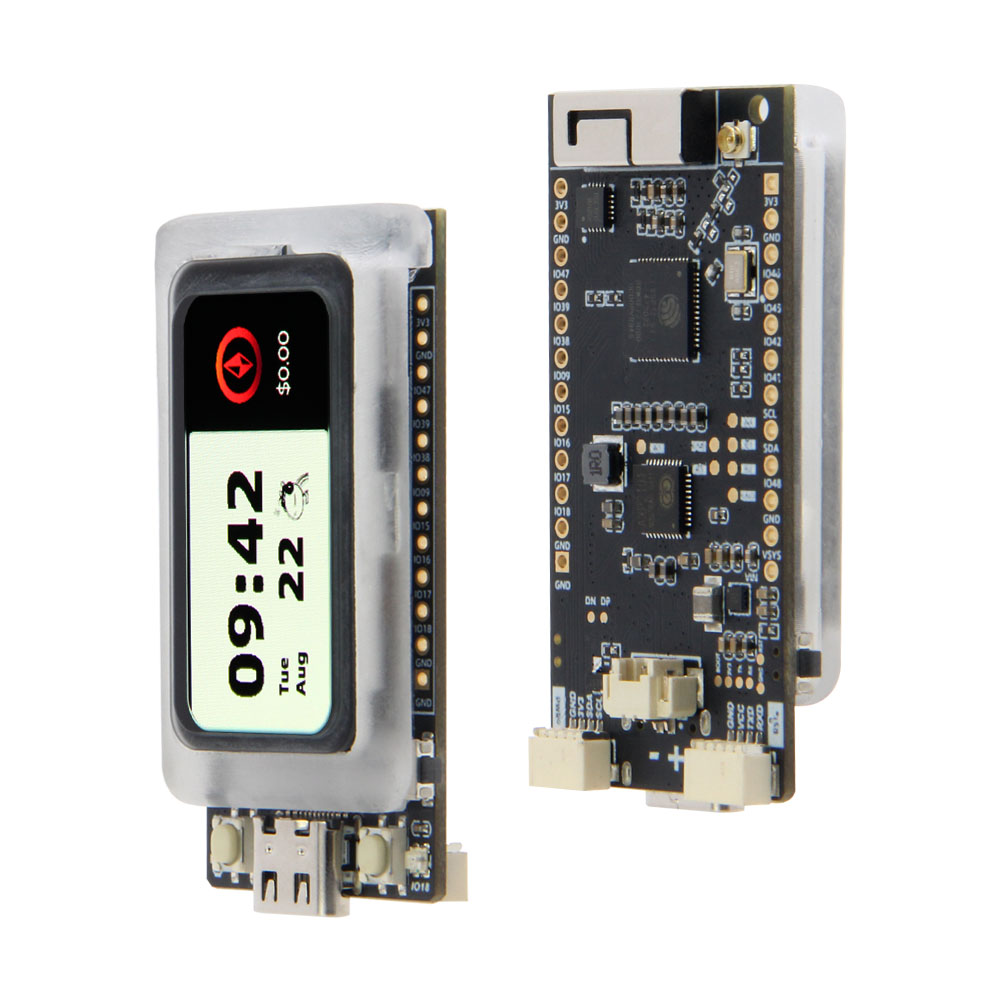
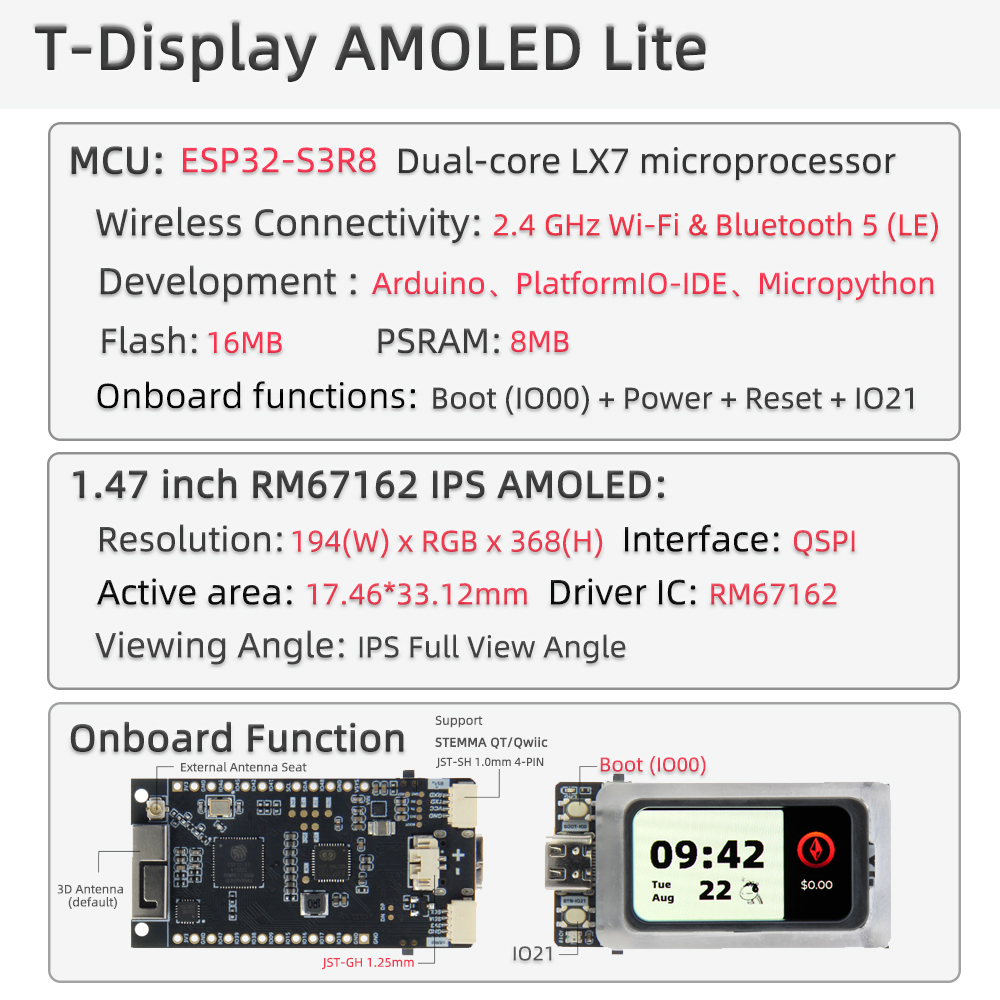
LILYGO T-Display-AMOLED-Lite is a compact development board based on ESP32-S3R8 (dual-core LX7, 240 MHz) featuring a 1.47-inch SH8501B0 AMOLED display (194 × 368 pixels, 450 nits). It integrates a CHSC5816 capacitive touchscreen, AXP2101 power management unit, CM32181A3OP ambient light sensor, 16 MB Flash, and 8 MB OPI PSRAM. With deep-sleep current as low as ~1.1 mA and a small form factor, it is ideal for wearable devices, portable IoT dashboards, and low-power display applications.
Note: This board does not support hardware screen rotation.
Quick Start
Example Support
| Example | PlatformIO/Arduino | ESP-IDF | Description |
|---|---|---|---|
| LilyGo-AMOLED-Series | ✓ | AMOLED display, LVGL, TFT_eSPI, touch, PMU, light sensor examples |
PlatformIO
- Install Visual Studio Code and Python
- Search for and install the PlatformIO IDE extension in VS Code
- Open the
LilyGo-AMOLED-Seriesproject folder - Open
platformio.ini, uncomment theT-Display-AMOLEDenvironment - Click ✓ to compile, connect via USB-C, click → to upload
Arduino
- Install Arduino IDE and Arduino ESP32
- In Tools → Board, configure:
| Arduino IDE Setting | Value |
|---|---|
| Board | ESP32S3 Dev Module |
| USB CDC On Boot | Enable |
| Flash Size | 16MB (128Mb) |
| Partition Scheme | 16M Flash (3MB APP/9.9MB FATFS) |
| PSRAM | OPI PSRAM |
| Upload Speed | 921600 |
| USB Mode | CDC and JTAG |
- Open an example from the
examples/folder, select the correct port and click Upload
Related Videos
Key Features
- ESP32-S3R8 dual-core LX7 @ 240 MHz, Wi-Fi 2.4 GHz + Bluetooth 5.0
- 1.47-inch SH8501B0 AMOLED, 194 × 368 px, 450 nits, QSPI interface
- CHSC5816 capacitive touch controller
- AXP2101 power management unit with battery charging
- CM32181A3OP ambient light sensor
- 16 MB Flash, 8 MB OPI PSRAM
- Deep-sleep current ~1.1 mA, timer wakeup supported
- Onboard RGB LED (WS2812 compatible)
- 2 × user buttons (GPIO0, GPIO21)
- USB-C for power and programming
Specifications
| Parameter | Value |
|---|---|
| SOC | ESP32-S3R8, Dual-core LX7 @ 240 MHz |
| Flash | 16 MB |
| PSRAM | 8 MB (OPI) |
| Wireless | Wi-Fi 2.4 GHz 802.11 b/g/n, Bluetooth 5.0 |
| Display | 1.47-inch SH8501B0 AMOLED, 194 × 368 px, 450 nits |
| Touch | CHSC5816 capacitive touch |
| PMU | AXP2101 |
| Light Sensor | CM32181A3OP |
| Working Current | 90 ~ 230+ mA (240 MHz, Wi-Fi on) |
| Sleep Current | ~1.1 mA |
| USB | 1 × USB-C |
| Battery | Li-Po, integrated charging via AXP2101 |
Pin Diagram
Display
| SH8501B0 | D0 | D1 | D2 | D3 | SCK | CS | RST | TE |
|---|---|---|---|---|---|---|---|---|
| ESP32-S3 | GPIO7 | GPIO10 | GPIO11 | GPIO12 | GPIO5 | GPIO4 | GPIO40 | GPIO6 |
Touch
| CHSC5816 | SDA | SCL | IRQ | RST |
|---|---|---|---|---|
| ESP32-S3 | GPIO1 | GPIO2 | GPIO13 | GPIO14 |
PMU
| AXP2101 | SDA | SCL | IRQ |
|---|---|---|---|
| ESP32-S3 | GPIO1 | GPIO2 | GPIO3 |
Light Sensor
| CM32181A3OP | SDA | SCL | IRQ |
|---|---|---|---|
| ESP32-S3 | GPIO1 | GPIO2 | GPIO8 |
Button
| ESP32-S3 | BOOT | USER |
|---|---|---|
| GPIO0 | GPIO21 |
RGB LED
| ESP32-S3 | DATA |
|---|---|
| GPIO18 |
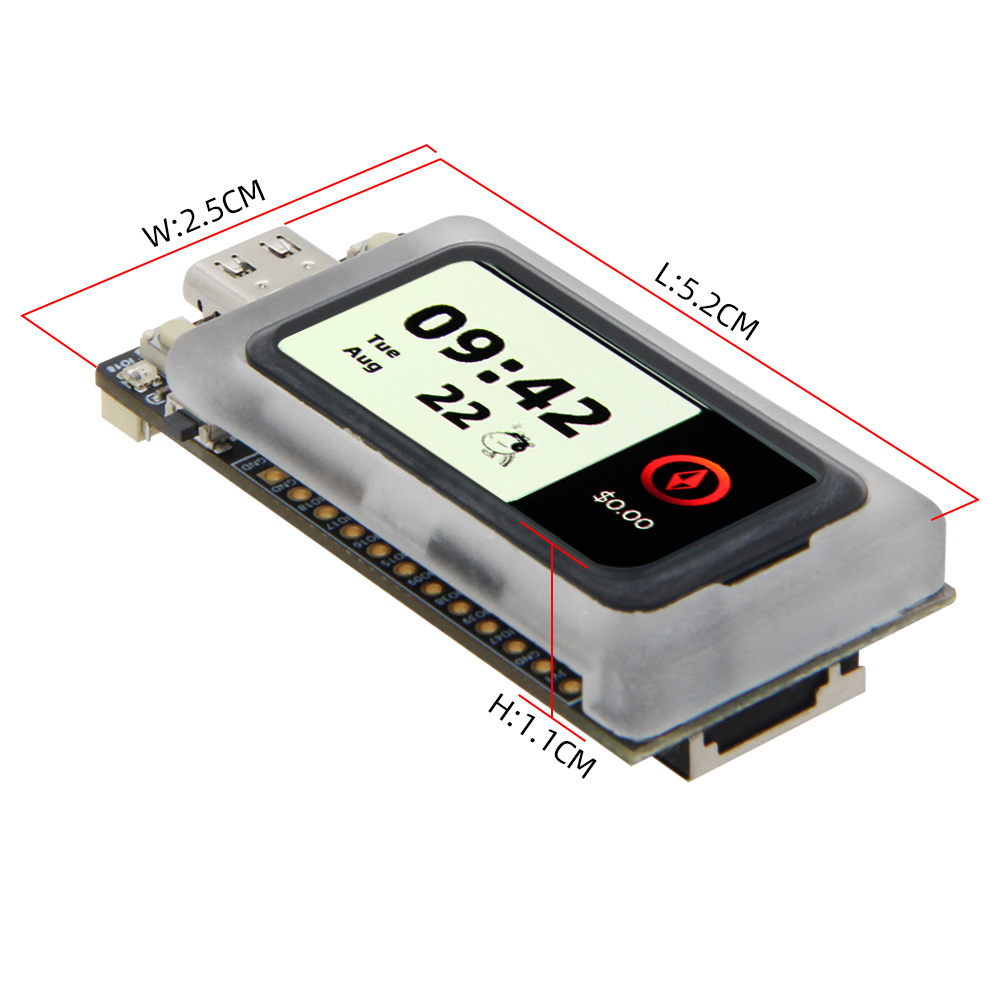
Dimensions
Schematic
Datasheet
- ESP32-S3 Datasheet
- SH8501B0 Datasheet
- AXP2101 Datasheet
- CHSC5816 Touch Controller
- CM32181A3OP Ambient Light Sensor
Software Libraries
Dependent Libraries
- TFT_eSPI
- LVGL
- Arduino GFX
- XPowersLib — AXP2101 driver
FAQ
Q. Display shows nothing after upload? A. Ensure PSRAM is set to OPI PSRAM in Arduino IDE. In PlatformIO, verify you are using the
T-Display-AMOLEDenvironment with-DBOARD_HAS_PSRAMbuild flag.Q. Does this board support screen rotation? A. No. The 1.47-inch SH8501B0 AMOLED does not support hardware screen rotation. Software rotation may degrade performance.
Q. Can GPIO18 be used as a general-purpose pin? A. GPIO18 is connected to the onboard RGB LED (WS2812). Avoid repurposing it unless the LED is not needed.
Q. The touch is not responding after reset? A. Power-cycle the board fully (disconnect USB). The CHSC5816 touch controller requires proper power sequencing to initialize correctly.
Changelog
| Version | Date | Notes |
|---|---|---|
| V1.0 | Initial release |