
T-Circle get it now
Overview
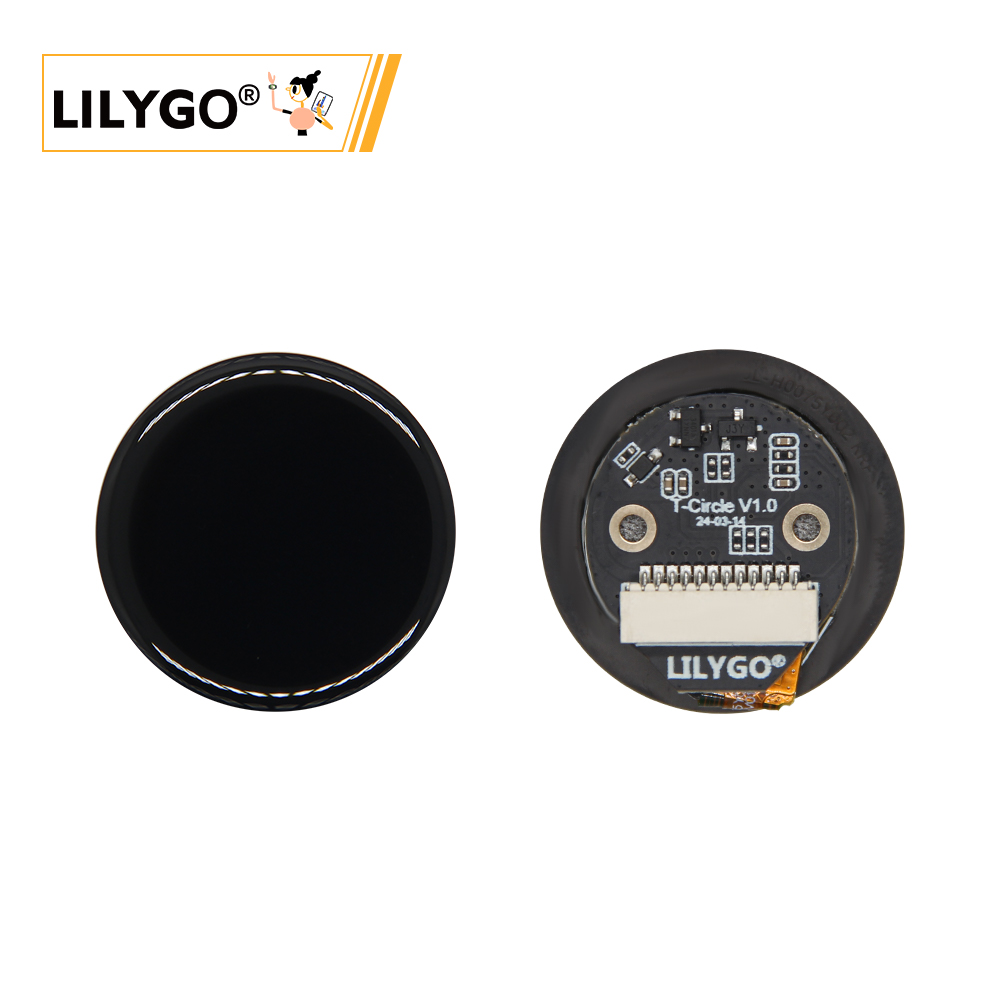
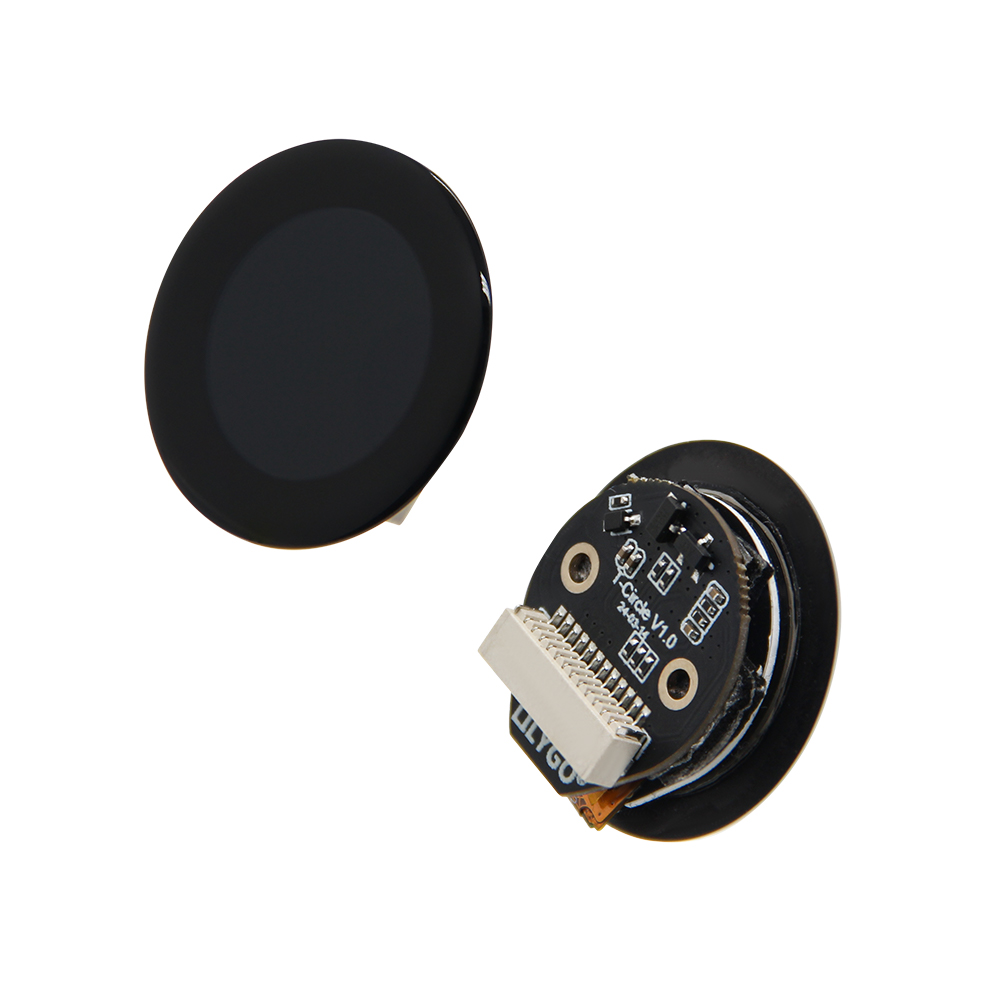
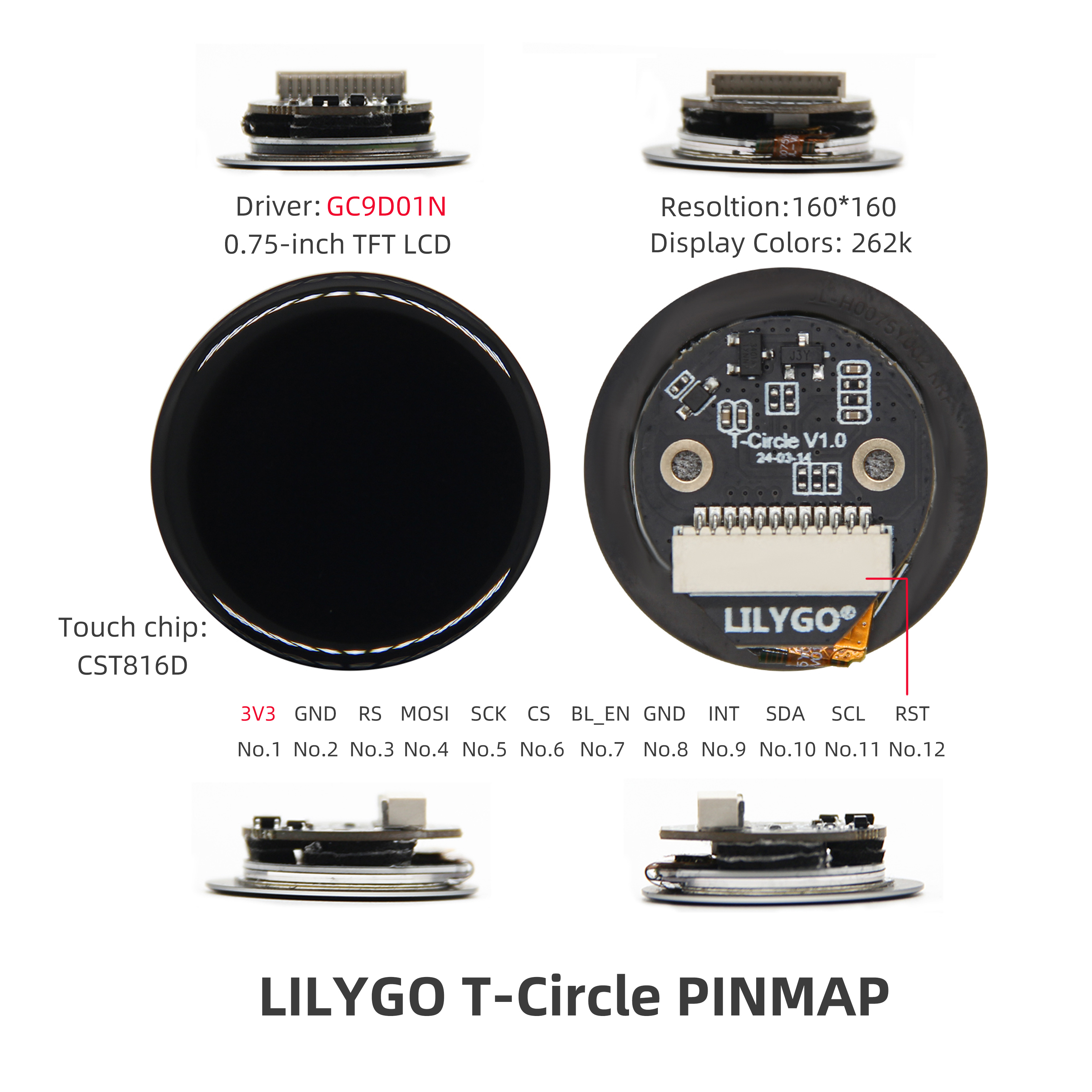
LILYGO T-Circle is a circular screen development board based on ESP32. It features a 0.75-inch GC9D01N TFT LCD circular display with 160 × 160 resolution and 262K color support, equipped with CST816D capacitive touch chip for precise touch interaction. The hardware connects to external devices through 12 pins (including 3V3 power supply, SPI interface MOSI/SCK/CS, I2C communication SDA/SCL, and BLE enable pin BLEEN), compatible with development frameworks like Arduino. Its compact design integrates high-precision display, touch control, and low-power communication functions, suitable for smart watches, IoT device interfaces, or prototype development of micro embedded systems.
Note: T-Circle is the ESP32 version. For the ESP32-S3 version, see T-Circle S3.
Quick Start
Example Support
| Example | PlatformIO/Arduino | ESP-IDF | Description |
|---|---|---|---|
| T-Circle | ✓ | Basic display and touch examples |
PlatformIO
- Install Visual Studio Code and Python
- Search for and install the PlatformIO IDE extension in VS Code
- Open the
T-Circleproject folder - Open
platformio.iniand select your example - Click ✓ to compile, connect via USB-C, click → to upload
Arduino
- Install Arduino IDE
- Install Arduino ESP32
- In Tools → Board, configure:
| Arduino IDE Setting | Value |
|---|---|
| Board | ESP32 Dev Module |
| Upload Speed | 921600 |
| CPU Frequency | 240 MHz (WiFi) |
| Flash Mode | QIO 80 MHz |
| Flash Size | 16MB (128Mb) |
| Core Debug Level | None |
| Partition Scheme | Default Configuration |
| PSRAM | Enabled |
- Click Upload
Development Platforms
Video
Key Features
- ESP32, 16 MB Flash, 8 MB PSRAM (Octal SPI), Wi-Fi + Bluetooth
- 0.75-inch GC9D01N TFT LCD (160 × 160), 262K color
- CST816D capacitive touch, I²C
- 12-pin expansion interface
- 2 × M1.6 mounting holes, 32 × 17 mm
Product Parameters
| Feature | Specification |
|---|---|
| MCU | ESP32 |
| Flash | 16 MB |
| PSRAM | 8 MB (Octal SPI) |
| Wi-Fi | 2.4 GHz 802.11 b/g/n |
| Bluetooth | Bluetooth LE |
| Display | 0.75-inch GC9D01N TFT LCD, 160 × 160 |
| Touch | CST816D capacitive, I²C |
| Expansion | 12-pin header |
| Power | 5 V / 500 mA |
| Mounting Holes | 2 × M1.6 |
| Dimensions | 32 × 17 mm |
Pin Diagram
Dimension Diagram
Schematic
Datasheet
Software Development
Dependent Libraries
FAQ
Q. Why does my board keep failing to upload programs? A. Hold down the BOOT button, then press the RST button once, then click Upload to enter download mode.
Q. What's the difference between T-Circle and T-Circle S3? A. T-Circle uses ESP32 as the main controller, while T-Circle S3 uses the more powerful ESP32-S3. Choose the appropriate version according to your project requirements.
Version History
| Version | Release Date | Update Description |
|---|---|---|
| T-Circle V1.0 | 2021-03-14 | Initial version |