
T-Display S3 Long get it now
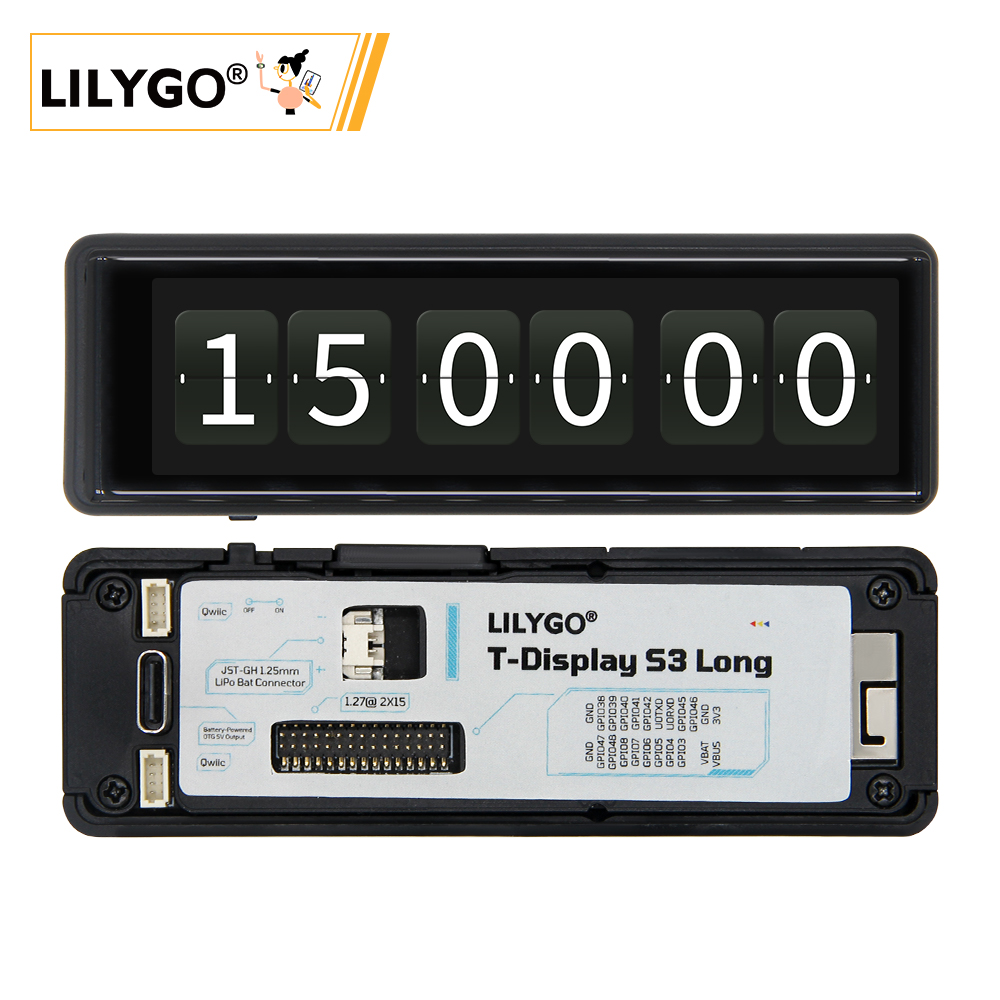
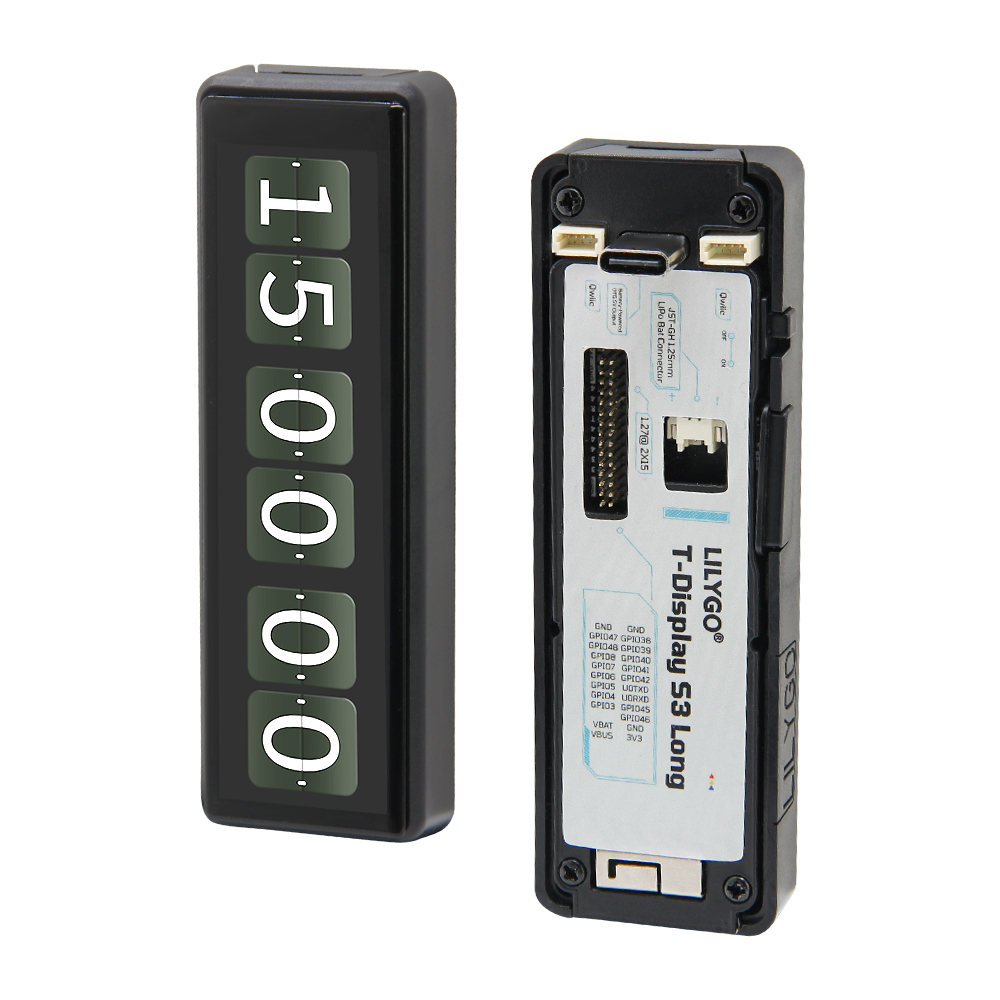
Overview
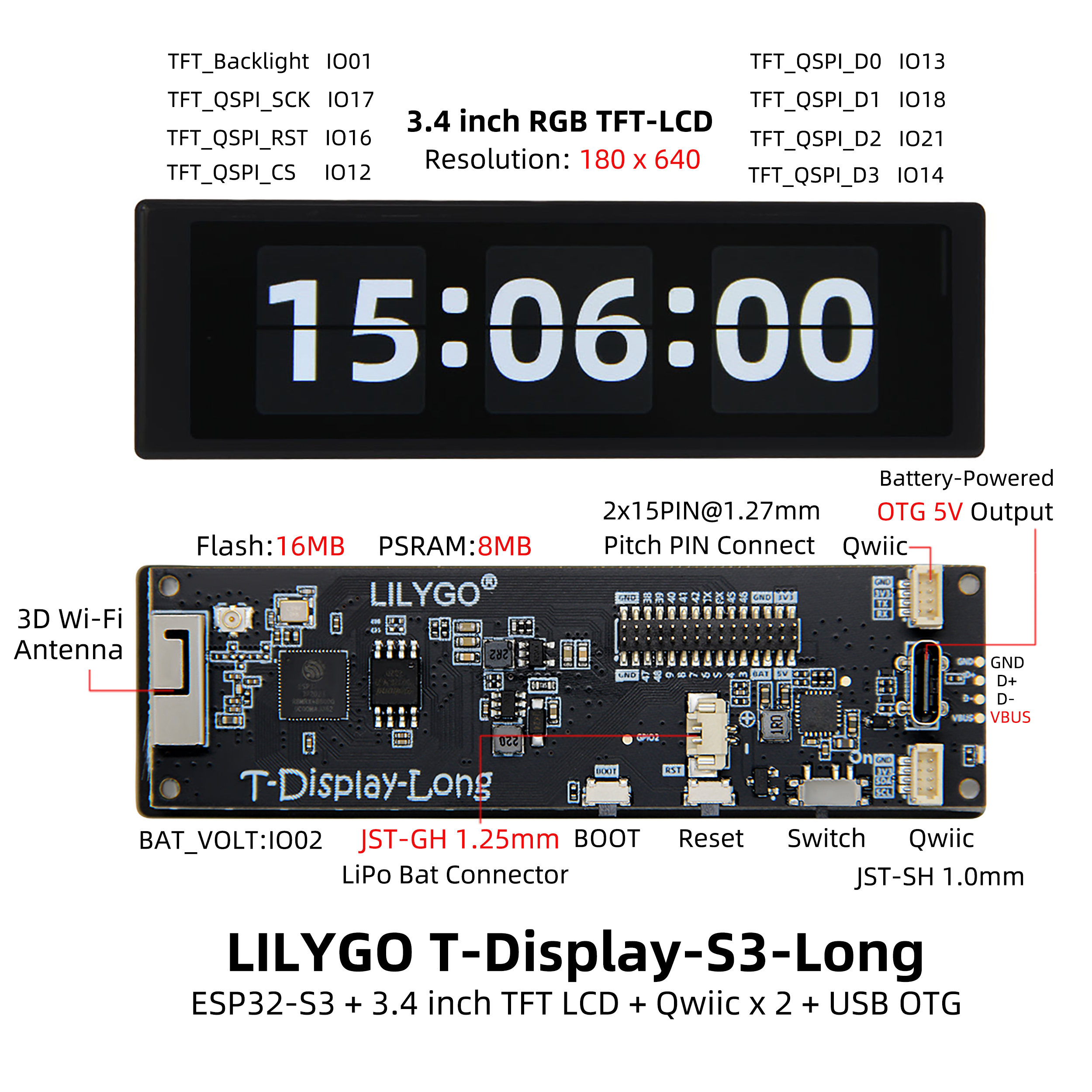
T-Display S3 Long is a long-strip display development board based on ESP32-S3R8 (16 MB Flash, 8 MB OPI PSRAM). Features a 180 × 640 AMOLED display driven by AXS15231B (SPI/QSPI), capacitive touch screen, built-in PMU supporting battery charge/discharge management and OTG output, QWIIC sensor interface, and Type-C USB. Supports Wi-Fi 802.11 b/g/n + Bluetooth 5.0. Suitable for smart home control panels, industrial instrument displays, and information display terminals.
Quick Start
Example Support
| Example | PlatformIO/Arduino | ESP-IDF | Description |
|---|---|---|---|
| T-Display-S3-Long | ✓ | Display, touch, LVGL, QWIIC examples |
PlatformIO
- Install Visual Studio Code and Python
- Search for and install the PlatformIO IDE extension in VS Code
- Open the
T-Display-S3-Longproject folder - Open
platformio.iniand uncomment the desired example in[platformio] - Click ✓ to compile, connect via USB-C, click → to upload
Arduino
- Install Arduino IDE
- Install Arduino ESP32
- Copy all files in
T-Display-S3-Long/libto your Arduino library folder - In Tools → Board, configure:
| Arduino IDE Setting | Value |
|---|---|
| Board | ESP32S3 Dev Module |
| Upload Speed | 921600 |
| USB Mode | Hardware CDC and JTAG |
| USB CDC On Boot | Enabled |
| CPU Frequency | 240 MHz (WiFi) |
| Flash Mode | QIO 80 MHz |
| Flash Size | 16MB (128Mb) |
| Core Debug Level | None |
| Partition Scheme | 16M Flash (3MB APP/9.9MB FATFS) |
| PSRAM | OPI PSRAM |
| Arduino Runs On | Core 1 |
| Events Run On | Core 1 |
- Click Upload
Development Platforms
- PlatformIO — Recommended
- Arduino IDE
- ESP-IDF
Video
Key Features
- ESP32-S3R8 dual-core LX7 @ 240 MHz, Wi-Fi + Bluetooth 5.0
- 180 × 640 AMOLED, AXS15231B driver (SPI/QSPI)
- Capacitive touch screen, QWIIC sensor interface
- Built-in PMU: battery charge/discharge management, OTG output
- Sleep current: 1.1 mA; GPIO wakeup supported
Product Parameters
| Feature | Specification |
|---|---|
| MCU | ESP32-S3R8 @ Dual-core LX7, 240 MHz |
| Flash | 16 MB |
| PSRAM | 8 MB (OPI PSRAM) |
| Wi-Fi | 2.4 GHz 802.11 b/g/n |
| Bluetooth | Bluetooth 5.0 LE |
| Display | 180 × 640 AMOLED, AXS15231B |
| Touch | Capacitive, I²C |
| PMU | Built-in (battery + OTG) |
| USB | 1 × Type-C |
| Expansion | QWIIC sensor interface |
| Power (working) | 90–350 mA |
| Power (sleep) | 1.1 mA |
Pin Diagram
Pin Mapping
#define TFT_QSPI_CS     12
#define TFT_QSPI_SCK    17
#define TFT_QSPI_D0     13
#define TFT_QSPI_D1     18
#define TFT_QSPI_D2     21
#define TFT_QSPI_D3     14
#define TFT_QSPI_RST    16
#define TFT_BL          1

#define PIN_BAT_VOLT    2
#define PIN_BUTTON_1    0
#define SPI_SD_CS       38
#define SPI_SD_MOSI     39
#define SPI_SD_MISO     41
#define SPI_SD_SCLK     40

#define TOUCH_IICSCL    10
#define TOUCH_IICSDA    15
#define TOUCH_INT       11
#define TOUCH_RES       16
Dimension Diagram
Schematic
Datasheet
Software Development
Dependent Libraries
- LVGL 8.3.0 — Note: do not upgrade; forced software rotation enabled
- XPowersLib
- Arduino_GFX
- Adafruit_BusIO
FAQ
Q. What to do if the development board cannot flash programs? A. Hold BOOT, press RST, release RST first, then release BOOT to enter download mode.
Q. How to use OTG function? A. Enable via PMU API:
PMU.enableOTG()/PMU.disableOTG().Q. Battery charging indicator flashing? A. When no battery is connected, the status LED will flash. Use
PMU.disableStatLed()to turn off the indicator.
Version History
| Version | Release Date | Update Description |
|---|---|---|
| T-Display-S3-Long V1.0 | — | Initial version: 180×640 AMOLED long-strip display |