
T-ETH Elite
Overview
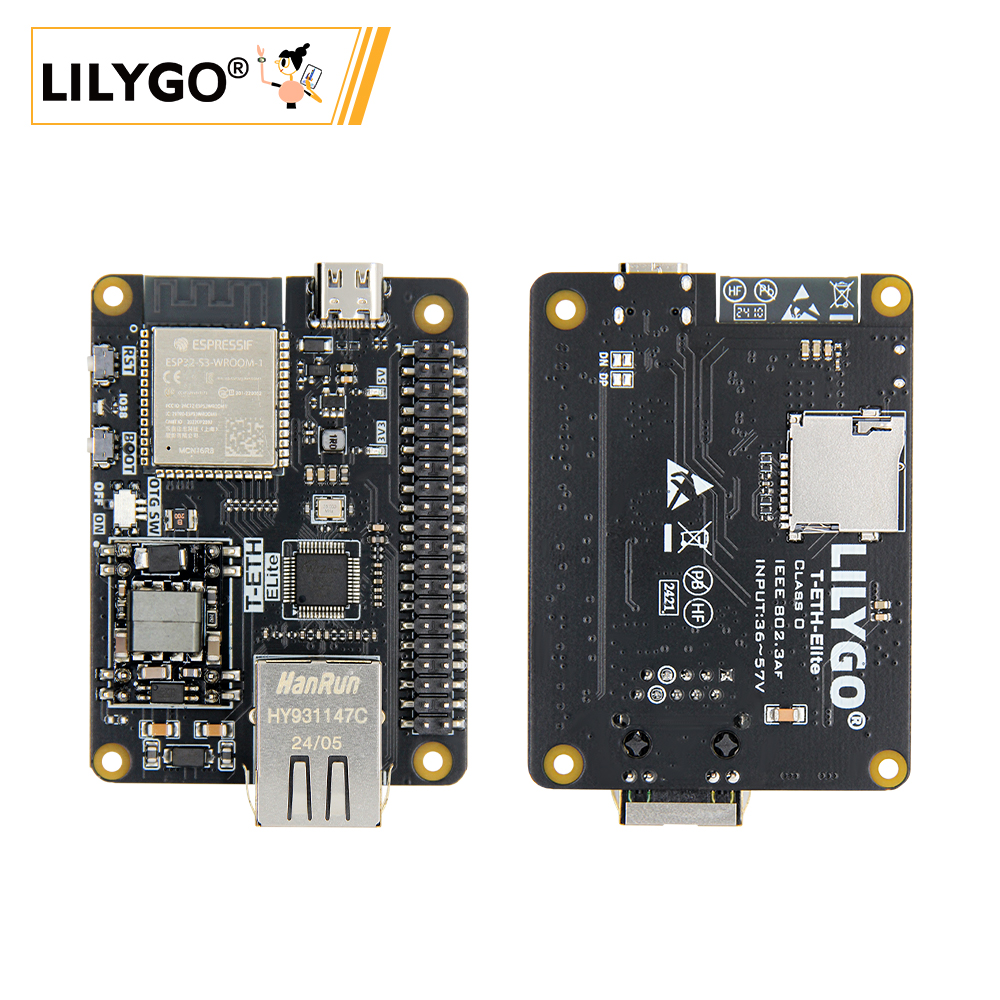
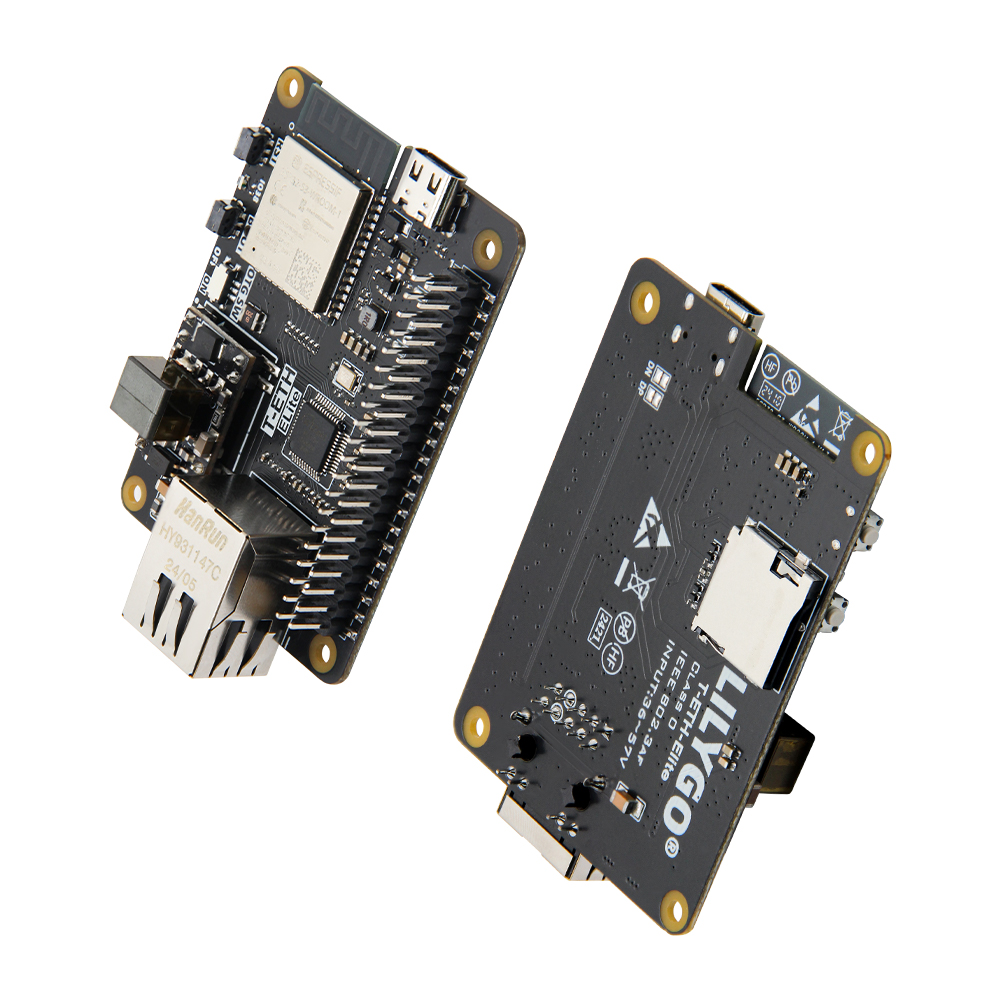
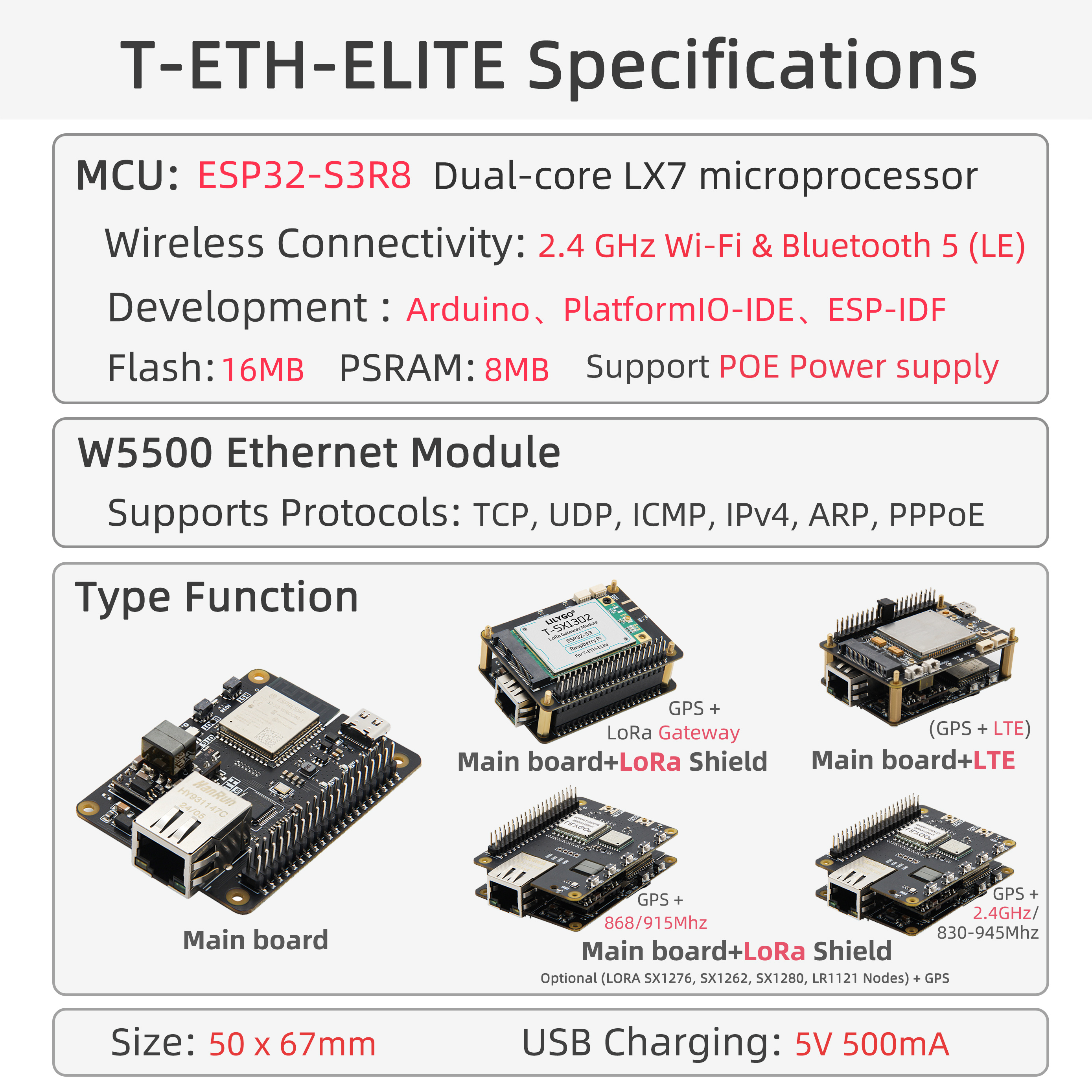
T-ETH Elite is a high-performance IoT development board based on ESP32-S3R8 (16 MB Flash, 8 MB PSRAM). Integrates W5500 Ethernet controller and PoE (IEEE 802.3af Class 0, 36–57 V), 40-PIN GPIO (Raspberry Pi compatible), TF card slot (SPI), USB OTG (Type-C), and UART. Supports hybrid wired/wireless networking (Wi-Fi + BT + Ethernet). Stackable with expansion boards: LoRa gateway (SX1302), LoRa end node, and LTE modules. 50 × 67 × 17 mm.
Quick Start
Example Support
| Example | PlatformIO/Arduino | ESP-IDF | Description |
|---|---|---|---|
| T-ETH-Series Examples | ✓ | Ethernet, LoRa gateway, LTE examples |
PlatformIO
- Install Visual Studio Code and Python
- Search for and install the PlatformIO IDE extension in VS Code
- Clone the LilyGO-T-ETH-Series repository
- Open
platformio.iniand uncomment the desired example - Click ✓ to compile, click → to upload
Arduino
- Install Arduino IDE
- Add ESP32 boards URL:
https://raw.githubusercontent.com/espressif/arduino-esp32/gh-pages/package_esp32_index.json - In Tools → Board, configure:
| Arduino IDE Setting | Value |
|---|---|
| Board | ESP32S3 Dev Module |
| Upload Speed | 921600 |
| USB Mode | Hardware CDC and JTAG |
| USB CDC On Boot | Disabled |
| USB Firmware MSC On Boot | Disabled |
| USB DFU On Boot | Disabled |
| CPU Frequency | 240 MHz (WiFi) |
| Flash Mode | QIO 80 MHz |
| Flash Size | 16MB (128Mb) |
| Core Debug Level | None |
| Partition Scheme | 16M Flash (3MB APP/9.9MB FATFS) |
| PSRAM | OPI PSRAM |
| Arduino Runs On | Core 1 |
| Events Run On | Core 1 |
- Click Upload
Development Platforms
Video
Key Features
- ESP32-S3R8 dual-core LX7 @ 240 MHz, 16 MB Flash, 8 MB PSRAM, Wi-Fi + BT 5.0
- W5500 Ethernet + PoE (IEEE 802.3af Class 0, 36–57 V input)
- 40-PIN GPIO (Raspberry Pi compatible layout)
- Stackable expansion: LoRa gateway (SX1302/SX1262/SX1276), LoRa end node, LTE (4G/5G)
- TF card (SPI), USB OTG, 50 × 67 × 17 mm, 4 × M2.5 mounting holes
Product Parameters
| Feature | Specification |
|---|---|
| MCU | ESP32-S3R8 @ Dual-core LX7, 240 MHz |
| Flash | 16 MB |
| PSRAM | 8 MB (Octal SPI) |
| Wi-Fi | 2.4 GHz 802.11 b/g/n |
| Bluetooth | Bluetooth 5.0 LE |
| Ethernet | W5500 (TCP/UDP/IPv4) |
| PoE | IEEE 802.3af Class 0, 36–57 V |
| GPIO | 40-PIN (Raspberry Pi compatible) |
| Storage | TF card slot (SPI) |
| USB | 1 × Type-C (USB + OTG) |
| Buttons | RESET + BOOT + OTG switch + IO38 |
| Mounting Holes | 4 × M2.5 |
| Dimensions | 50 × 67 × 17 mm |
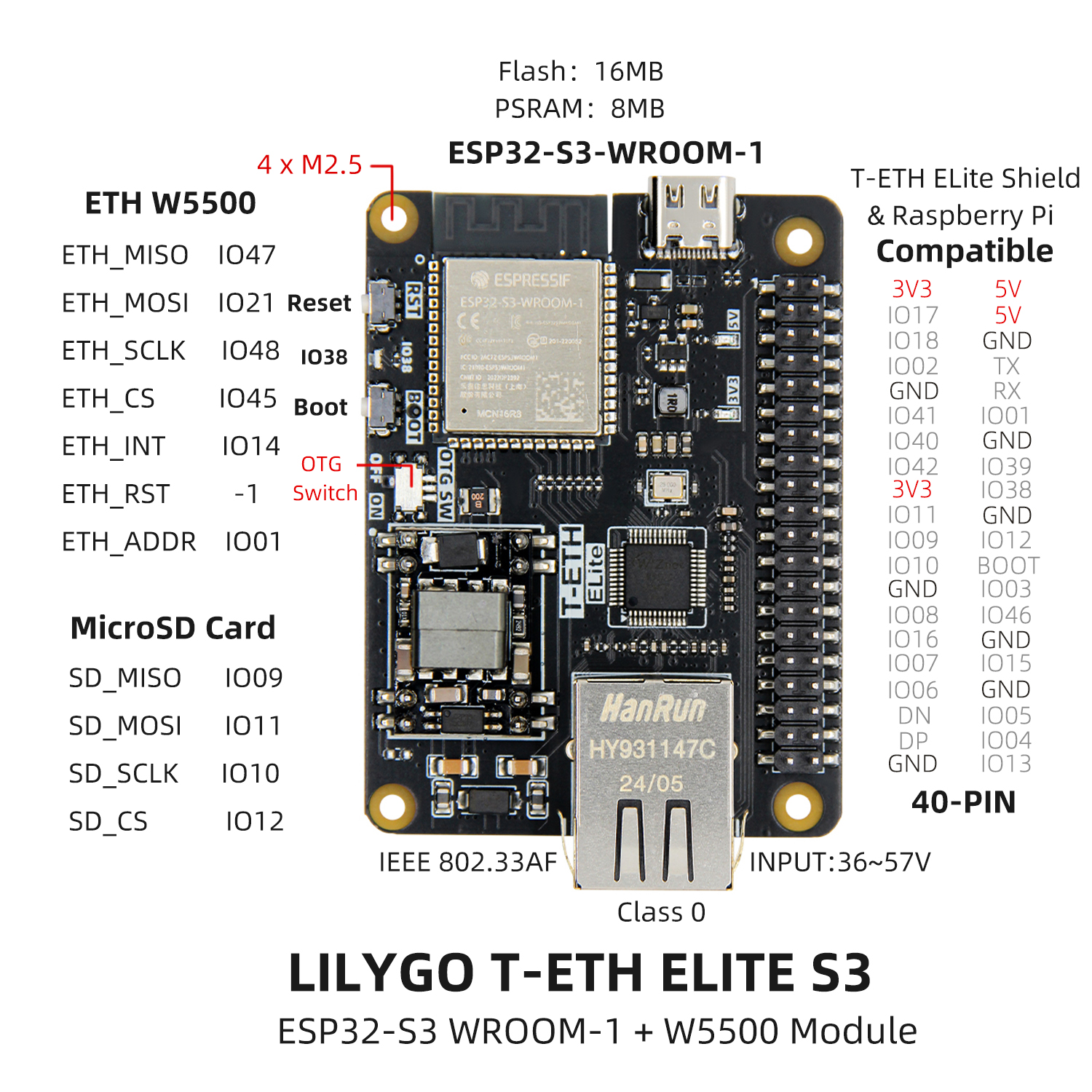
Pin Diagram
Dimension Diagram
Schematic
Datasheet
Software Development
Dependent Libraries
FAQ
Q. Why does my board keep failing to upload programs? A. Hold down the BOOT button and try uploading again.
Q. What is the PoE input voltage range? A. IEEE 802.3af Class 0, 36–57 V. Use a PoE-capable switch or injector.
Q. How do I configure the LoRa gateway? A. Connect to the ESP32 hotspot (SSID:
LilyGo-Gateway, password:12345678), open192.168.4.1, configure the frequency plan, NS host (e.g., TTN), and gateway ID, then click Apply and Restart.
Version History
| Version | Release Date | Update Description |
|---|---|---|
| T-ETH Elite V1.0 | — | Initial version |