
T-Encoder get it now
Overview
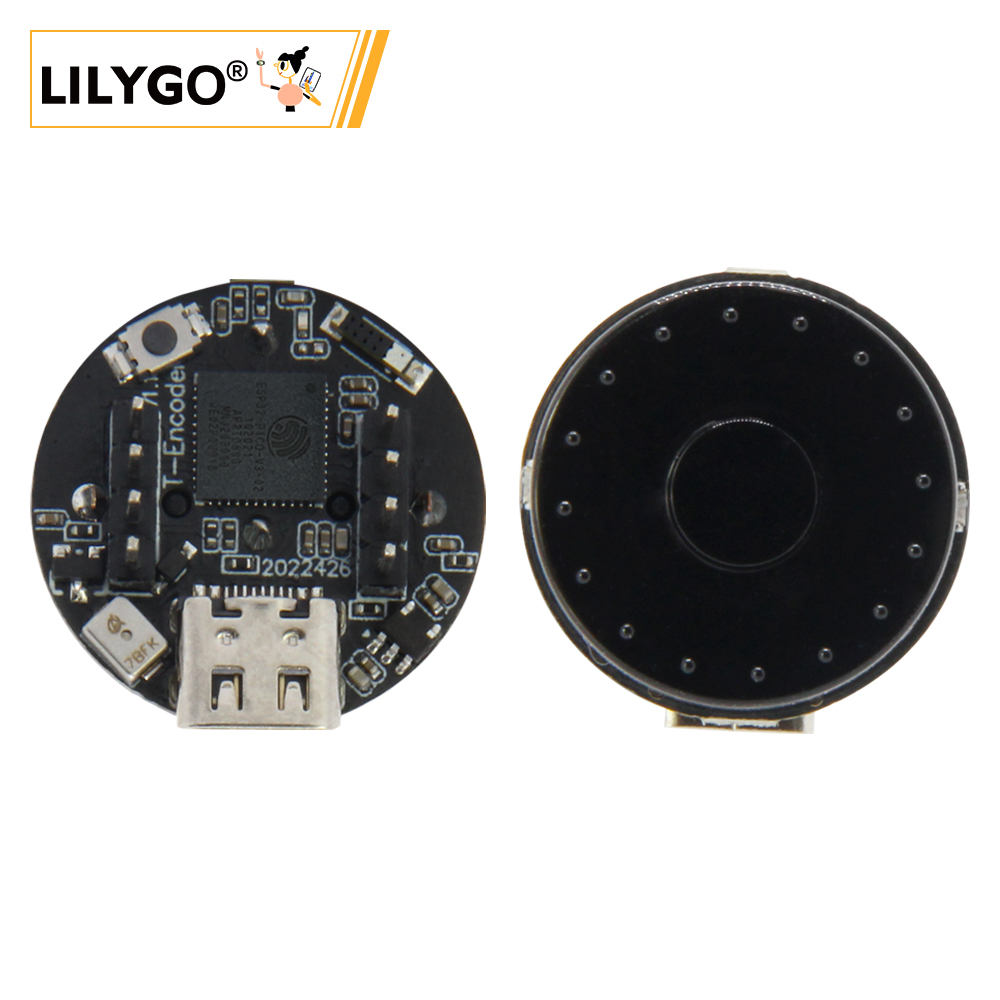
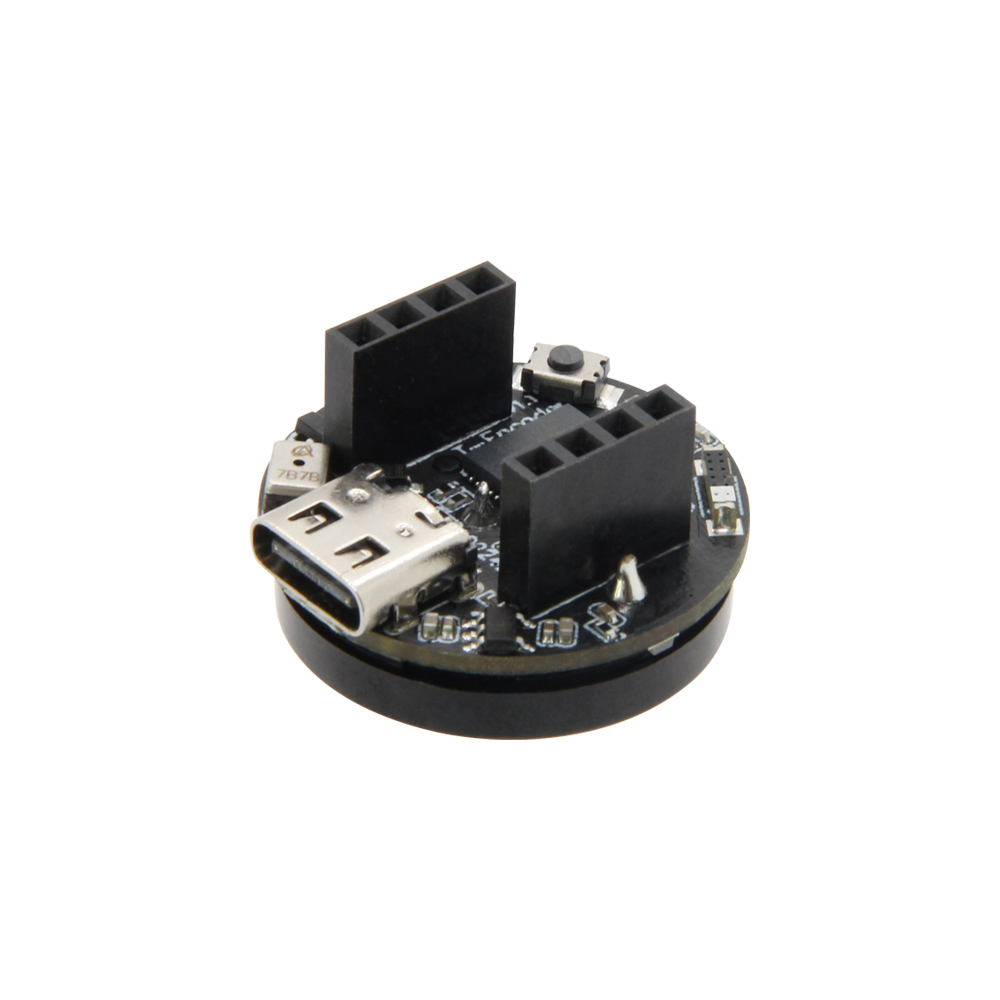
LILYGO T-Encoder is a compact ESP32-S3 development board combining a 1.28-inch GC9A01 round TFT display (240 × 240) with an integrated rotary encoder and push button. Powered by the ESP32-S3 dual-core LX7 @ 240 MHz with Wi-Fi 802.11 b/g/n and Bluetooth 5.0 LE, it provides a sleek, knob-style interface form factor ideal for volume controls, smart dimmers, menus, and wearable-style embedded HMI applications. Supports Arduino IDE, PlatformIO, and ESP-IDF.
Quick Start
Example Support
| Example | PlatformIO/Arduino | ESP-IDF | Description |
|---|---|---|---|
| T-Encoder | ✓ | Round display, encoder, BLE examples |
PlatformIO
- Install Visual Studio Code and Python
- Search for and install the PlatformIO IDE extension in VS Code
- Open the
T-Encoderproject folder - Open
platformio.iniand select your example - Click ✓ to compile, connect via USB-C, click → to upload
Arduino
- Install Arduino IDE
- Install Arduino ESP32
- In Tools → Board, configure:
| Arduino IDE Setting | Value |
|---|---|
| Board | ESP32S3 Dev Module |
| Port | Your port |
| USB CDC On Boot | Enable |
| CPU Frequency | 240 MHz (WiFi) |
| Flash Size | 4MB (32Mb) |
| Partition Scheme | Default 4MB with spiffs (1.2MB APP/1.5MB SPIFFS) |
| PSRAM | Disabled |
| Upload Mode | UART0/Hardware CDC |
| Upload Speed | 921600 |
| USB Mode | CDC and JTAG |
- Click Upload
Development Platforms
Related Videos
Key Features
- ESP32-S3 dual-core LX7 @ 240 MHz, Wi-Fi + Bluetooth 5.0
- 1.28-inch GC9A01 round TFT display (240 × 240, SPI)
- Integrated rotary encoder with push button
- Compact knob-style form factor
- USB-C for power and programming
- QWIIC connector for I2C expansion
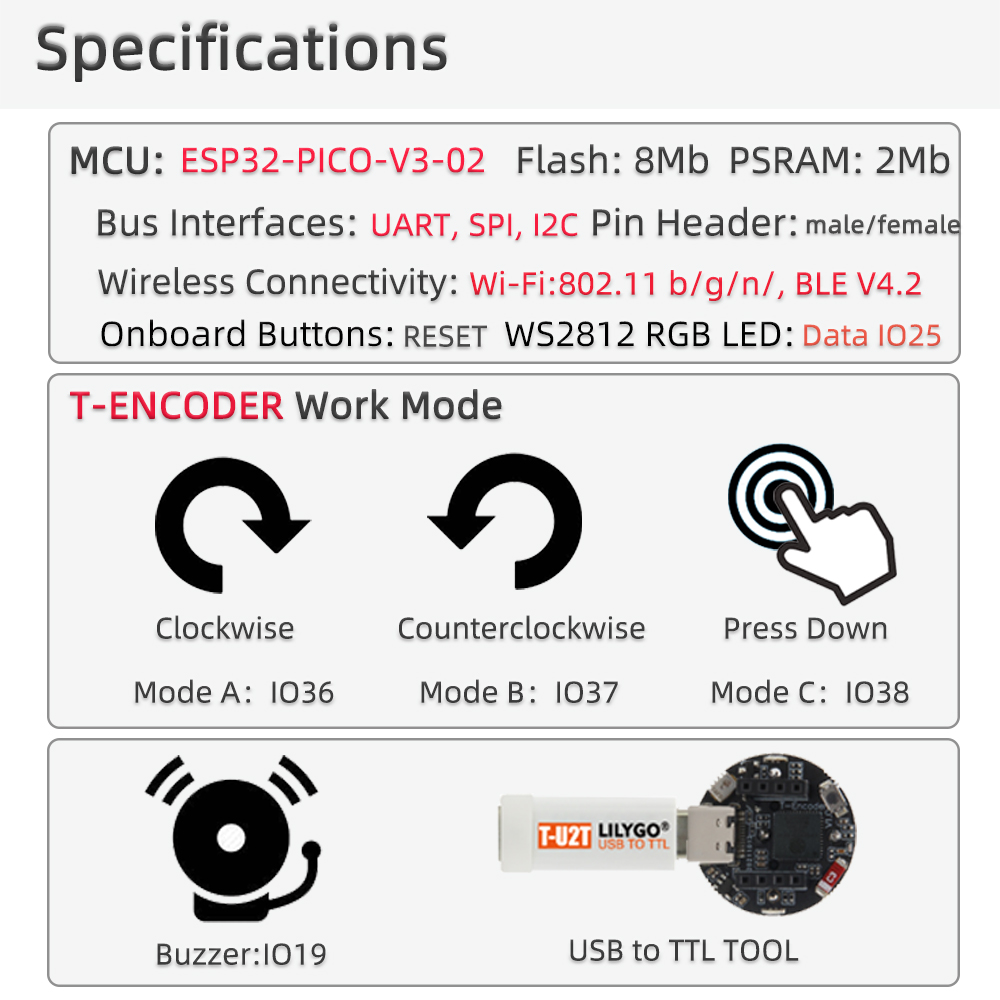
Specifications
| Parameter | Value |
|---|---|
| SOC | ESP32-S3, Dual-core LX7 @ 240 MHz |
| Flash | 4 MB |
| PSRAM | — |
| Wireless | Wi-Fi 2.4 GHz 802.11 b/g/n, Bluetooth 5.0 LE |
| Display | 1.28-inch GC9A01 round TFT, 240 × 240 |
| Interface | Rotary encoder with push button |
| USB | 1 × USB-C |
| Expansion | 1 × QWIIC |
Pin Diagram
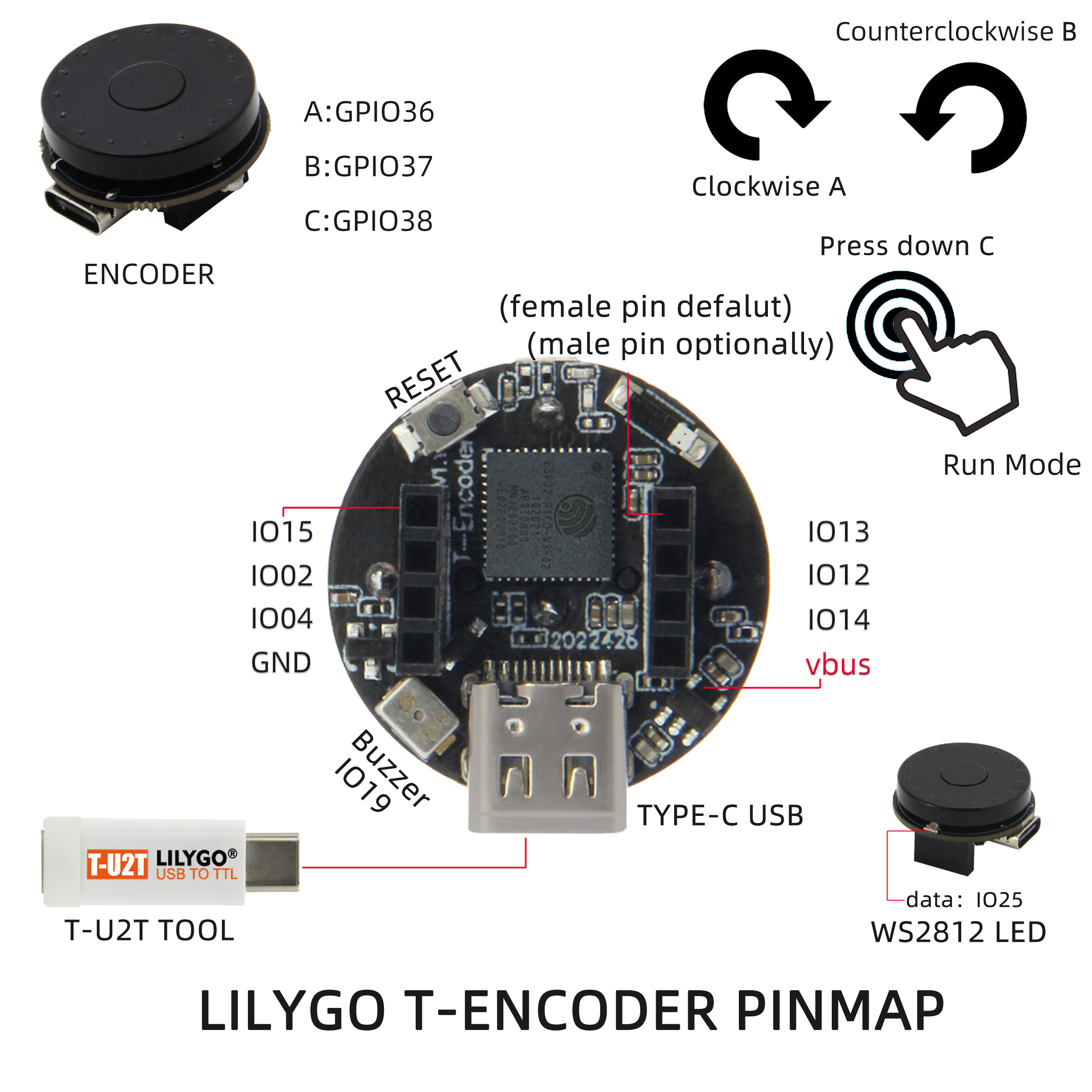
Display (GC9A01)
| Signal | GPIO |
|---|---|
| SPI MOSI | 13 |
| SPI SCK | 12 |
| CS | 10 |
| DC | 11 |
| RST | 14 |
| BL | 9 |
Rotary Encoder
| Signal | GPIO |
|---|---|
| ENC A | 4 |
| ENC B | 5 |
| Button | 0 |
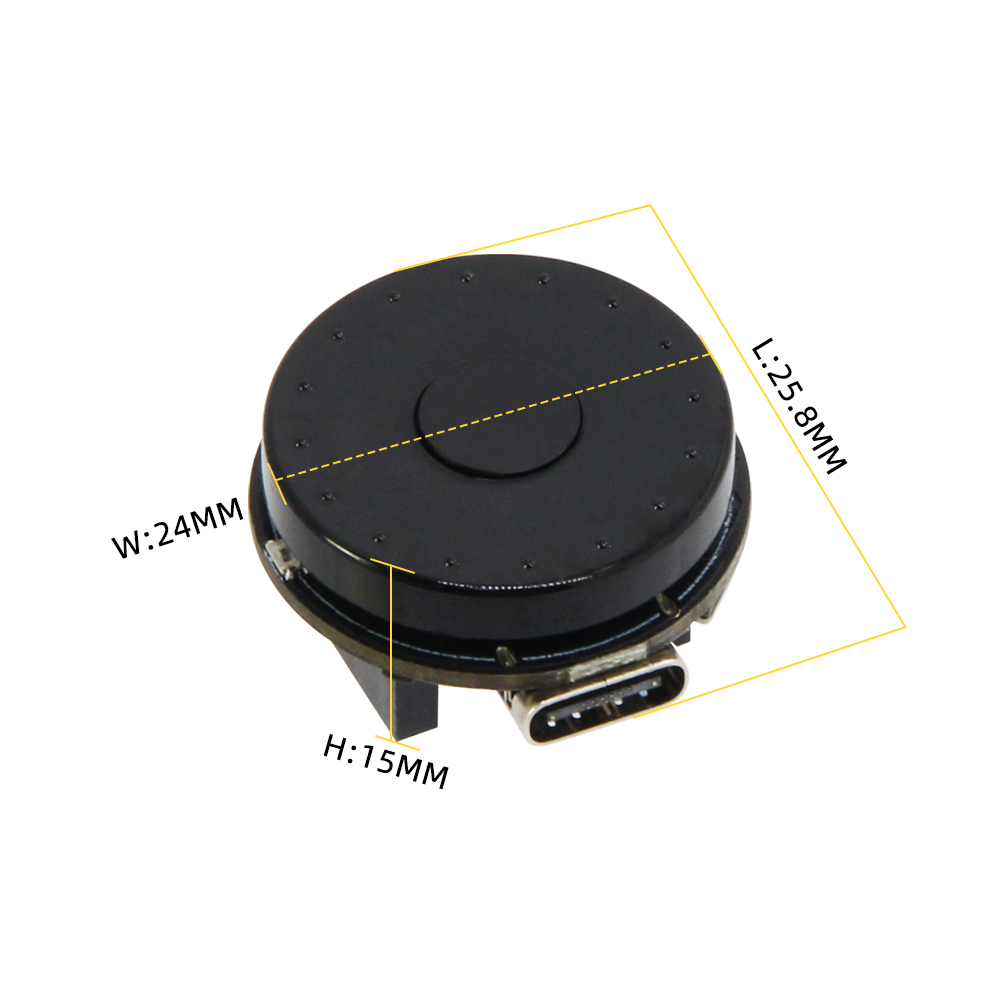
Dimensions
Schematic
Datasheet
Software Libraries
Dependent Libraries
FAQ
Q. How do I read the rotary encoder direction? A. Use the RotaryEncoder library, monitoring GPIO4 (A) and GPIO5 (B). The library handles debounce and direction detection automatically.
Q. Can I use LVGL with the round GC9A01 display? A. Yes. LVGL works with the GC9A01 driver. Define the display resolution as 240 × 240 and use the GC9A01 profile or the official display helper.
Changelog
| Version | Date | Notes |
|---|---|---|
| V1.0 | Initial release |