
T7-C6
Overview
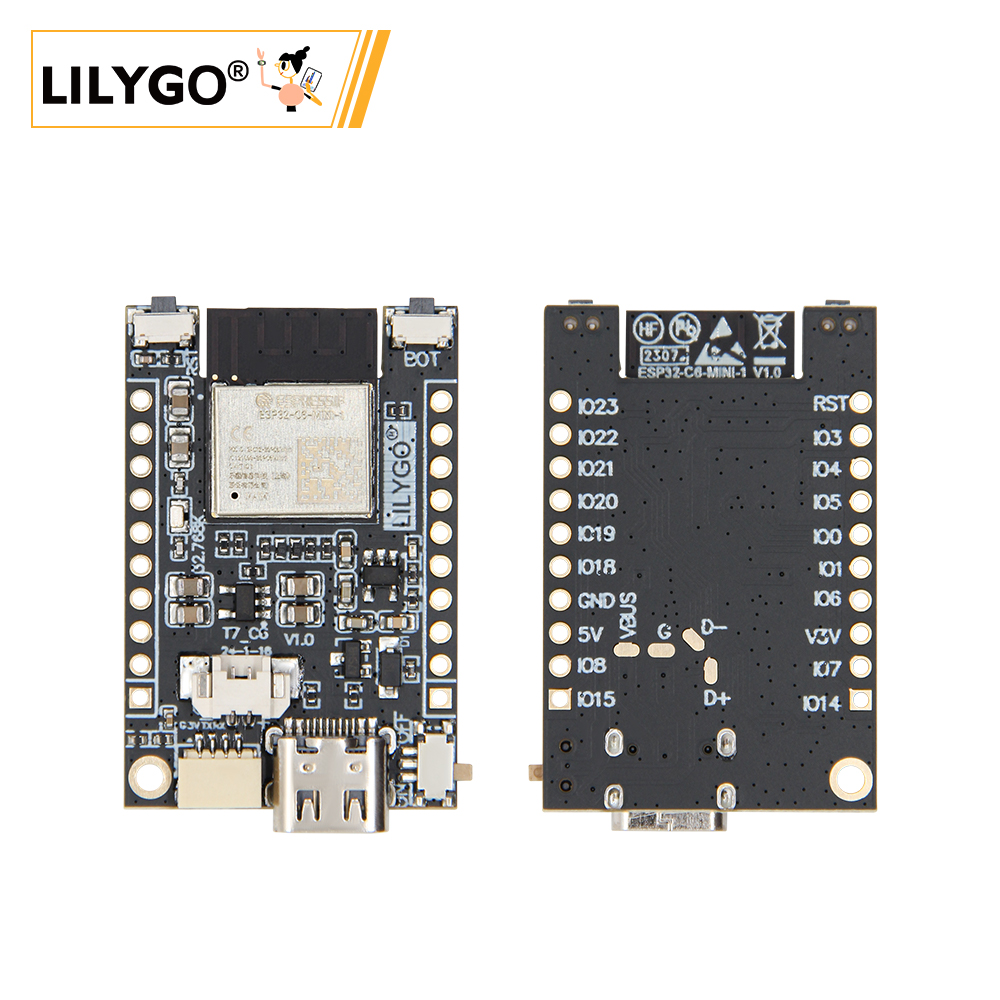
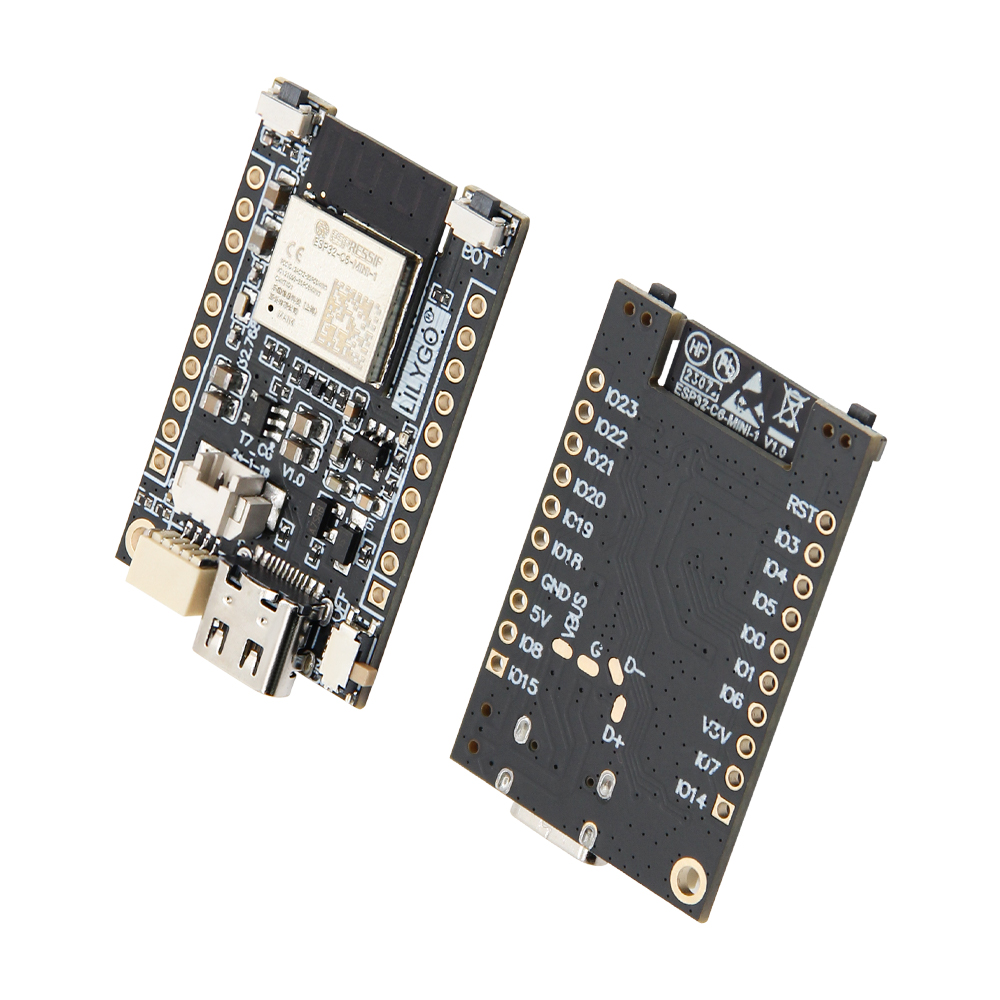
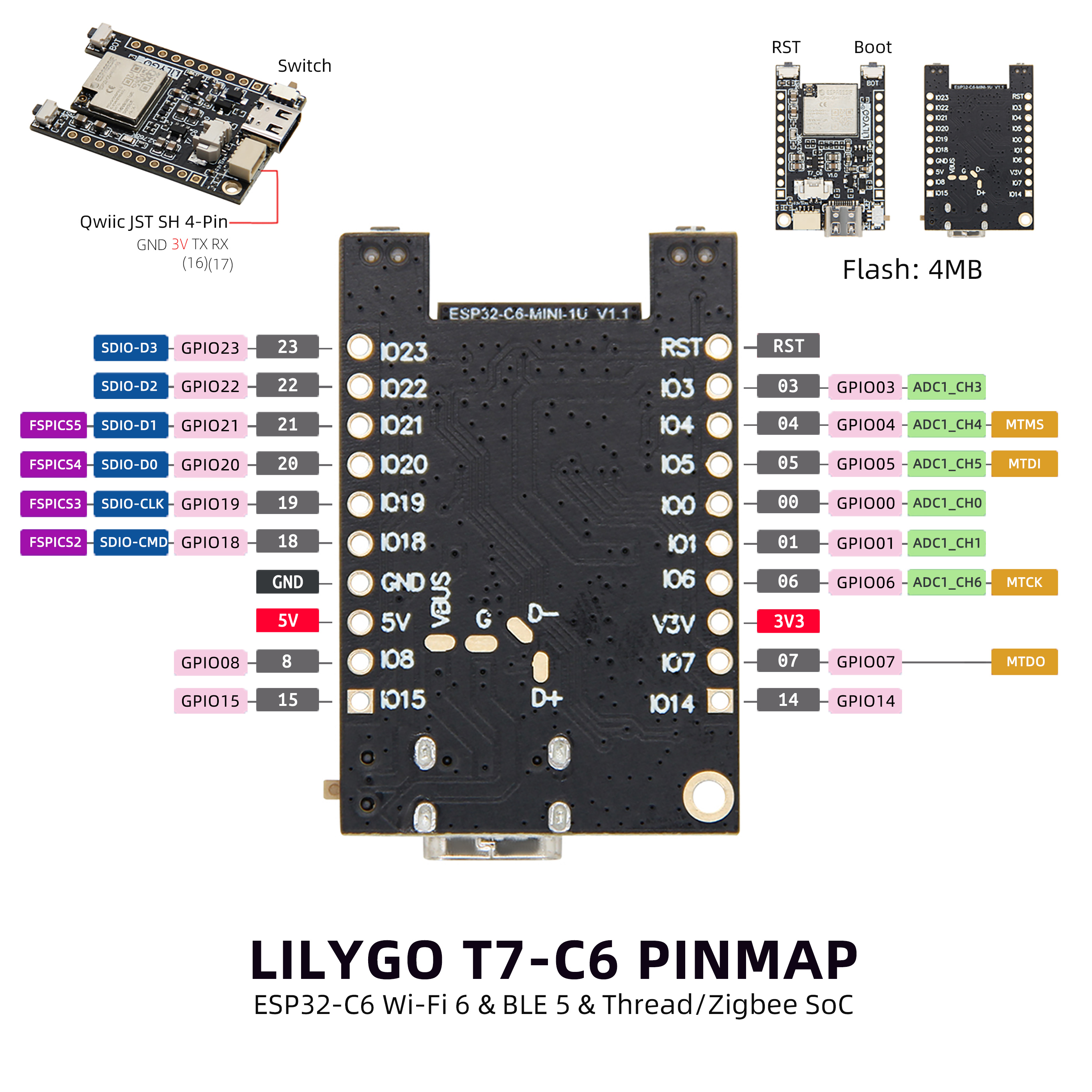
The LILYGO T7-C6 is a compact development board based on the ESP32-C6-MINI-1 module, integrating Wi-Fi 6, Bluetooth 5 (BLE), and Thread/Zigbee (802.15.4). Features GPIO0–GPIO23, ADC, SPI (SDIO), a JST SH 4-pin connector (GND/3V/TX/RX), and 4 MB Flash. With 5 V and 3.3 V power outputs, it can power various external devices. Suitable for smart home systems, remote monitoring, and embedded IoT applications.
Quick Start
Example Support
| Example | PlatformIO/Arduino | ESP-IDF | Description |
|---|---|---|---|
| T7-C6 | ✓ | Wi-Fi 6, BLE, GPIO examples |
PlatformIO
- Install Visual Studio Code and Python
- Search for and install the PlatformIO IDE extension in VS Code
- Open the
T7-C6project folder - Open
platformio.iniand select the example - Click ✓ to compile, connect via USB-C, click → to upload
Arduino
- Install Arduino IDE
- Install Arduino ESP32
- Open the example
.inofile - In Tools → Board, configure:
| Arduino IDE Setting | Value |
|---|---|
| Board | ESP32C6 Dev Module |
| Port | Your port |
| CPU Frequency | 160 MHz |
| Core Debug Level | None |
| USB DFU On Boot | Disable |
| Flash Mode | QIO |
| Flash Size | 4MB (32Mb) |
| Partition Scheme | Huge APP (3MB No OTA/1MB SPIFFS) |
| Upload Speed | 921600 |
- Click Upload
Development Platforms
Video
Key Features
- ESP32-C6-MINI-1: Wi-Fi 6 (2.4 GHz), Bluetooth 5 (LE), 802.15.4 (Thread/Zigbee)
- 4 MB Flash, TP4065 battery charging chip
- GPIO0–GPIO23, ADC, SPI (SDIO)
- JST SH 4-pin connector (GND / 3V / TX / RX)
- 5 V and 3.3 V power outputs
- 1 × QWIIC interface
Product Parameters
| Feature | Specification |
|---|---|
| MCU | ESP32-C6-MINI-1 |
| Flash | 4 MB |
| Battery IC | TP4065 |
| Wi-Fi | Wi-Fi 6 (2.4 GHz 802.11ax) |
| Bluetooth | Bluetooth 5.0 LE |
| 802.15.4 | Thread / Zigbee |
| Power | 5 V / 500 mA |
| Expansion | 1 × QWIIC |
| Buttons | RESET + BOOT |
| Mounting Holes | 1 × M2 |
Pin Diagram
Dimension Diagram
Schematic
Datasheet
Software Development
FAQ
Version History
| Version | Release Date | Update Description |
|---|---|---|
| T7-C6 V1.0 | — | Initial version |