
T-Keyboard S3 Pro get it now
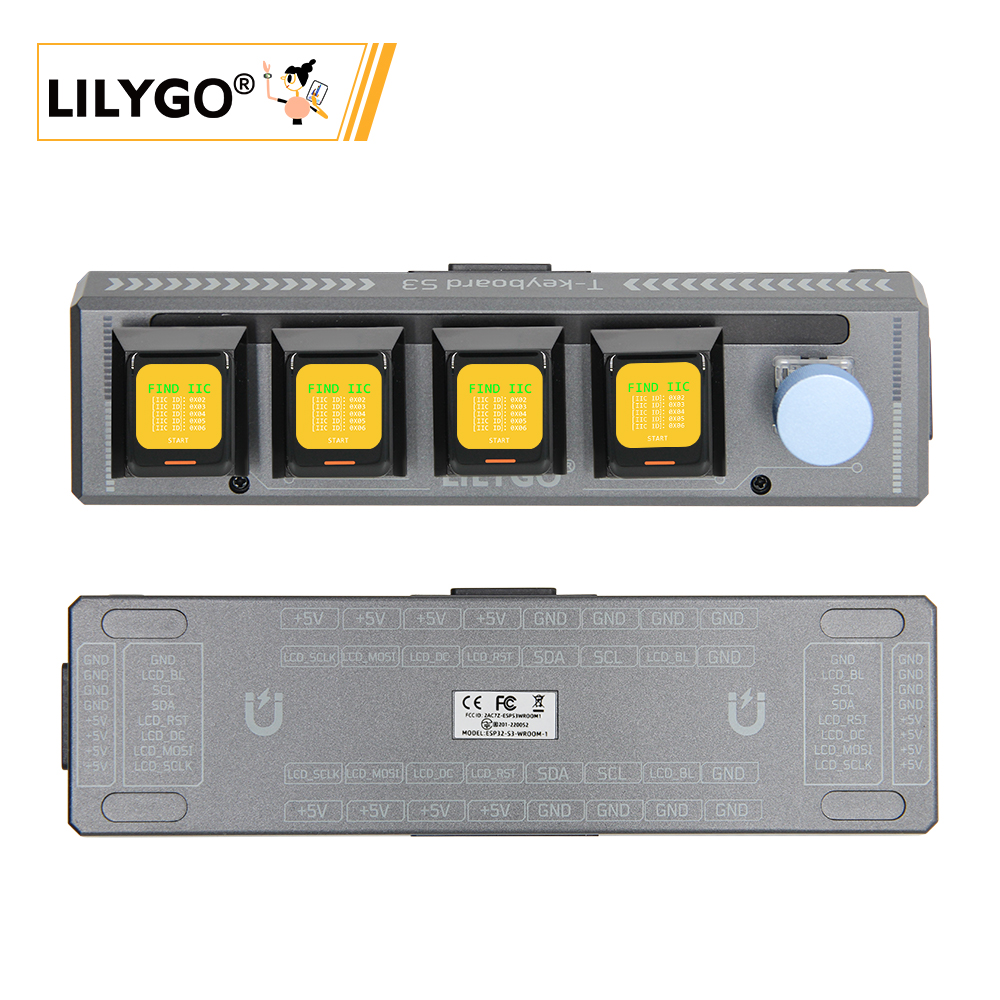
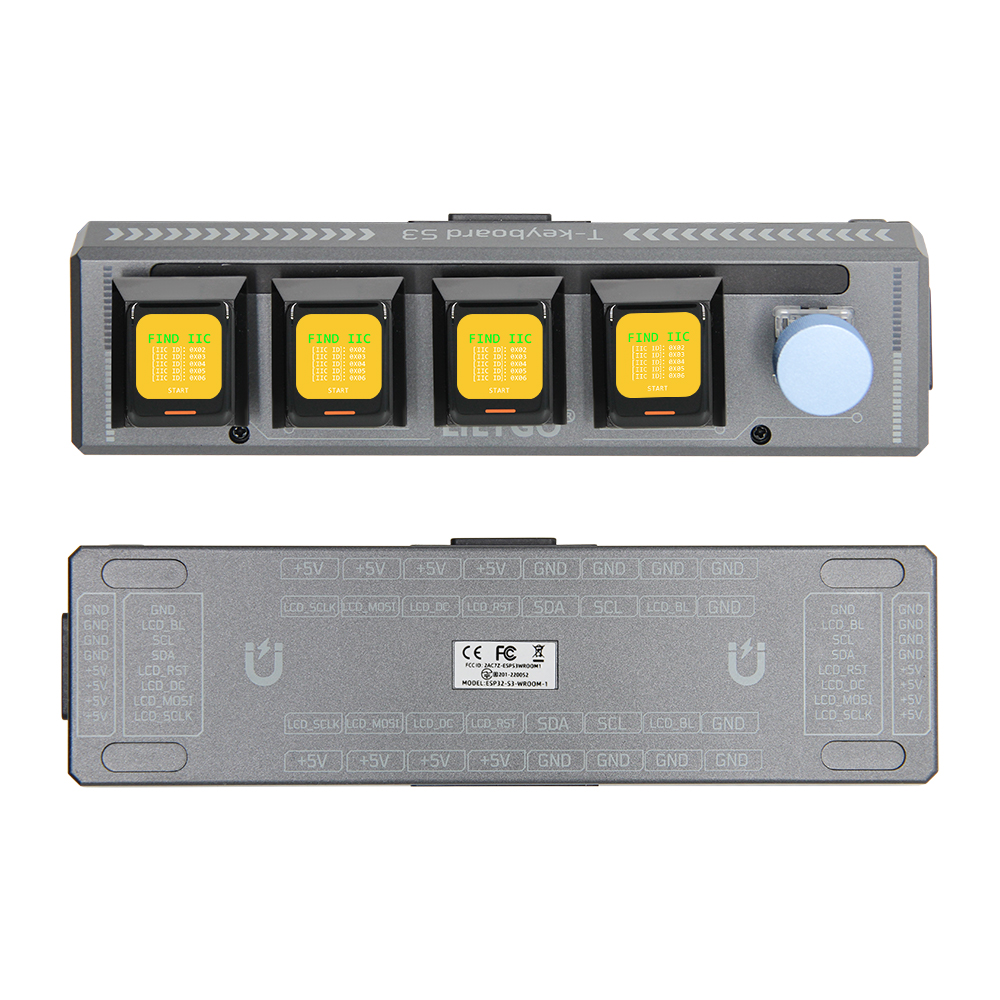
Note: A host device is required. Slave devices connect to the host via magnetic interfaces.
Overview
T-Keyboard S3 Pro is a high-end programmable keyboard based on dual-MCU architecture (ESP32-S3-WROOM-1 + STM32G030F6P6). Features 4 independent 0.85-inch GC9107 TFT LCD screens (128 × 128), 4 hot-swappable mechanical keys, WS2812C RGB lighting, rotary encoder, 2 × QWIIC, and 4 × magnetic expansion interfaces (up to 6 slave devices). ESP32-S3 handles graphics and Wi-Fi; STM32 ensures low-latency key input. 164 × 46 × 42 mm.
Quick Start
Recommended: Use the T-Keyboard-S3-Pro-Library for a unified driver covering displays, keys, RGB LEDs, and encoder — no manual pin configuration required. See the Library Guide for installation, quick start, and full API reference.
Example Support
| Example | PlatformIO/Arduino | ESP-IDF | Description |
|---|---|---|---|
| Basic/Displays | ✓ | Draw on the host's four panels | |
| Basic/Keyboard | ✓ | Read 5 keys with debouncing, mirror on panels | |
| Basic/Encoder | ✓ | Rotary encoder position tracking | |
| Basic/RGB | ✓ | WS2812C LED HSV color sweep | |
| Advanced/MultiBoard | ✓ | Multi-board chaining, hot-plug detection | |
| Advanced/BleKeyboard | ✓ | BLE HID keyboard with media keys | |
| Advanced/Buddy | ✓ | Claude desktop companion with 4-panel UI |
PlatformIO
- Install Visual Studio Code and Python
- Search for and install the PlatformIO IDE extension in VS Code
- Clone the T-Keyboard-S3-Pro repository
- Open
platformio.iniand under[platformio]uncomment the desired environment - Click ✓ to compile, click → to upload
Arduino
- Install Arduino IDE
- Add ESP32 boards URL:
https://espressif.github.io/arduino-esp32/package_esp32_index.json - Install the T-Keyboard-S3-Pro library and its dependencies (see Dependent Libraries below)
- In Tools → Board, configure (for ESP32-S3 host device):
| Arduino IDE Setting | Value |
|---|---|
| Board | ESP32S3 Dev Module |
| Upload Speed | 921600 |
| USB Mode | Hardware CDC and JTAG |
| USB CDC On Boot | Enabled |
| USB Firmware MSC On Boot | Disabled |
| USB DFU On Boot | Disabled |
| CPU Frequency | 240 MHz (WiFi) |
| Flash Mode | QIO 80 MHz |
| Flash Size | 16MB (128Mb) |
| Core Debug Level | None |
| Partition Scheme | Default (6.25MB APP/3.43MB SPIFFS) |
| PSRAM | OPI PSRAM |
| Arduino Runs On | Core 1 |
| Events Run On | Core 1 |
- Click Upload
For STM32G030 slave device firmware, use STM32CubeMX + ARM Keil μVision5 or STM32CubeProgrammer. See the repository for details.
Development Platforms
- PlatformIO
- Arduino IDE
- STM32CubeMX + ARM Keil μVision5 (for STM32 co-processor)
Video
Key Features
- ESP32-S3-WROOM-1 (R8) @ 240 MHz, 16 MB Flash, 8 MB OPI PSRAM, Wi-Fi + BT 5.0
- 4 × 0.85-inch GC9107 TFT (128 × 128), 4 × hot-swappable mechanical keys, WS2812C RGB
- STM32G030F6P6 co-processor, rotary encoder, 2 × QWIIC, magnetic expansion (up to 6 devices)
Product Parameters
| Feature | Specification |
|---|---|
| Main MCU | ESP32-S3-WROOM-1 (R8) @ Dual-core LX7 |
| Main Flash | 16 MB |
| Main PSRAM | 8 MB (OPI) |
| Co-processor | STM32G030F6P6 |
| Co-processor Flash | 64 KB |
| Co-processor SRAM | 8 KB |
| Wi-Fi | 2.4 GHz 802.11 b/g/n |
| Bluetooth | Bluetooth 5.0 LE |
| Display | 4 × 0.85-inch GC9107 TFT, 128 × 128 (SPI) |
| Keys | 4 × Hot-swappable mechanical + rotary encoder |
| RGB | WS2812C |
| Storage | TF card |
| USB | 1 × Type-C |
| Expansion | 2 × QWIIC + 4 × magnetic interface |
| Buttons | RESET + BOOT |
| Dimensions | 164 × 46 × 42 mm |
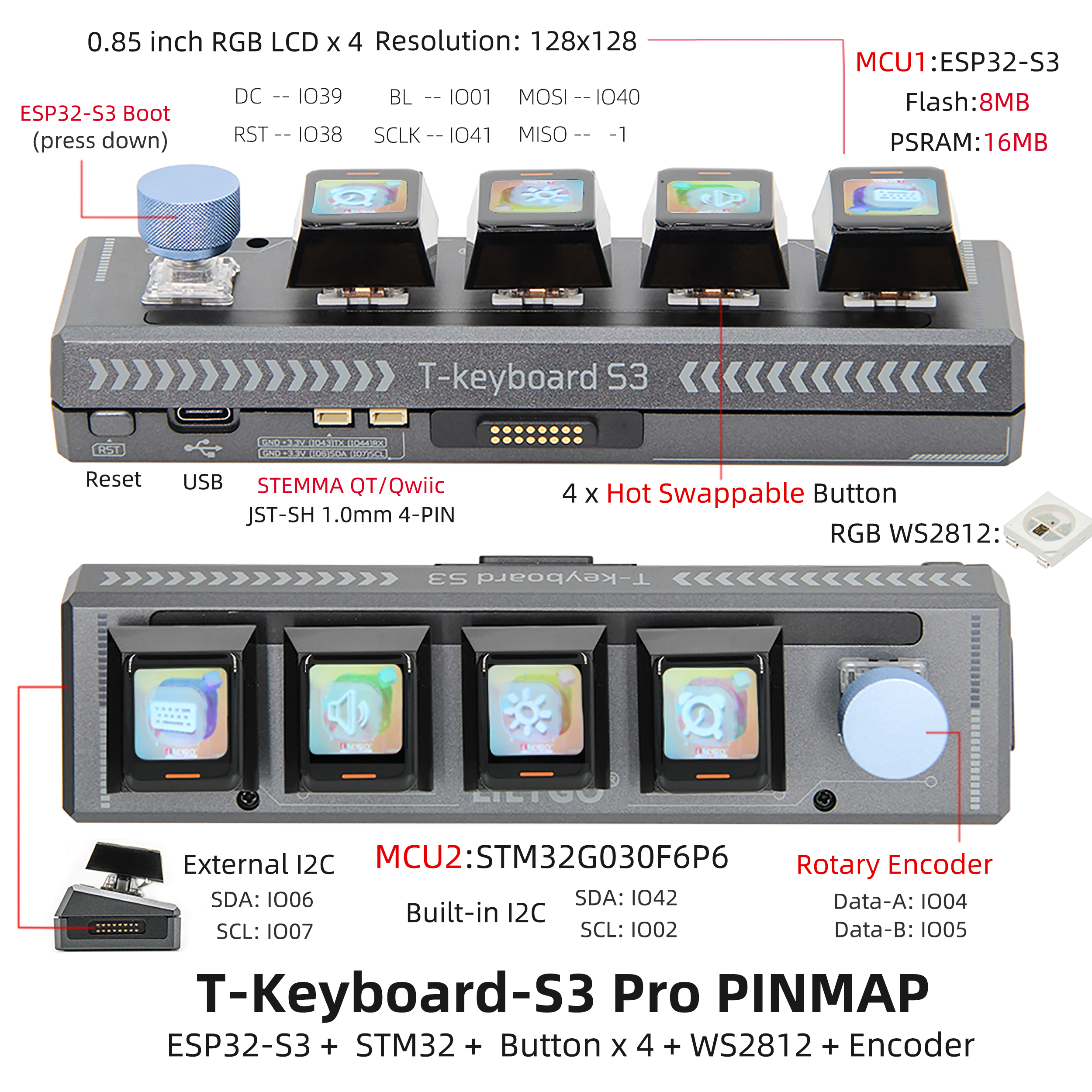
Pin Diagram
Pin Mapping (ESP32-S3)
| Name | GPIO |
|---|---|
| I2C1 SDA | IO42 |
| I2C1 SCL | IO2 |
| I2C2 SDA (External) | IO6 |
| I2C2 SCL (External) | IO7 |
| LCD MOSI | IO40 |
| LCD SCLK | IO41 |
| LCD DC | IO39 |
| LCD RST | IO38 |
| LCD BL | IO1 |
| Encoder A | IO4 |
| Encoder B | IO5 |
| Encoder Key | IO0 |
Dimension Diagram
Schematic
- T-Keyboard-S3-Pro MCU V1.1
- T-Keyboard-S3-Pro Keyboard V1.1
- T-Keyboard-S3-Pro Magnet Female V1.0
- T-Keyboard-S3-Pro Magnet Male V1.0
Datasheet
Software Development
- T-Keyboard-S3-Pro GitHub Repository
- T-Keyboard-S3-Pro-Library GitHub Repository
- Claude Desktop Buddy with T-Keyboard S3 Pro
Dependent Libraries
FAQ
Q. Why does my board keep failing to upload programs? A. Hold BOOT and press RST once, release RST while still holding BOOT, then start the upload.
Q. How to expand slave devices? A. Connect via magnetic interfaces. Maximum 6 devices in a 2×3 grid (1 on each side, max 2 downward). Reduce LED brightness to 10 when using multiple devices.
Q. Which switch types are supported? A. Hot-swappable mechanical switches using Kailh connectors with 6.35 mm pin spacing. Choose switches with center openings (spacing > 7 mm) to accommodate the ribbon cable.
Q. What are the advantages of the dual-MCU architecture? A. ESP32-S3 handles complex graphics and wireless, while STM32 ensures low-latency real-time key input.
Version History
| Version | Release Date | Update Description |
|---|---|---|
| T-Keyboard-S3-Pro MCU V1.1 | 2024-09-05 | Initial version |
| T-Keyboard-S3-Pro Keyboard V1.1 | 2024-09-05 | Initial version |